
bobter2021 - Minecraft Skins & Skin History
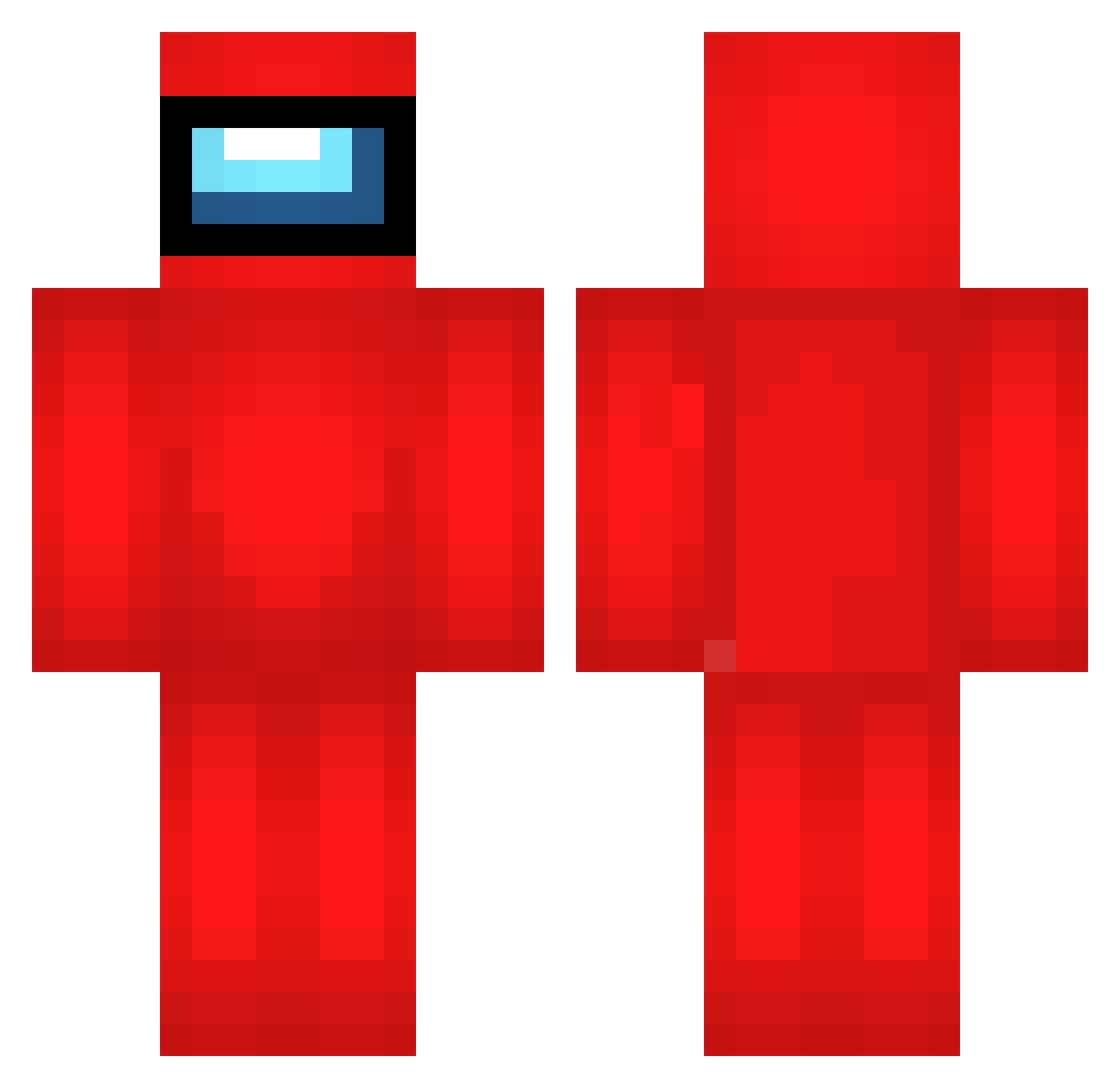
Current Minecraft skin of the player bobter2021, loaded from the official Mojang API. Rotate the 3D model with your mouse or finger, then download the skin as a PNG file and use it in Minecraft: Bedrock Edition or Java Edition for free. When bobter2021 changes their skin, this page updates automatically and the old skin stays in the history below.
Other players with this skin (693)
bobter2021 was the 488th player we have seen with this skin, first spotted on 11.10.2026. The same skin was seen on these players. Open a nickname to see their current skin and skin history.
 NBG921 Duck_Go_Quack fGY212 dNB38 rdL452 Krinoc BorisTomate jSt950 Vxy324 EDg241 lKs180 AqV137 qHy464 Mbq624 eWg322 FrozzenPenguin Hga58 qAx418 scI174 dKN345 Wkm54 Nbi788 ODL813 shellcookie _Hyperios nmH128 aPs992 nLD866 RBb182 Jgb676 Dgz987 bruhl23 vcL755 CrizpyKing babouigen AragostaSpaziale NBG193 wvg535 RarefiedThyme41 ShadowAssazin DSb444 zlY25 czf679 Arw664 Lbe744 onE310 Nopraz bqo424 Bryan126 bMs47 okQ471 Tjw109 Xmm120 iDidToggle pPe593 LWr582 fbr797 theomega8888 VMw817 LOUIE_12
More Crewmate Minecraft skins
How to install the bobter2021 skin
- Press the Download button above to save the skin as a PNG file.
- Minecraft: Bedrock Edition (PE): open the Dressing Room from the main menu (or tap your character → Edit Character), go to Classic Skins → Owned, press the + (new skin) button, choose the downloaded PNG and pick the Classic (Steve) model. Works on PC and mobile; consoles cannot import custom skins.
- Minecraft: Java Edition: open the Minecraft Launcher, go to the Skins tab, click New Skin, load the PNG, pick the Classic (Steve) model and press Save & Use. You can also upload it at minecraft.net → Profile → Change Skin.
The skin does not show up after import - what should I do?
Restart Minecraft and open the Dressing Room again - imported skins sometimes appear only after a restart. Also make sure you selected the imported skin and picked the Classic (Steve) model.
Which model should I choose, Classic or Slim?
This skin is designed for the Classic (Steve) model. If you pick the wrong model, the arms of the skin will look stretched or squeezed.
Is the skin of bobter2021 free to download?
Yes. Press Download, save the PNG file and use it in Minecraft: Bedrock Edition or Java Edition - no payment or registration needed. The skin also works on multiplayer servers and Realms.
More skins
Looking for more? Go back to all Minecraft skins and check the top skins of the week, month and all time, or find any player's skin by nickname.