
betterthanYOU67 - Minecraft Skins & Skin History
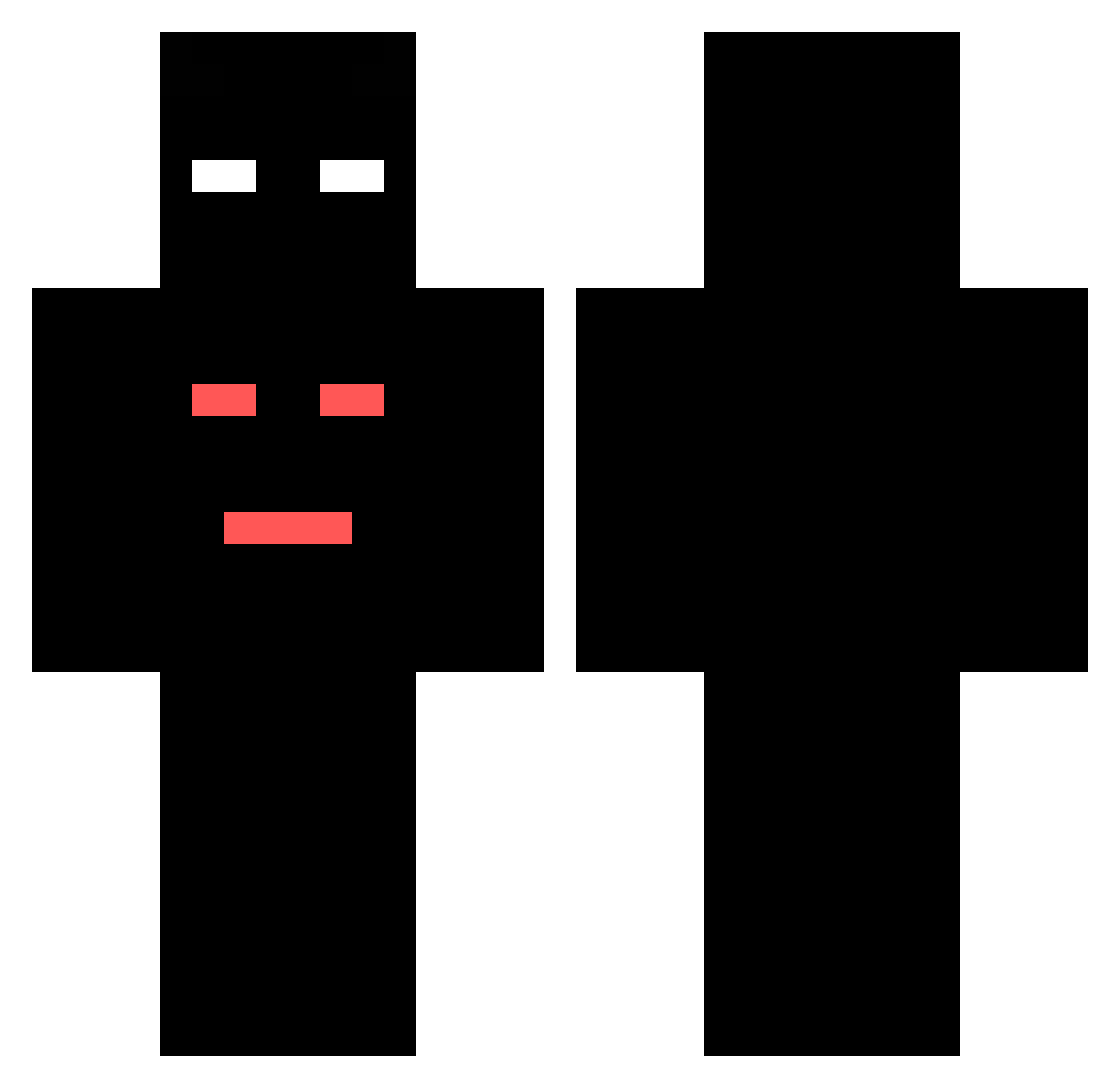
Current Minecraft skin of the player betterthanYOU67, loaded from the official Mojang API. Rotate the 3D model with your mouse or finger, then download the skin as a PNG file and use it in Minecraft: Bedrock Edition or Java Edition for free. When betterthanYOU67 changes their skin, this page updates automatically and the old skin stays in the history below.
Other players with this skin (396)
betterthanYOU67 was the 290th player we have seen with this skin, first spotted on 30.09.2026. The same skin was seen on these players. Open a nickname to see their current skin and skin history.
 HubertRR2016 ziczek CEZAR356 BarcikPL tymekgra Misztelix sigmakacper1 nextaz7 Nieznam1321 Bartek8118 igorigor2014 barekus_111 TymonPro111 _TRY4HARD__ Zalew7 kubuspepaczil JEDREK2137 Vietou xB4rtFX kbaszkowski Mikson123fn LeoBatman2 krolmalak ROZWALACZ320 Remco000 AAAAAQWER 3palcewpralceeee SmoK3r_XD Fabi56 _aoki jestemkoperek13 LukaszJava543 SSSa2rn Mikus278 Randomizer12561 mancitymilanek xvmati1 w1ktor2425 vMoonKow123 BR_OO1 GGe__s TIGEROOOX MateuszSnake Myszka23123 szybus2 sigma2137v1 LODZIK12356 KTM_Kyrcowaty420 Rep_kakobuy kamilox6pro kubekzmaka Kiwoszczak_ kackaxkacpi SobOlek1308 KAYOXXL leonw2014 pukasenaboku Tomerski13 olifdz0 MasterGamer2702
How to install the betterthanYOU67 skin
- Press the Download button above to save the skin as a PNG file.
- Minecraft: Bedrock Edition (PE): open the Dressing Room from the main menu (or tap your character → Edit Character), go to Classic Skins → Owned, press the + (new skin) button, choose the downloaded PNG and pick the Classic (Steve) model. Works on PC and mobile; consoles cannot import custom skins.
- Minecraft: Java Edition: open the Minecraft Launcher, go to the Skins tab, click New Skin, load the PNG, pick the Classic (Steve) model and press Save & Use. You can also upload it at minecraft.net → Profile → Change Skin.
The skin does not show up after import - what should I do?
Restart Minecraft and open the Dressing Room again - imported skins sometimes appear only after a restart. Also make sure you selected the imported skin and picked the Classic (Steve) model.
Which model should I choose, Classic or Slim?
This skin is designed for the Classic (Steve) model. If you pick the wrong model, the arms of the skin will look stretched or squeezed.
Is the skin of betterthanYOU67 free to download?
Yes. Press Download, save the PNG file and use it in Minecraft: Bedrock Edition or Java Edition - no payment or registration needed. The skin also works on multiplayer servers and Realms.
More skins
Looking for more? Go back to all Minecraft skins and check the top skins of the week, month and all time, or find any player's skin by nickname.