
 PiotrusPanES468 dessimaL KarolX8 PoteznySlizg AlekMCofficial Bramkarzyk_12 FourNumber16188 kacper0609 Super555bomba Doncerr NapalonyJohn NUK3RS bobi66 Fabcio1 NAZWA123_ milosz1683 InsaneBat9138 Kacpi2003 IannC1 e__stp gerente011 KubaBEKK Fabylon tonnyride Sqyi kcplacki301 KrlMati1 Czekolada88 oligamer_exe11 DwizzyPL pvp_sagix mroczny141 __sunshinee__ Muczka EXIZTEXDD ignator15 abycra Fymero Kami32310 xxMlody Svfe_ JogiDrzymalska AlanGamerPlay DortHit_faj0fbn9 Szymonosss SKUTER9999 sierzantkokos13 krupy_pl Aura2523 marcelx12345 e__s_v3 Olivier2745 _HWL wojtektokoksidlo Demoriel95 youngpatryk maks100100 LeonHamela 123nyhy123 pattyxx
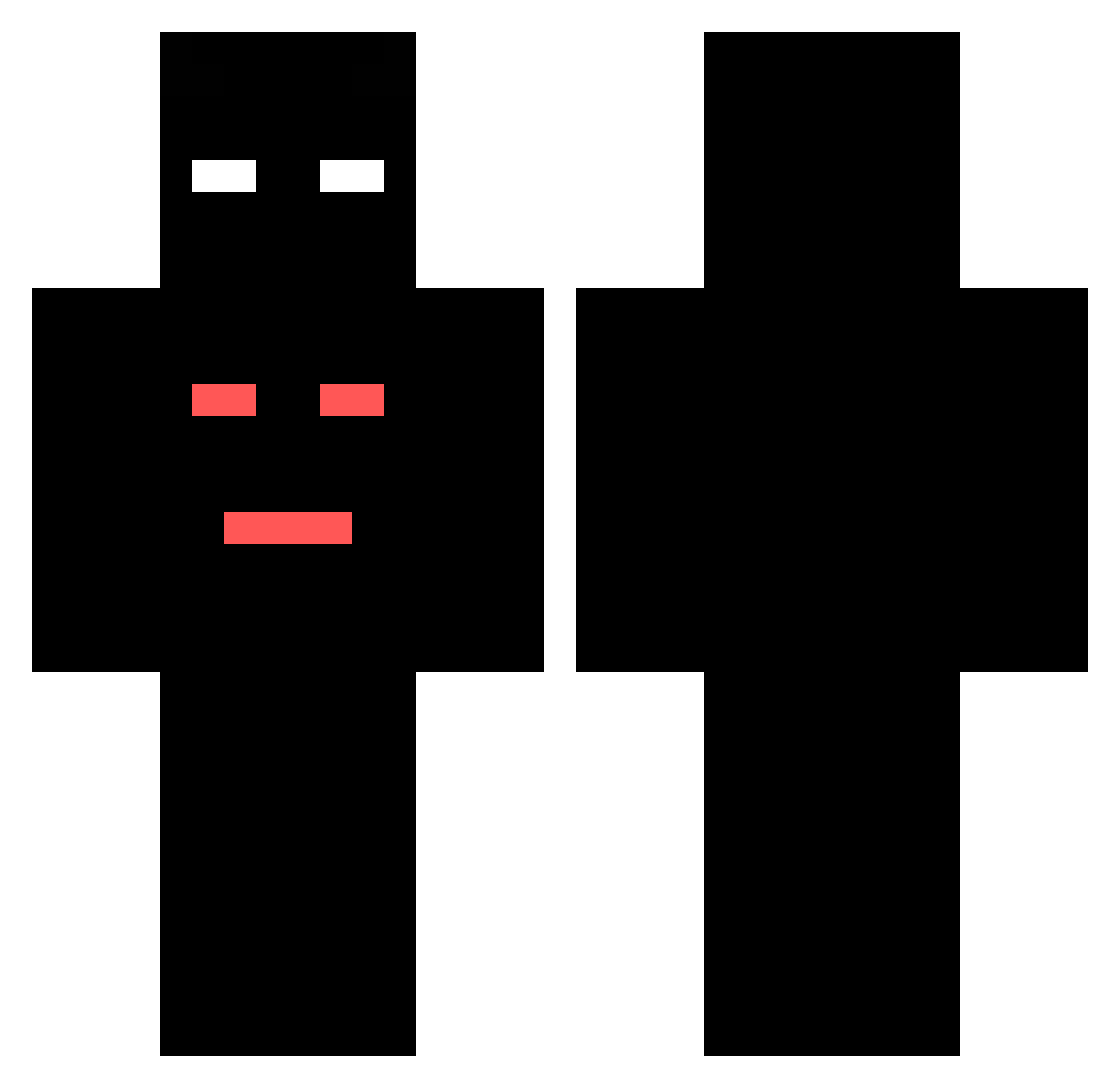
Minecraft skin of BoN1eK. Rotate the 3D model with your mouse or finger to view the skin from every angle, then download it as a PNG file and use it in Minecraft: Bedrock Edition or Java Edition for free. Rate the skin with stars to help other players find the best skins in our collection.
How to install the BoN1eK skin
- Press the Download button above to save the skin as a PNG file.
- Minecraft: Bedrock Edition (PE): open the Dressing Room from the main menu (or tap your character → Edit Character), go to Classic Skins → Owned, press the + (new skin) button, choose the downloaded PNG and pick the Classic (Steve) model. Works on PC and mobile; consoles cannot import custom skins.
- Minecraft: Java Edition: open the Minecraft Launcher, go to the Skins tab, click New Skin, load the PNG, pick the Classic (Steve) model and press Save & Use. You can also upload it at minecraft.net → Profile → Change Skin.
The skin does not show up after import - what should I do?
Restart Minecraft and open the Dressing Room again - imported skins sometimes appear only after a restart. Also make sure you selected the imported skin and picked the Classic (Steve) model.
Which model should I choose, Classic or Slim?
This skin is designed for the Classic (Steve) model. If you pick the wrong model, the arms of the skin will look stretched or squeezed.
Is this skin free to use?
Yes. Press Download, save the PNG file and use it in Minecraft: Bedrock Edition or Java Edition - no payment or registration needed. The skin also works on multiplayer servers and Realms.
More skins
Looking for more? Go back to all Minecraft skins and check the top skins of the week, month and all time, or find any player's skin by nickname.