
bdogghalo8 - Minecraft Skins & Skin History
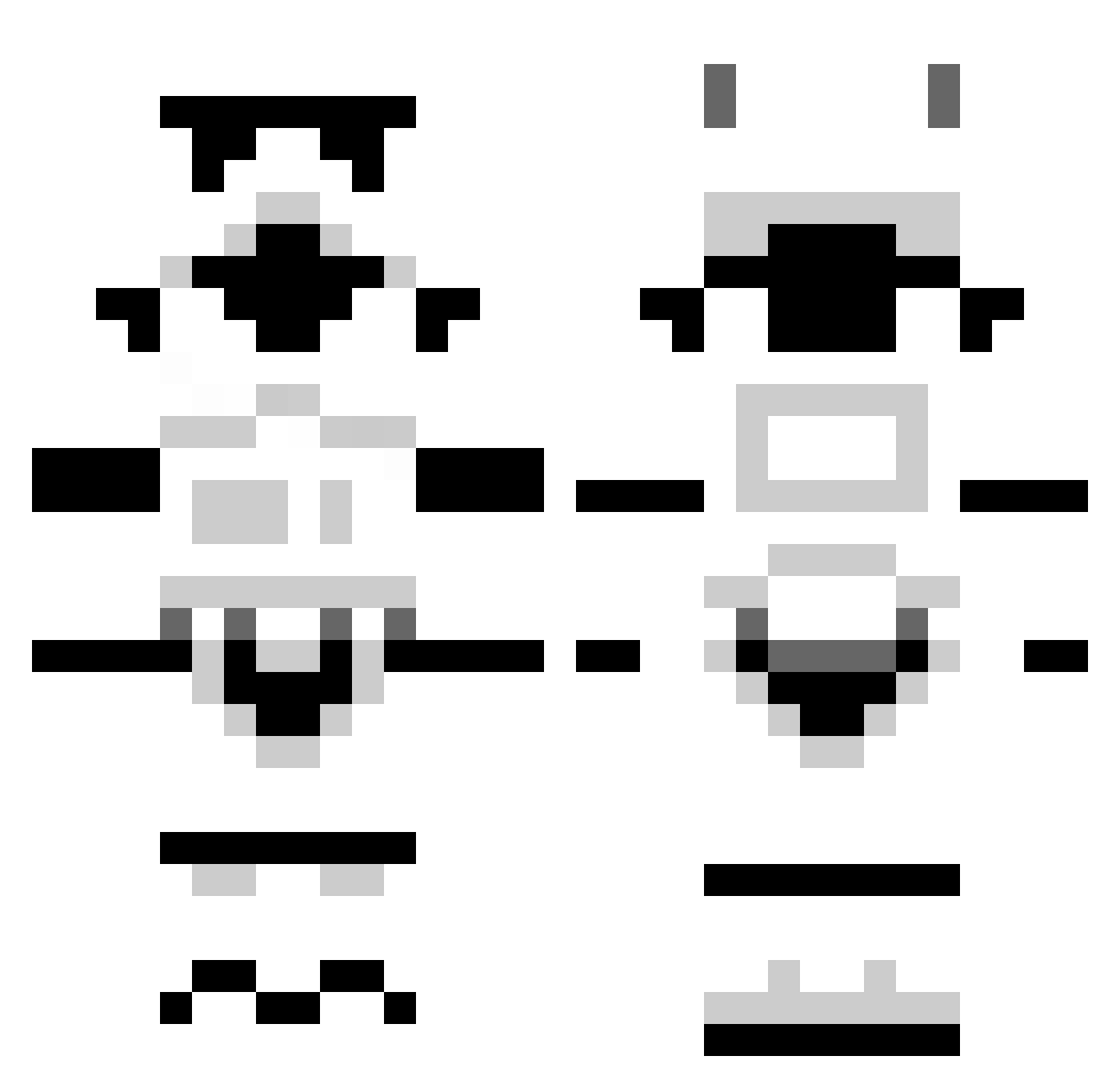
Current Minecraft skin of the player bdogghalo8, loaded from the official Mojang API. Rotate the 3D model with your mouse or finger, then download the skin as a PNG file and use it in Minecraft: Bedrock Edition or Java Edition for free. When bdogghalo8 changes their skin, this page updates automatically and the old skin stays in the history below.
Other players with this skin (1306)
bdogghalo8 was the 597th player we have seen with this skin, first spotted on 19.09.2026. The same skin was seen on these players. Open a nickname to see their current skin and skin history.
 elizabeans _bub_ Niippi gohhu Probots Forrixthebear bawork22 Miko122333 buckeyeman2 chessrenegade yourbrains trilobit1997 NotTheBees1 redmondg11 Issues ItsJSan 4lfa32 ShinobiShuffler jboss43 Ravagedcows greatlakejake Poussinou tythebosscrafter Segax911 KopMcGinty RhysGrim redders1234 newdlzzz teep3 F4n4t1x NeverSayL_ FearTheFilipino stycho luckysandy RamBoneXL grimes2011 j0ey413 shgifford RoboWolf bberinger13 Teacrow bunghhole123 Soap96 fletcher4138 Cahoney xstruyk Hird05 GhostfacekillaWu Asus234 Gozbeard Bingaling47 LoveNachos XxPapasmurf111xX Davitt212 MonstaMayhem phalsco kellran Fainting_Goat12 Millsman163 Pikkuperuna
More Stormtrooper Minecraft skins
See all 532 Stormtrooper skins
How to install the bdogghalo8 skin
- Press the Download button above to save the skin as a PNG file.
- Minecraft: Bedrock Edition (PE): open the Dressing Room from the main menu (or tap your character → Edit Character), go to Classic Skins → Owned, press the + (new skin) button, choose the downloaded PNG and pick the Classic (Steve) model. Works on PC and mobile; consoles cannot import custom skins.
- Minecraft: Java Edition: open the Minecraft Launcher, go to the Skins tab, click New Skin, load the PNG, pick the Classic (Steve) model and press Save & Use. You can also upload it at minecraft.net → Profile → Change Skin.
The skin does not show up after import - what should I do?
Restart Minecraft and open the Dressing Room again - imported skins sometimes appear only after a restart. Also make sure you selected the imported skin and picked the Classic (Steve) model.
Which model should I choose, Classic or Slim?
This skin is designed for the Classic (Steve) model. If you pick the wrong model, the arms of the skin will look stretched or squeezed.
Is the skin of bdogghalo8 free to download?
Yes. Press Download, save the PNG file and use it in Minecraft: Bedrock Edition or Java Edition - no payment or registration needed. The skin also works on multiplayer servers and Realms.
More skins
Looking for more? Go back to all Minecraft skins and check the top skins of the week, month and all time, or find any player's skin by nickname.