
asdf1248 - Minecraft Skins & Skin History
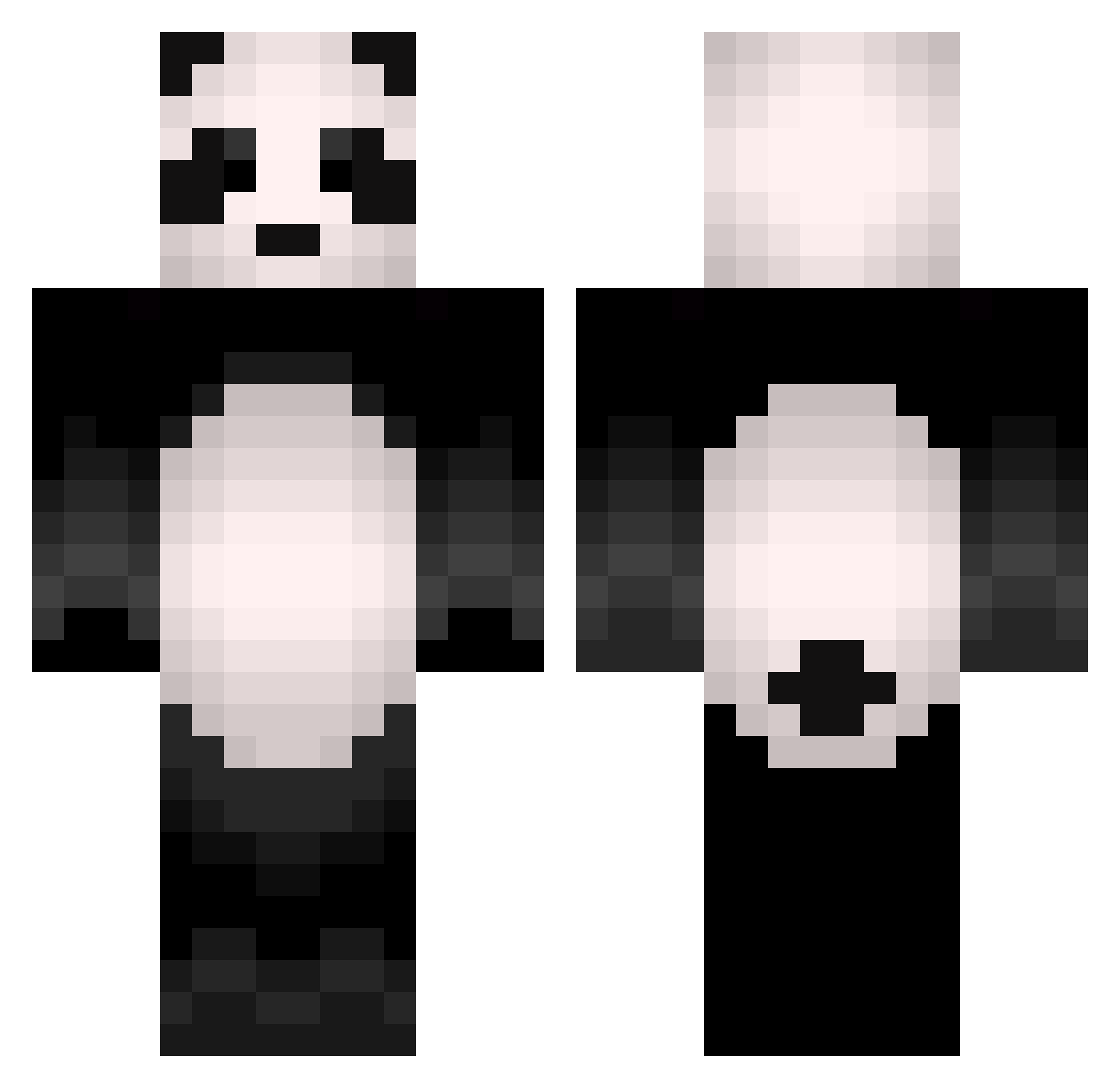
Current Minecraft skin of the player asdf1248, loaded from the official Mojang API. Rotate the 3D model with your mouse or finger, then download the skin as a PNG file and use it in Minecraft: Bedrock Edition or Java Edition for free. When asdf1248 changes their skin, this page updates automatically and the old skin stays in the history below.
Other players with this skin (504)
asdf1248 was the 86th player we have seen with this skin, first spotted on 16.08.2026. The same skin was seen on these players. Open a nickname to see their current skin and skin history.
 KakkaPuffPuff negitoro_plz FetterPanda13 ViktorL6600 LlamaTeeth chersque Hakyoma Rekkupekku TheNecronee Fukuda_s4n Lenny9996 dragonsun303 xin_br Megajoker9000 minipandaMP sibong99 EhwPewPew BsBRoberto Nikolinee Sensey_Panda Benda zTap_yt Mattheus55 kuzya123 Misphilosopher TaHaKa2000 wazniteYT AniMaestro yaabish simian777 andresrock10 NijOx93 _Dokgo TROLLMOOOD DPZ1127 rbqja10 OGSchwarzy D4NG SmallBear01
 Xx_Twitch_xX drakinho Minister_Sin ItsPanda smebf CalvinsDisciple TheScottishPanda TTGBOMB3 PropheticPanda karione1 DrUrsaMinor RM2009 dknks kohaku_amber Pasiphae_ AstarothTunq Pandarienbaer EugenePR Hykrxn Sihoo0914 ViaAgent
More Animal Minecraft skins
How to install the asdf1248 skin
- Press the Download button above to save the skin as a PNG file.
- Minecraft: Bedrock Edition (PE): open the Dressing Room from the main menu (or tap your character → Edit Character), go to Classic Skins → Owned, press the + (new skin) button, choose the downloaded PNG and pick the Classic (Steve) model. Works on PC and mobile; consoles cannot import custom skins.
- Minecraft: Java Edition: open the Minecraft Launcher, go to the Skins tab, click New Skin, load the PNG, pick the Classic (Steve) model and press Save & Use. You can also upload it at minecraft.net → Profile → Change Skin.
The skin does not show up after import - what should I do?
Restart Minecraft and open the Dressing Room again - imported skins sometimes appear only after a restart. Also make sure you selected the imported skin and picked the Classic (Steve) model.
Which model should I choose, Classic or Slim?
This skin is designed for the Classic (Steve) model. If you pick the wrong model, the arms of the skin will look stretched or squeezed.
Is the skin of asdf1248 free to download?
Yes. Press Download, save the PNG file and use it in Minecraft: Bedrock Edition or Java Edition - no payment or registration needed. The skin also works on multiplayer servers and Realms.
More skins
Looking for more? Go back to all Minecraft skins and check the top skins of the week, month and all time, or find any player's skin by nickname.