
 _ninni_ danskhaj xPandaReiz M0uss gnailam Nost4l guidaa_ Pandaliam03 Haizer717 Baphomet66six abdulwahabq8q mic_laughter Juicepar p4ndamonk rauwwwwww Grrooh Panda32195 yoyoTV orrio56 pandacody123 Flaviaaaxxx ssangyn Tianxi AShortCorgi LukyN696 enes_0602 PartyWithPanda geralt666999 luludu38 tanutanupanda xtyyszq levente242 Fritzzz777 BreakyPanda NEOPANDAPR MustyPanda KyriozFR sorano884 KeRi0p Smithy2700 ExistingHuman Panda078 TangyPorpoise7 Checks_Out strusss yuuchan_shouchan SojuMojuu MegaliaYT Xiongmao__ yvonnep rlagPwns12 RudolfZlotowlosy HongZZangx gucciflipflop1 Yordz Felix_200 Viiperz_65 coffeebagel_ tiemijapa ElvisPanda
Minecraft skin of oliwia222. Rotate the 3D model with your mouse or finger to view the skin from every angle, then download it as a PNG file and use it in Minecraft: Bedrock Edition or Java Edition for free. Rate the skin with stars to help other players find the best skins in our collection.
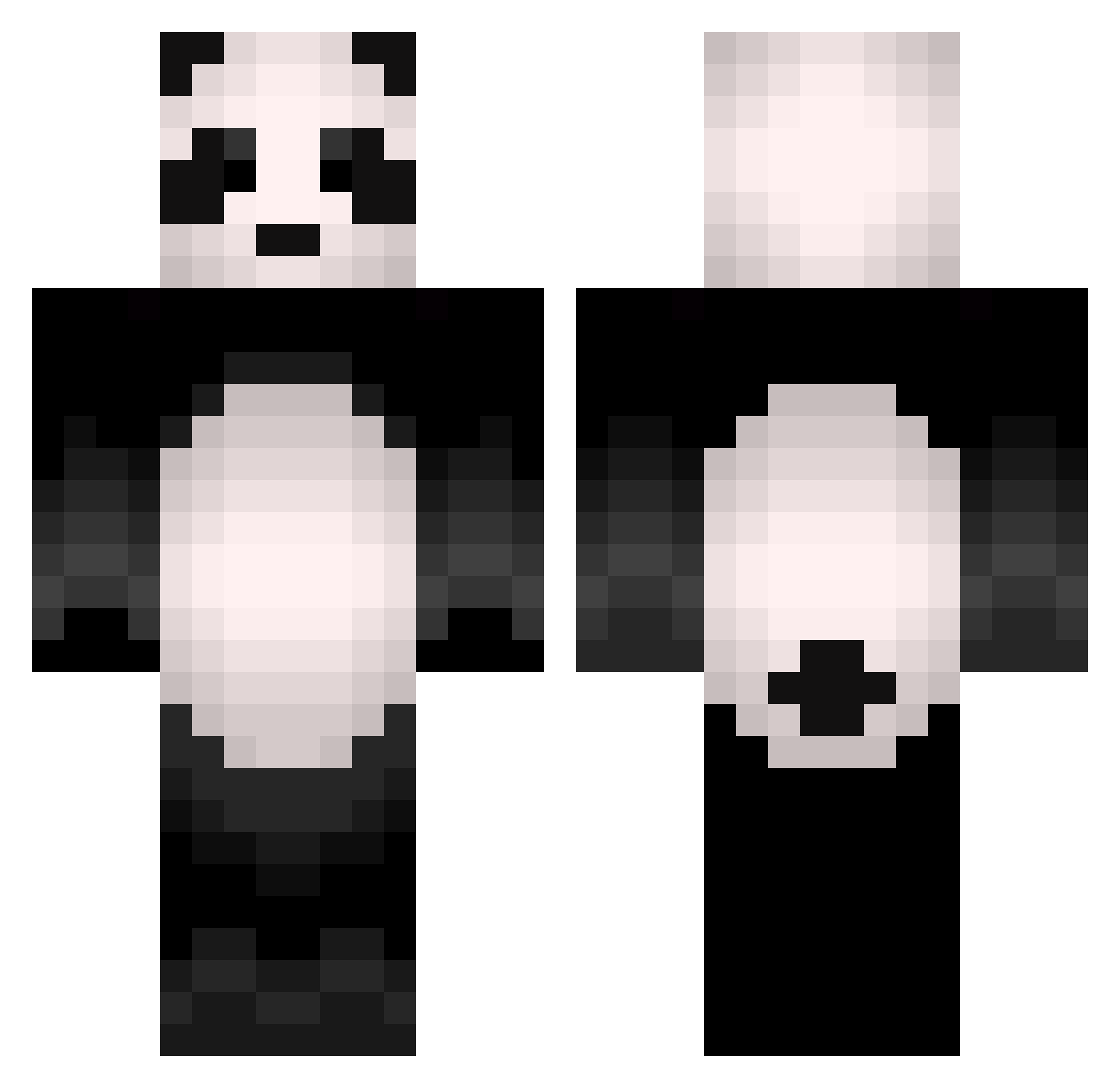
How to install the oliwia222 skin
- Press the Download button above to save the skin as a PNG file.
- Minecraft: Bedrock Edition (PE): open the Dressing Room from the main menu (or tap your character → Edit Character), go to Classic Skins → Owned, press the + (new skin) button, choose the downloaded PNG and pick the Classic (Steve) model. Works on PC and mobile; consoles cannot import custom skins.
- Minecraft: Java Edition: open the Minecraft Launcher, go to the Skins tab, click New Skin, load the PNG, pick the Classic (Steve) model and press Save & Use. You can also upload it at minecraft.net → Profile → Change Skin.
The skin does not show up after import - what should I do?
Restart Minecraft and open the Dressing Room again - imported skins sometimes appear only after a restart. Also make sure you selected the imported skin and picked the Classic (Steve) model.
Which model should I choose, Classic or Slim?
This skin is designed for the Classic (Steve) model. If you pick the wrong model, the arms of the skin will look stretched or squeezed.
Is this skin free to use?
Yes. Press Download, save the PNG file and use it in Minecraft: Bedrock Edition or Java Edition - no payment or registration needed. The skin also works on multiplayer servers and Realms.
More Animal Minecraft skins
More skins
Looking for more? Go back to all Minecraft skins and check the top skins of the week, month and all time, or find any player's skin by nickname.