
armads15 - Minecraft Skins & Skin History
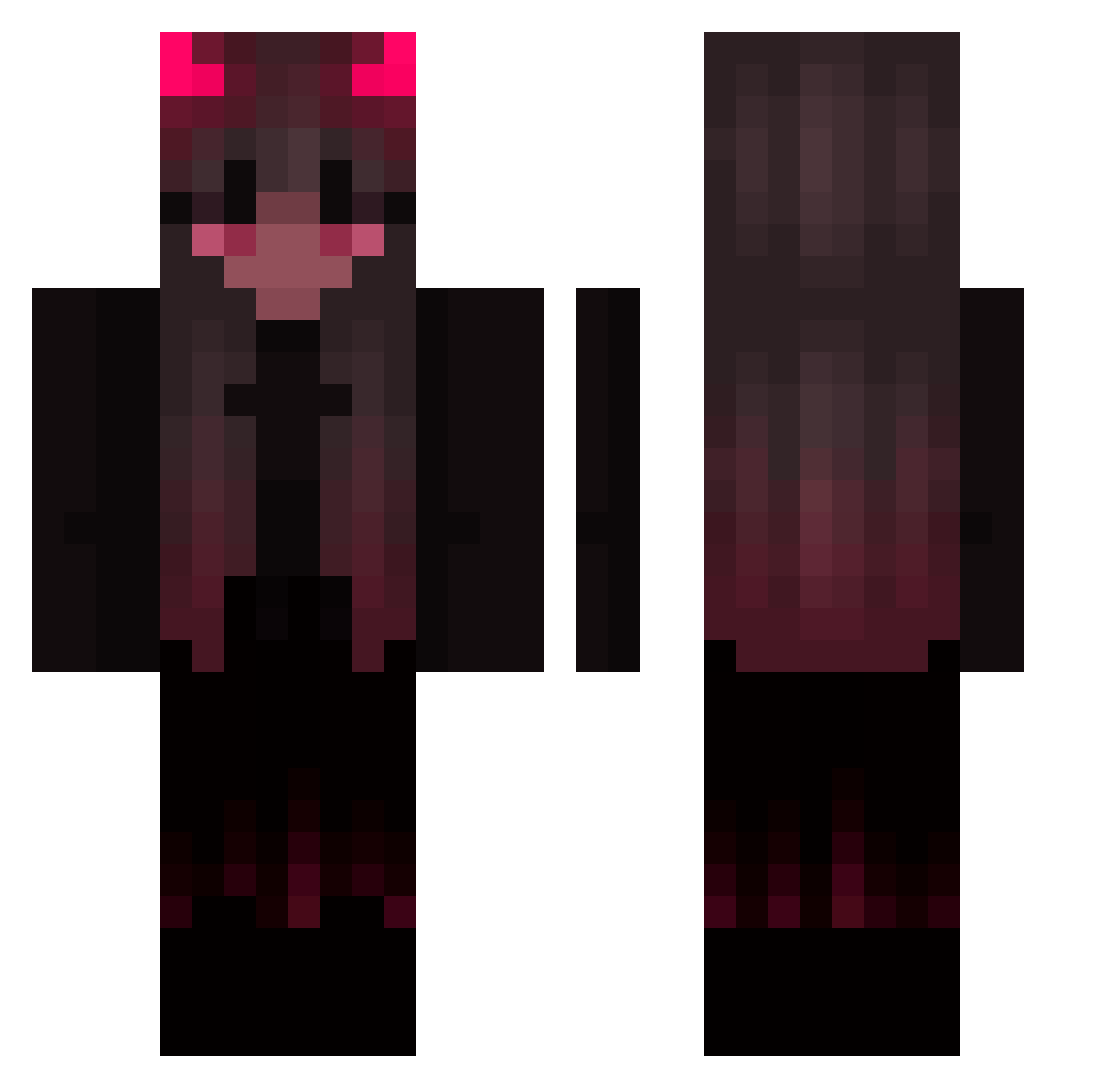
Current Minecraft skin of the player armads15, loaded from the official Mojang API. Rotate the 3D model with your mouse or finger, then download the skin as a PNG file and use it in Minecraft: Bedrock Edition or Java Edition for free. When armads15 changes their skin, this page updates automatically and the old skin stays in the history below.
Other players with this skin (423)
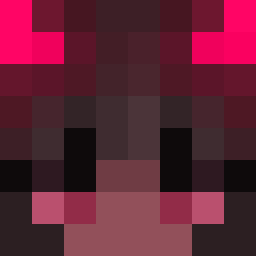
armads15 was the 245th player we have seen with this skin, first spotted on 22.09.2026. The same skin was seen on these players. Open a nickname to see their current skin and skin history.
 Vexareia Nele4u Xx_Vega_xX Elch2411 surgars GuserZXY Stellita Salwero FlameFragJR DRGgame BabyKoinu Lisuniax Nina0123456 Melfor Hell_Foxy kysoo_ Kitsurr cilynnd Cyrannnn mommymenace6 Argonavt55 Paroksetyna plutobabie Pettunia lulu3m lkiritoI NullIdentity Beareo_ Cassiowhatever sn0wyqz kucoin Tristcit Valentina2509 rYu224 AntoniaDieKerze vqmela _Demon_cat_ ILOVEPEGASUS OMSquee Daorange_ Farko6 viilisviili Ajinka123 mcrosee BiscuitLuna Kalieyn Akemi_sama UltimateSushi42 Diaseren TheKalypso SayoIIII TheCowgirl50 KoiBiTo39 yuminbyun KlIF80 RedPandaQUEEEN26 letixi Alipupsik Gloxhynia Krasnal125
More Demon Minecraft skins
How to install the armads15 skin
- Press the Download button above to save the skin as a PNG file.
- Minecraft: Bedrock Edition (PE): open the Dressing Room from the main menu (or tap your character → Edit Character), go to Classic Skins → Owned, press the + (new skin) button, choose the downloaded PNG and pick the Classic (Steve) model. Works on PC and mobile; consoles cannot import custom skins.
- Minecraft: Java Edition: open the Minecraft Launcher, go to the Skins tab, click New Skin, load the PNG, pick the Classic (Steve) model and press Save & Use. You can also upload it at minecraft.net → Profile → Change Skin.
The skin does not show up after import - what should I do?
Restart Minecraft and open the Dressing Room again - imported skins sometimes appear only after a restart. Also make sure you selected the imported skin and picked the Classic (Steve) model.
Which model should I choose, Classic or Slim?
This skin is designed for the Classic (Steve) model. If you pick the wrong model, the arms of the skin will look stretched or squeezed.
Is the skin of armads15 free to download?
Yes. Press Download, save the PNG file and use it in Minecraft: Bedrock Edition or Java Edition - no payment or registration needed. The skin also works on multiplayer servers and Realms.
More skins
Looking for more? Go back to all Minecraft skins and check the top skins of the week, month and all time, or find any player's skin by nickname.