
amogas6449 - Minecraft Skins & Skin History
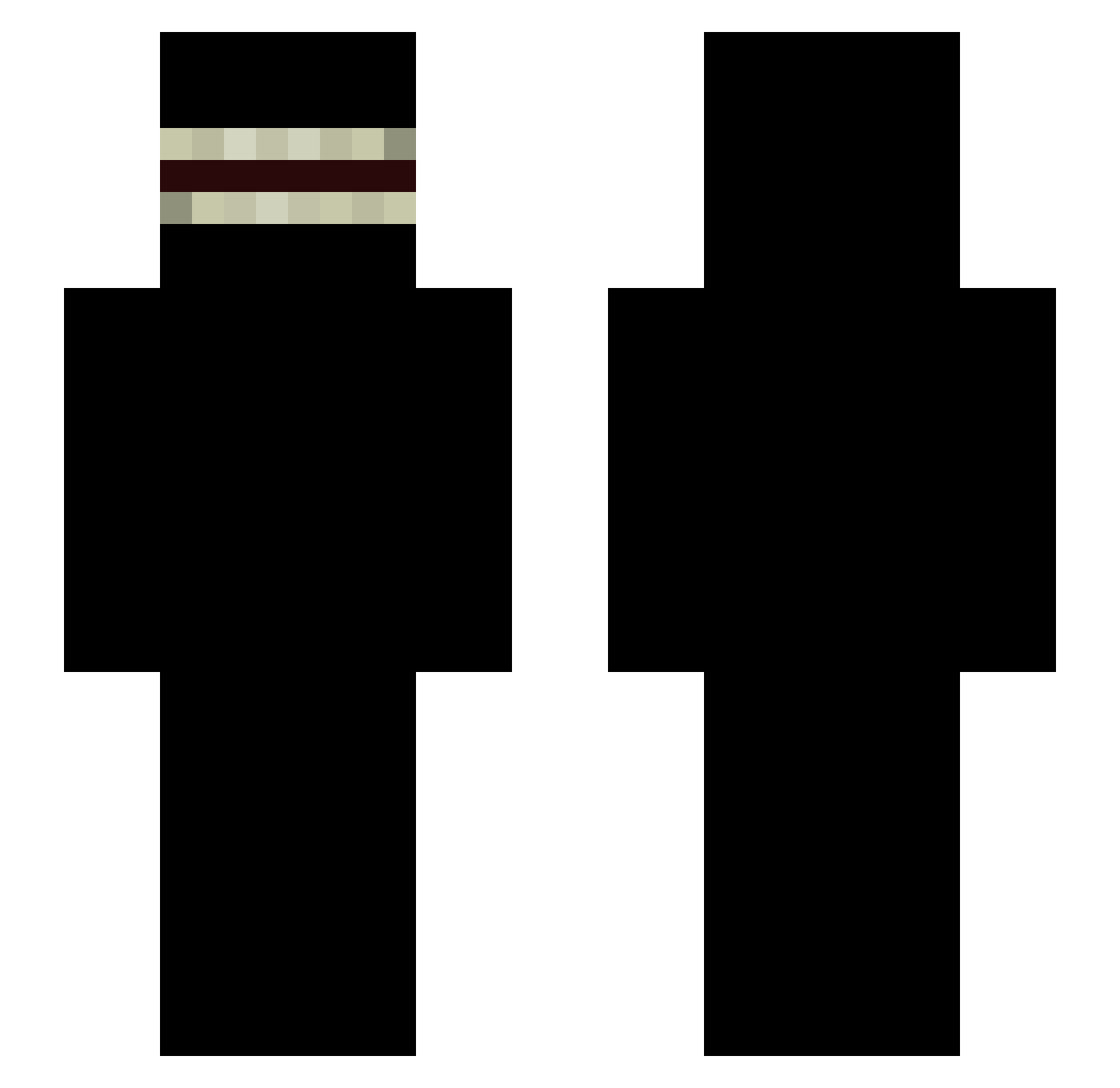
Current Minecraft skin of the player amogas6449, loaded from the official Mojang API. Rotate the 3D model with your mouse or finger, then download the skin as a PNG file and use it in Minecraft: Bedrock Edition or Java Edition for free. When amogas6449 changes their skin, this page updates automatically and the old skin stays in the history below.
Other players with this skin (340)
amogas6449 was the 225th player we have seen with this skin, first spotted on 02.10.2026. The same skin was seen on these players. Open a nickname to see their current skin and skin history.
 LY123L Wqdbzt silverbrg Lalo_50 ThunderStruck Disenchantments police0709 ThreadyDeer1979 MrHudunkachoid Annette4106 Rusovich ZeroTwo002002 Anagrime gioBMA4088 Zekor_ COLRB Toodaloooo Clykoss Josh0721 Not_Knight ChaoticErrors ryue Ayyur Uhde V0rrxx zairatutu LEROYTHEBOI12 Bluecall Freddra kraken__999 Mateo29 jbw566 duqdl lanxiaobao toxicwaste9907 AcceleratorV mousepad0 Nayati1234 Cupr francasko DoRaE2 Cry1zin Travian112 xRETRUKOx Josemigue44 Dinkon 1k1j0w1 tzuyyu KeegoMP3 Pescarmona DIGDUGXXX Ponexes gola65 Hakidokipunch Yungjimma Luxkfnr FletWielkiJakBut 111sk Megamanny1214 GooZ1e0848
More Shadow Minecraft skins
How to install the amogas6449 skin
- Press the Download button above to save the skin as a PNG file.
- Minecraft: Bedrock Edition (PE): open the Dressing Room from the main menu (or tap your character → Edit Character), go to Classic Skins → Owned, press the + (new skin) button, choose the downloaded PNG and pick the Slim (Alex) model. Works on PC and mobile; consoles cannot import custom skins.
- Minecraft: Java Edition: open the Minecraft Launcher, go to the Skins tab, click New Skin, load the PNG, pick the Slim (Alex) model and press Save & Use. You can also upload it at minecraft.net → Profile → Change Skin.
The skin does not show up after import - what should I do?
Restart Minecraft and open the Dressing Room again - imported skins sometimes appear only after a restart. Also make sure you selected the imported skin and picked the Slim (Alex) model.
Which model should I choose, Classic or Slim?
This skin is designed for the Slim (Alex) model. If you pick the wrong model, the arms of the skin will look stretched or squeezed.
Is the skin of amogas6449 free to download?
Yes. Press Download, save the PNG file and use it in Minecraft: Bedrock Edition or Java Edition - no payment or registration needed. The skin also works on multiplayer servers and Realms.
More skins
Looking for more? Go back to all Minecraft skins and check the top skins of the week, month and all time, or find any player's skin by nickname.