
amber_queen - Minecraft Skins & Skin History
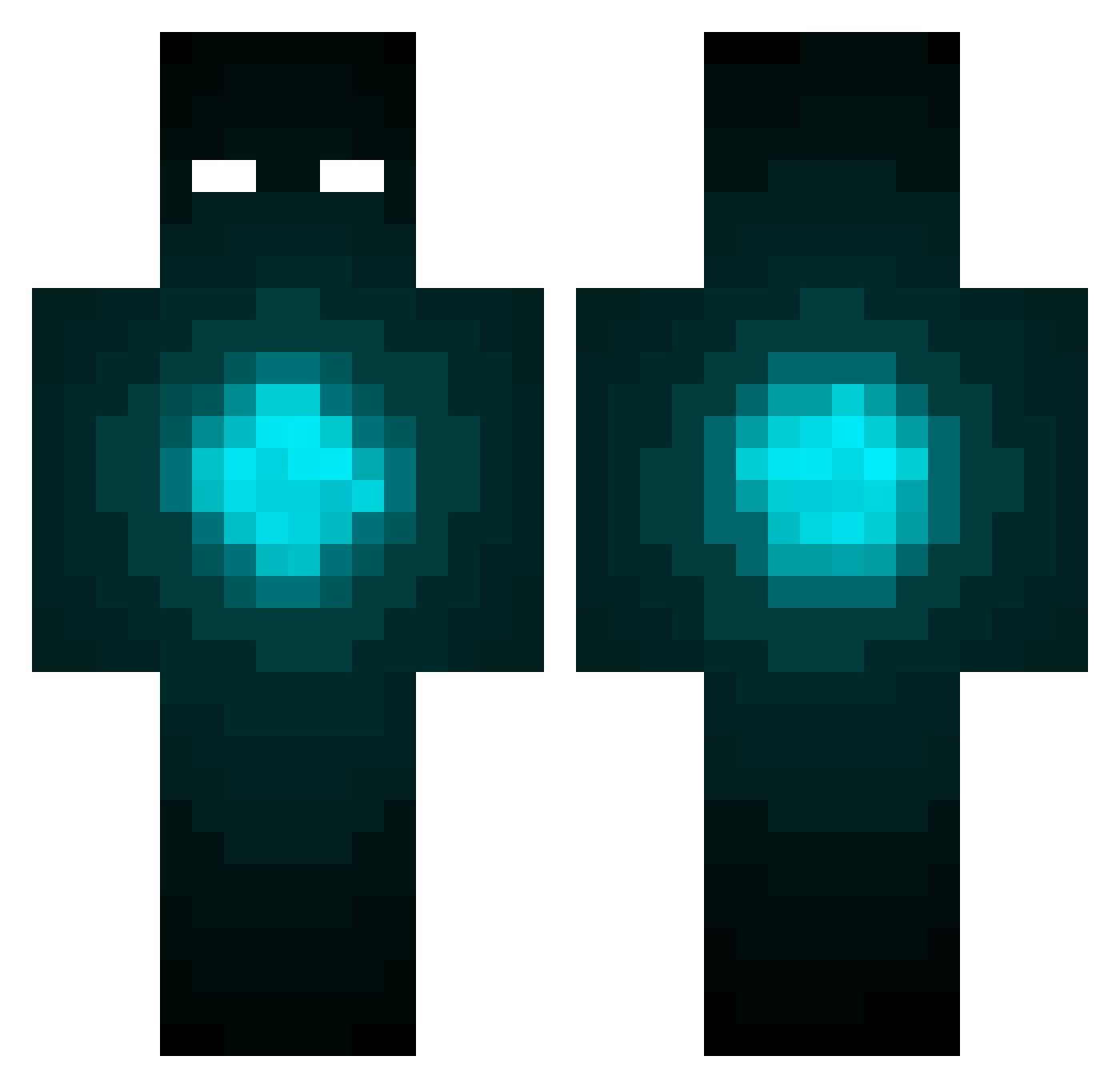
Current Minecraft skin of the player amber_queen, loaded from the official Mojang API. Rotate the 3D model with your mouse or finger, then download the skin as a PNG file and use it in Minecraft: Bedrock Edition or Java Edition for free. When amber_queen changes their skin, this page updates automatically and the old skin stays in the history below.
Other players with this skin (532)
amber_queen was the 485th player we have seen with this skin, first spotted on 09.11.2026. The same skin was seen on these players. Open a nickname to see their current skin and skin history.
 Jake_shh LASCRUCESNM1 Burre03 Akebake Smaug_Lives xxwarriorz rekded BeeeRi AWEJS ninja_bohne heediz96 Lasmax twells Ty_Lee1202 KingKir1 ricklambregts zubze Mau5Chords andynietx hareobrien SmartCatJack DMcKittrick Naruem_ a20020 Whit3Paw LumosErised LuckyEchoe vConor TheBondBro Dl3ViL progamerluis2003 XNova_SkiX Neon_Lord619 TheNikitosikplay coldman10 HereLiesGod Minelex_1 zamlock11 RPCult Stevilm troyminator12 RisingZenith xXHitMyManXx PrivateP3anut SnIpErZz95 Spectral_16 Lexypexy EmissaryOfTheEnd Roachisserie_Chk PWJ wowouter NLMaca VelkyObor lloydr777 Masterpower373 UK_PyrozeN MemeLordLOL Kota706 KoanBrown BigBootyBaxton
More Glowing Eyes Minecraft skins
See all 3069 Glowing Eyes skins
How to install the amber_queen skin
- Press the Download button above to save the skin as a PNG file.
- Minecraft: Bedrock Edition (PE): open the Dressing Room from the main menu (or tap your character → Edit Character), go to Classic Skins → Owned, press the + (new skin) button, choose the downloaded PNG and pick the Classic (Steve) model. Works on PC and mobile; consoles cannot import custom skins.
- Minecraft: Java Edition: open the Minecraft Launcher, go to the Skins tab, click New Skin, load the PNG, pick the Classic (Steve) model and press Save & Use. You can also upload it at minecraft.net → Profile → Change Skin.
The skin does not show up after import - what should I do?
Restart Minecraft and open the Dressing Room again - imported skins sometimes appear only after a restart. Also make sure you selected the imported skin and picked the Classic (Steve) model.
Which model should I choose, Classic or Slim?
This skin is designed for the Classic (Steve) model. If you pick the wrong model, the arms of the skin will look stretched or squeezed.
Is the skin of amber_queen free to download?
Yes. Press Download, save the PNG file and use it in Minecraft: Bedrock Edition or Java Edition - no payment or registration needed. The skin also works on multiplayer servers and Realms.
More skins
Looking for more? Go back to all Minecraft skins and check the top skins of the week, month and all time, or find any player's skin by nickname.