
adz587 - Minecraft Skins & Skin History
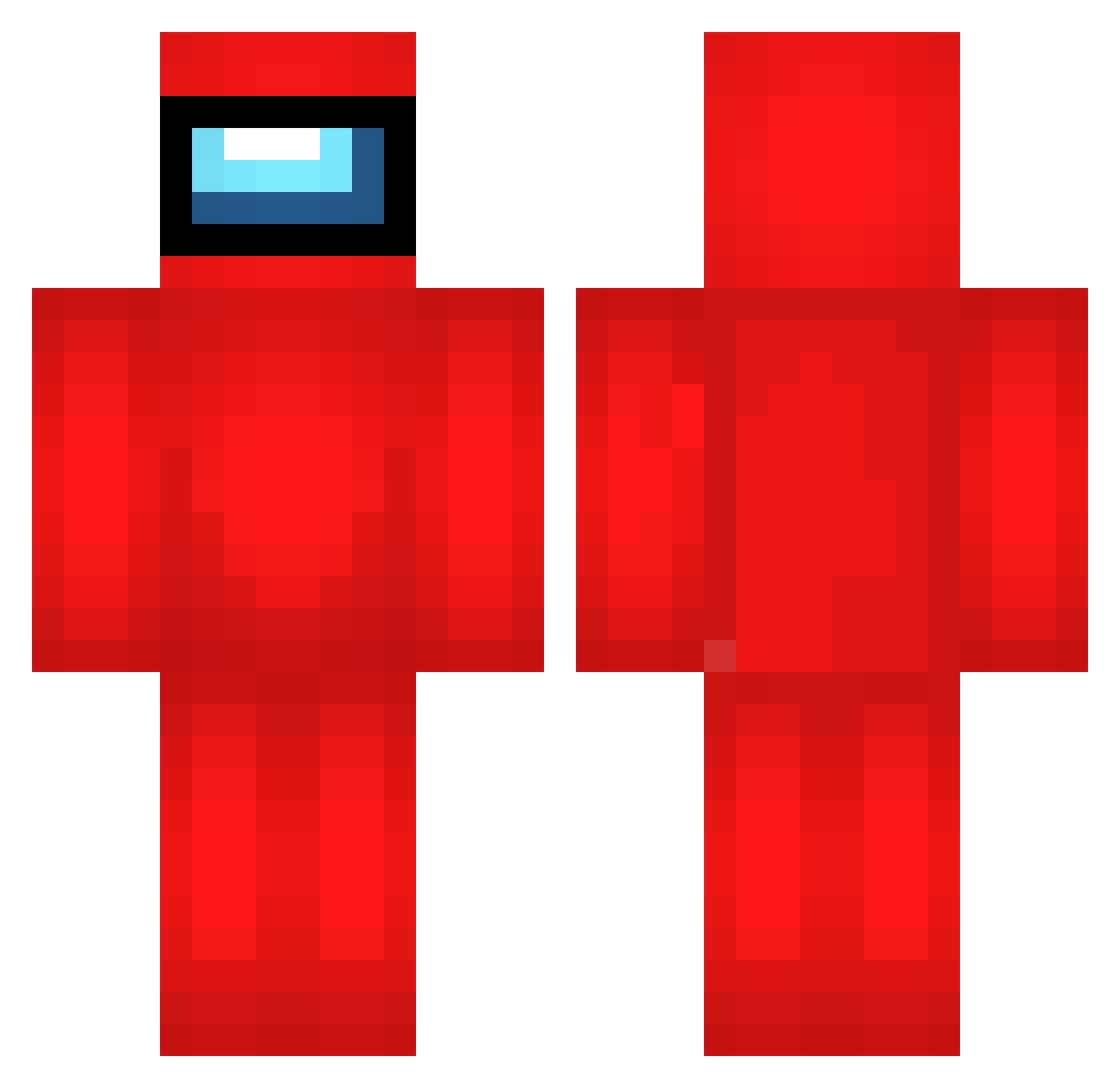
Current Minecraft skin of the player adz587, loaded from the official Mojang API. Rotate the 3D model with your mouse or finger, then download the skin as a PNG file and use it in Minecraft: Bedrock Edition or Java Edition for free. When adz587 changes their skin, this page updates automatically and the old skin stays in the history below.
Other players with this skin (692)
adz587 was the 182nd player we have seen with this skin, first spotted on 23.08.2026. The same skin was seen on these players. Open a nickname to see their current skin and skin history.
 cookiechinese xCQ87 qNg367 OLY438 KOH292 PPS517 rmF10 GGy128 XbP400 VdA300 Str597 Ubi75 zLK493 KYr205 acs733 slb135 XBaruma ExZ498 UGh499 bYZ963 Lnn546 uCR796 ElG937 ejzx amako0714 BgM214 hgL441 RUU289 lMT562 mTB933 UaM209
 Samidarre FVQ555 Iug780 Wfw363 QTh590 Mr_6ix9ine damiz96 gargoire5 tcG468 BayGidix roZ205 Yakazuka9450 ImSooshie AtrujanoX Ross012 Kbp884 shadowman1001 dFg348 HMw560 Clash_gamerNr1 monkerg zha267 tdb155 qQT912 jnf328 iAS504 laB663 ZZM972 Susmog
More Crewmate Minecraft skins
How to install the adz587 skin
- Press the Download button above to save the skin as a PNG file.
- Minecraft: Bedrock Edition (PE): open the Dressing Room from the main menu (or tap your character → Edit Character), go to Classic Skins → Owned, press the + (new skin) button, choose the downloaded PNG and pick the Classic (Steve) model. Works on PC and mobile; consoles cannot import custom skins.
- Minecraft: Java Edition: open the Minecraft Launcher, go to the Skins tab, click New Skin, load the PNG, pick the Classic (Steve) model and press Save & Use. You can also upload it at minecraft.net → Profile → Change Skin.
The skin does not show up after import - what should I do?
Restart Minecraft and open the Dressing Room again - imported skins sometimes appear only after a restart. Also make sure you selected the imported skin and picked the Classic (Steve) model.
Which model should I choose, Classic or Slim?
This skin is designed for the Classic (Steve) model. If you pick the wrong model, the arms of the skin will look stretched or squeezed.
Is the skin of adz587 free to download?
Yes. Press Download, save the PNG file and use it in Minecraft: Bedrock Edition or Java Edition - no payment or registration needed. The skin also works on multiplayer servers and Realms.
More skins
Looking for more? Go back to all Minecraft skins and check the top skins of the week, month and all time, or find any player's skin by nickname.