
Zolaig - Minecraft Skins & Skin History
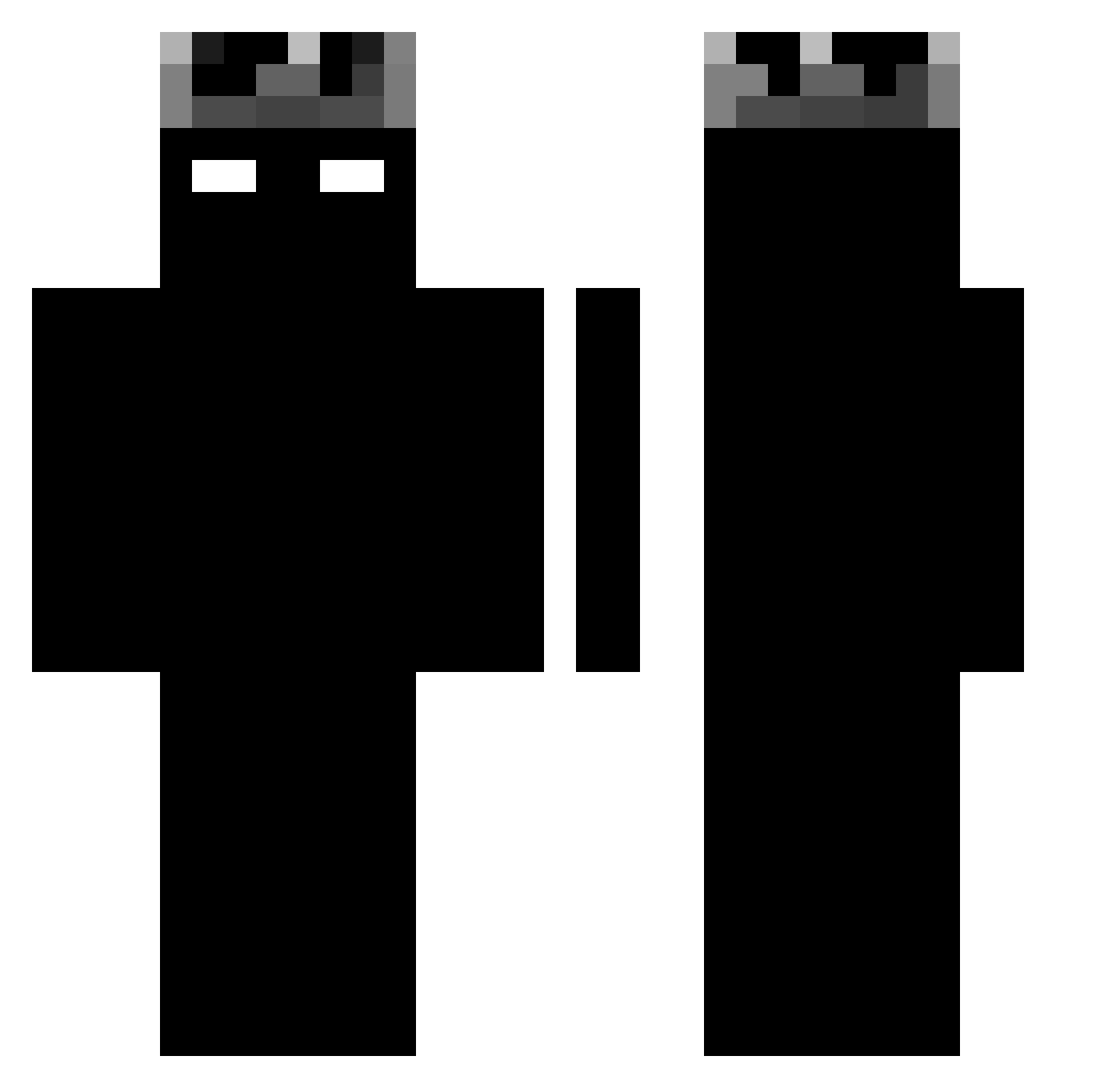
Current Minecraft skin of the player Zolaig, loaded from the official Mojang API. Rotate the 3D model with your mouse or finger, then download the skin as a PNG file and use it in Minecraft: Bedrock Edition or Java Edition for free. When Zolaig changes their skin, this page updates automatically and the old skin stays in the history below.
Other players with this skin (1363)
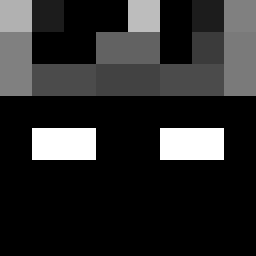
Zolaig was the 1345th player we have seen with this skin, first spotted on 18.11.2026. The same skin was seen on these players. Open a nickname to see their current skin and skin history.
 EGG507 G3L__ SkyTrax31 C0NTRAKILLER fripk batuyldrn NS_GT_R Falco964 NFT_Owers Guts5353 Einfach_Ari t3ppp marcelsigmabmw 1rypl3A Noctyx_VN Gokulobo77 P1t1r 5Nova5 JavierEs50 days54322 yg928 Shiir0 representat6ive Pudinnz Deiducosta Mecool2010 Pelusm8 Davidfi CarlosJ13 MinePro1212 fqtch11 Psycho063 Netheratic77 d1mz_ PatryKiller1234 YC_kila John_Schab sandamLI ConnorCrushr Miihk a1314a Inumber139 zpoq agus1640 tapiax SkylineZ7 Taz_97 BarteX777 RabeSocke09 Nevio_0501 zjaranychomik RivalSlash 0xLuch_ TruGreenBean AArfly ByLaurant Skyfox1511 EfehanBey GavinBalfour marcospjl
More Shadow Minecraft skins
How to install the Zolaig skin
- Press the Download button above to save the skin as a PNG file.
- Minecraft: Bedrock Edition (PE): open the Dressing Room from the main menu (or tap your character → Edit Character), go to Classic Skins → Owned, press the + (new skin) button, choose the downloaded PNG and pick the Classic (Steve) model. Works on PC and mobile; consoles cannot import custom skins.
- Minecraft: Java Edition: open the Minecraft Launcher, go to the Skins tab, click New Skin, load the PNG, pick the Classic (Steve) model and press Save & Use. You can also upload it at minecraft.net → Profile → Change Skin.
The skin does not show up after import - what should I do?
Restart Minecraft and open the Dressing Room again - imported skins sometimes appear only after a restart. Also make sure you selected the imported skin and picked the Classic (Steve) model.
Which model should I choose, Classic or Slim?
This skin is designed for the Classic (Steve) model. If you pick the wrong model, the arms of the skin will look stretched or squeezed.
Is the skin of Zolaig free to download?
Yes. Press Download, save the PNG file and use it in Minecraft: Bedrock Edition or Java Edition - no payment or registration needed. The skin also works on multiplayer servers and Realms.
More skins
Looking for more? Go back to all Minecraft skins and check the top skins of the week, month and all time, or find any player's skin by nickname.