
ZOBI___ - Minecraft Skins & Skin History
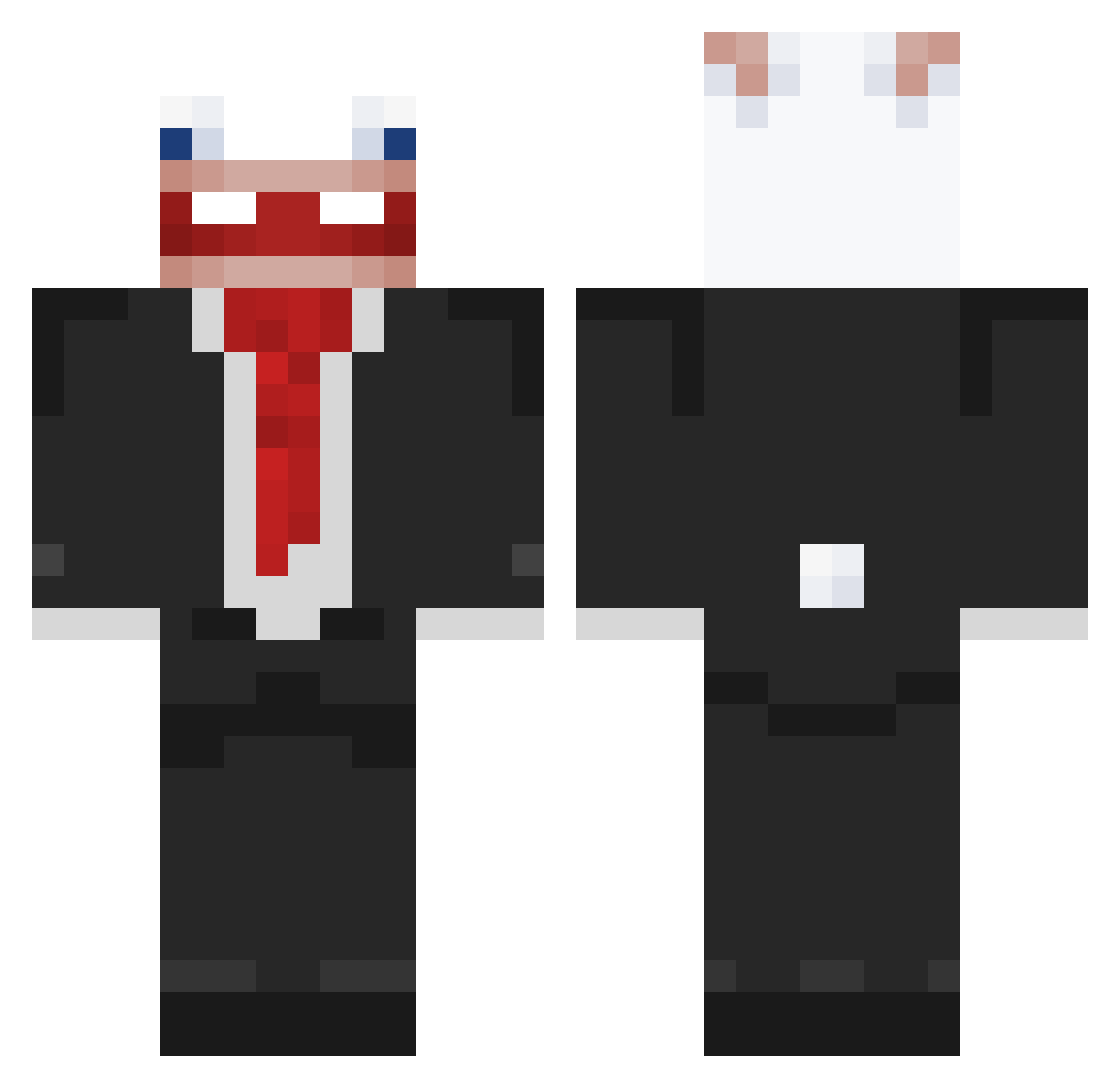
Current Minecraft skin of the player ZOBI___, loaded from the official Mojang API. Rotate the 3D model with your mouse or finger, then download the skin as a PNG file and use it in Minecraft: Bedrock Edition or Java Edition for free. When ZOBI___ changes their skin, this page updates automatically and the old skin stays in the history below.
Other players with this skin (88)
ZOBI___ was the 19th player we have seen with this skin, first spotted on 11.08.2026. The same skin was seen on these players. Open a nickname to see their current skin and skin history.
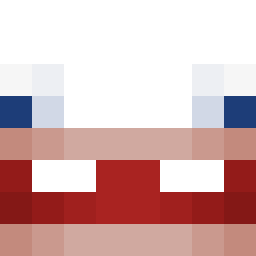 donkeykonggay
 RoninXVX Erbils GammaTek WINNER_IRAQ CHENZERU master_duck12 CoreBoys Its_Richard_YT
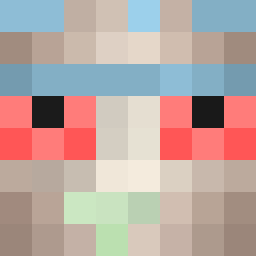 F1NT_ lllZeroLuffy wrd63 TEOPEMA_MNHETA nsw_lee telmo0000 Nyxoy566 Cat_Nine oblodzenie_ Orizon88
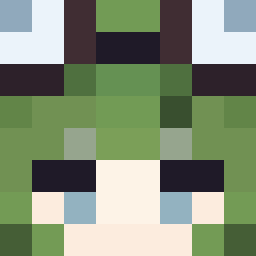 Twnny sir469 alexmeta1 david_pis TETO2302 XXXXXXXXOXXXXXXX
 FAZE_OSUNA komora_gazowa angel_LOL_ dubanjr SENKAI65 Kromtech ludwizardd LukasDe21 Maksiu_x
 ZABMC08
 _Capella__ zuishiya Bristletooth
 VIRUS7174 1HXZ
 lummoxlum Batmanb0zo elrolandomcXD AnaTheFrog Kwon128 Kordi2207 firenewt52 nugget_nosso ScaryAadvark4 Beamedboy jickmie2 xscAlanxsc Aydaum Ertalxc Aku1a123 Awaked0iq elquemagrasa LabubuTeam_g8mbg PippoPlayz6020 KodujeJave
More Rabbids Minecraft skins
How to install the ZOBI___ skin
- Press the Download button above to save the skin as a PNG file.
- Minecraft: Bedrock Edition (PE): open the Dressing Room from the main menu (or tap your character → Edit Character), go to Classic Skins → Owned, press the + (new skin) button, choose the downloaded PNG and pick the Classic (Steve) model. Works on PC and mobile; consoles cannot import custom skins.
- Minecraft: Java Edition: open the Minecraft Launcher, go to the Skins tab, click New Skin, load the PNG, pick the Classic (Steve) model and press Save & Use. You can also upload it at minecraft.net → Profile → Change Skin.
The skin does not show up after import - what should I do?
Restart Minecraft and open the Dressing Room again - imported skins sometimes appear only after a restart. Also make sure you selected the imported skin and picked the Classic (Steve) model.
Which model should I choose, Classic or Slim?
This skin is designed for the Classic (Steve) model. If you pick the wrong model, the arms of the skin will look stretched or squeezed.
Is the skin of ZOBI___ free to download?
Yes. Press Download, save the PNG file and use it in Minecraft: Bedrock Edition or Java Edition - no payment or registration needed. The skin also works on multiplayer servers and Realms.
More skins
Looking for more? Go back to all Minecraft skins and check the top skins of the week, month and all time, or find any player's skin by nickname.