
 asgersuper 69neveuXXL xMinisterNils G4m61t Fabcio__ misoumizou75 Kharyx Lubis_ssieDiha FramxD2 P0as3k DarthKylo2413 Beanzze SimJB_FR AnaTheFrog TEOPEMA_MNHETA KingNothing708 Game_Chad569 Zark0zZ Zomikal telmo0000 TETO2302 Batmanb0zo zuishiya jickmie2 alexmeta1 coquirex 1stak Mael06 BucketOFlapjack renzo009 GammaTek dubanjr SamsungZFold8 sareza oo00000oo oblodzenie_ Bristletooth nonch_ Macieeqkkk Business_Guy1 KodujeJave CoreBoys PippoPlayz6020 LabubuTeam_g8mbg elquemagrasa Awaked0iq Aku1a123 Ertalxc komora_gazowa lllZeroLuffy david_pis Nyxoy566 donkeykonggay WINNER_IRAQ SENKAI65 Its_Richard_YT ludwizardd nugget_nosso Kordi2207 Aydaum
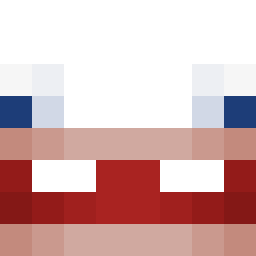
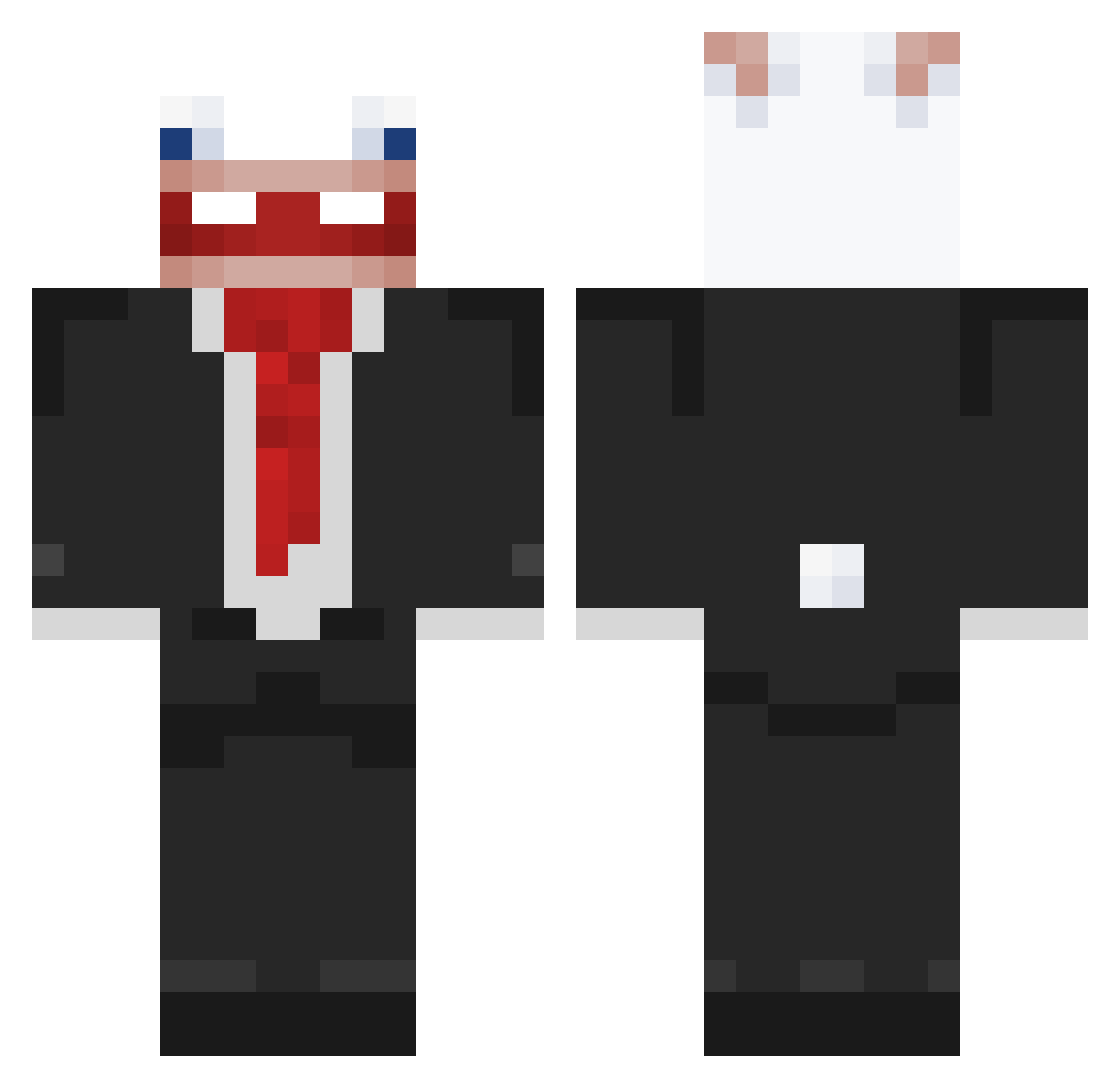
Minecraft skin of zuishiya. Rotate the 3D model with your mouse or finger to view the skin from every angle, then download it as a PNG file and use it in Minecraft: Bedrock Edition or Java Edition for free. Rate the skin with stars to help other players find the best skins in our collection.
How to install the zuishiya skin
- Press the Download button above to save the skin as a PNG file.
- Minecraft: Bedrock Edition (PE): open the Dressing Room from the main menu (or tap your character → Edit Character), go to Classic Skins → Owned, press the + (new skin) button, choose the downloaded PNG and pick the Classic (Steve) model. Works on PC and mobile; consoles cannot import custom skins.
- Minecraft: Java Edition: open the Minecraft Launcher, go to the Skins tab, click New Skin, load the PNG, pick the Classic (Steve) model and press Save & Use. You can also upload it at minecraft.net → Profile → Change Skin.
The skin does not show up after import - what should I do?
Restart Minecraft and open the Dressing Room again - imported skins sometimes appear only after a restart. Also make sure you selected the imported skin and picked the Classic (Steve) model.
Which model should I choose, Classic or Slim?
This skin is designed for the Classic (Steve) model. If you pick the wrong model, the arms of the skin will look stretched or squeezed.
Is this skin free to use?
Yes. Press Download, save the PNG file and use it in Minecraft: Bedrock Edition or Java Edition - no payment or registration needed. The skin also works on multiplayer servers and Realms.
More Rabbids Minecraft skins
More skins
Looking for more? Go back to all Minecraft skins and check the top skins of the week, month and all time, or find any player's skin by nickname.