
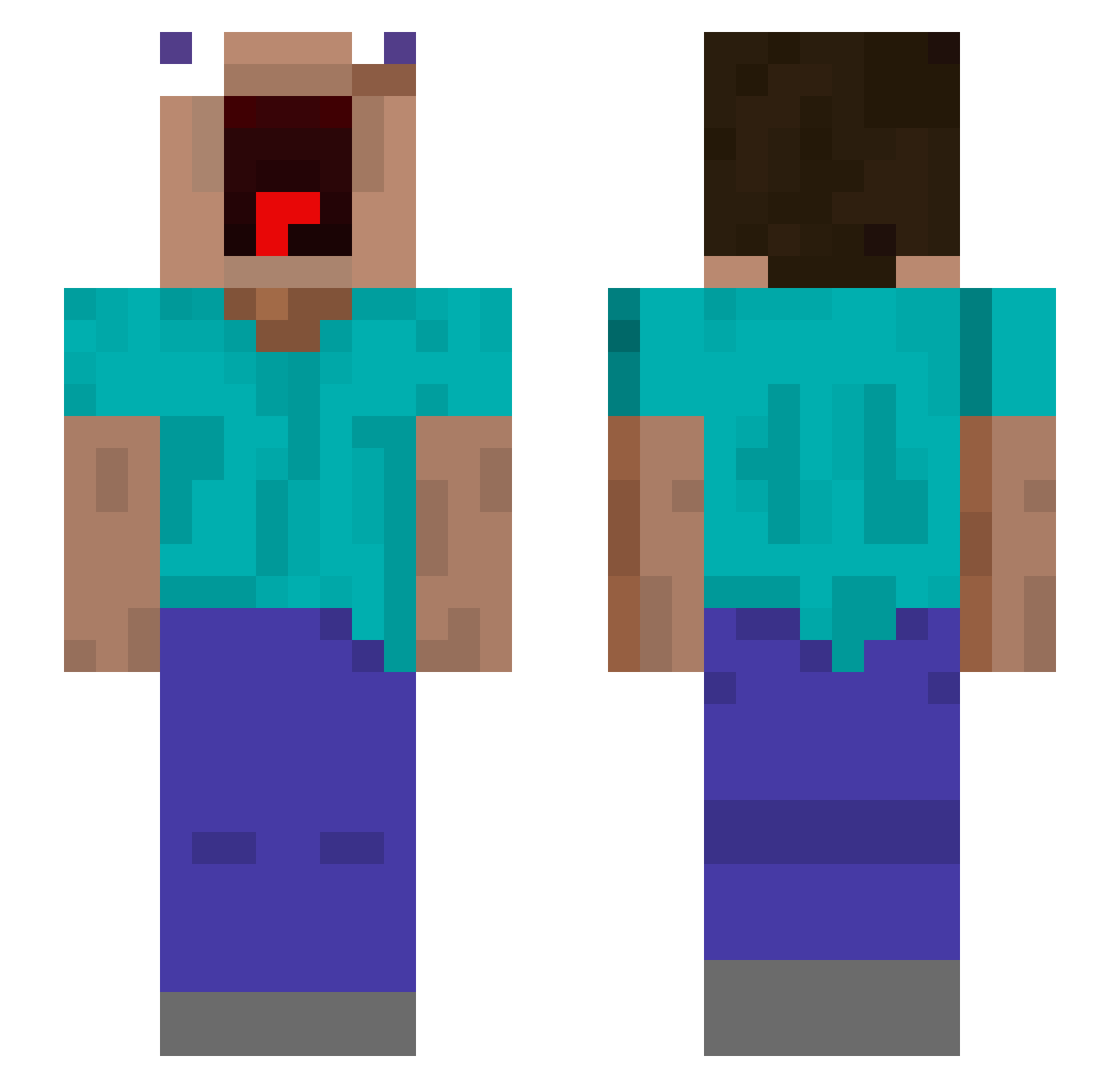
Current Minecraft skin of the player Xennnno, loaded from the official Mojang API. Rotate the 3D model with your mouse or finger, then download the skin as a PNG file and use it in Minecraft: Bedrock Edition or Java Edition for free. When Xennnno changes their skin, this page updates automatically and the old skin stays in the history below.
Other players with this skin (489)
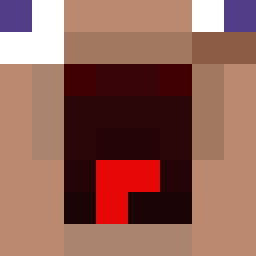
Xennnno was the 416th player we have seen with this skin, first spotted on 05.10.2026. The same skin was seen on these players. Open a nickname to see their current skin and skin history.
 MilkMan357 NiCoRaNGe25 lasmunchos Prozxy MaybeGraham GoldsmifhGG UL2Mz YOlewis Lumpy_wumpy Jazcat Druta0 radioacgamme74 antoshkindom kazuyuki126 xx_y4ngo VH_NG quandaledavius pumpkinspinach ReeXzz salamek1229 bleeeeeehhhhh linshuai66 nicolas_e__uriel DeR_PhArAo AsianGlow Blackbeeanie Hansqoo11 DryNapking trysu LeahIsMommy P01sed OmenBrug old39 _st_ellaa_ HNAMertTe kubibuvi EliteErnest Ciel_PB Putin_Huylo Thomatoon LORD_NOOBERT_ febbless TxBoyJJ S20s xXaretz CoffeeLuvr689 helleos hatsun123 Bezzards ULT_MAIKERU_TARO Jvc7lk FolhaEz GigiOMag injurmy Kushielness yufan233 crossyline Ciuwas ZXC0720 Vermilionx
More Screaming Minecraft skins
How to install the Xennnno skin
- Press the Download button above to save the skin as a PNG file.
- Minecraft: Bedrock Edition (PE): open the Dressing Room from the main menu (or tap your character → Edit Character), go to Classic Skins → Owned, press the + (new skin) button, choose the downloaded PNG and pick the Slim (Alex) model. Works on PC and mobile; consoles cannot import custom skins.
- Minecraft: Java Edition: open the Minecraft Launcher, go to the Skins tab, click New Skin, load the PNG, pick the Slim (Alex) model and press Save & Use. You can also upload it at minecraft.net → Profile → Change Skin.
The skin does not show up after import - what should I do?
Restart Minecraft and open the Dressing Room again - imported skins sometimes appear only after a restart. Also make sure you selected the imported skin and picked the Slim (Alex) model.
Which model should I choose, Classic or Slim?
This skin is designed for the Slim (Alex) model. If you pick the wrong model, the arms of the skin will look stretched or squeezed.
Is the skin of Xennnno free to download?
Yes. Press Download, save the PNG file and use it in Minecraft: Bedrock Edition or Java Edition - no payment or registration needed. The skin also works on multiplayer servers and Realms.
More skins
Looking for more? Go back to all Minecraft skins and check the top skins of the week, month and all time, or find any player's skin by nickname.