
 imdefblack danikhani Nukumvri RianyKiller Markos14 CHANGWOO1111 Mehsay yoonts pr0sekn0bek MiStadl02 BarPROsz yanvlnnn Slamour Iggyson dankpackk ENDZEM tian333 linushsieh hhh661 basilicock HANJUNSEO0618 Buldak05 Track11cda MakDog386 cdy0330 mincho123 Notnyqo dasDing2008 swg061106 Crazy_Clownfish PilotSpyker ashfire24 abuelita_ap Tomilio Thebeast7629 LA_PETITE_D Khingggwp Hanroro_1111 KkwonH Diaass_ yStezzz WeeklyWill dltmdals123 MrRobot6927 RIPSvsp NandoSkills2007 Fallacyyyy MelorokYT Arhoz64 Pino0519 bcuw Mamba_out01 talhastrqfe jajajad12 wolf302 Fio_538 ManBaOut15 ScottyDaddy3000 PENETROM RockoTheClown
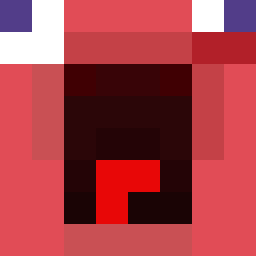
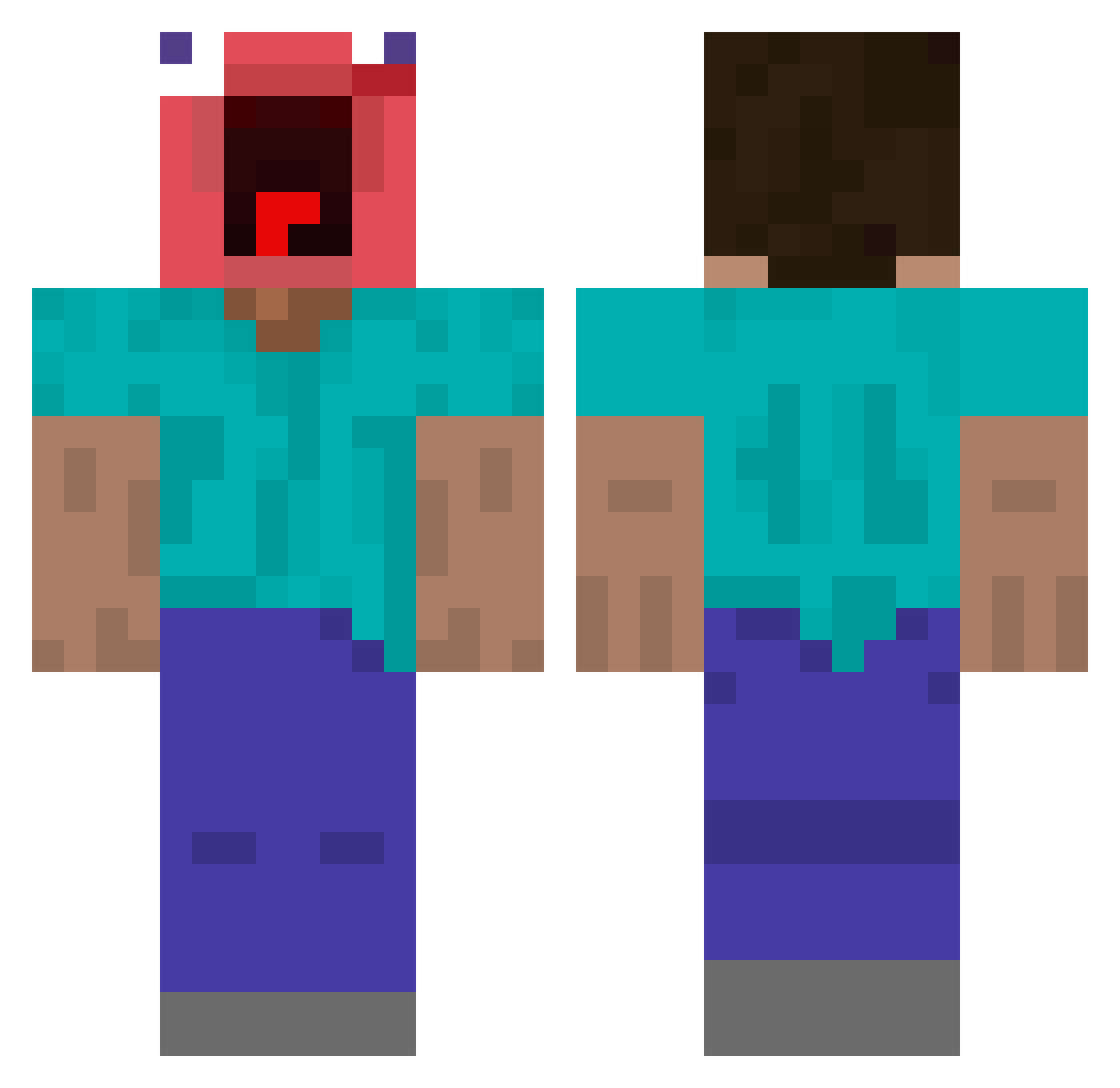
Minecraft skin of xulinnnn. Rotate the 3D model with your mouse or finger to view the skin from every angle, then download it as a PNG file and use it in Minecraft: Bedrock Edition or Java Edition for free. Rate the skin with stars to help other players find the best skins in our collection.
How to install the xulinnnn skin
- Press the Download button above to save the skin as a PNG file.
- Minecraft: Bedrock Edition (PE): open the Dressing Room from the main menu (or tap your character → Edit Character), go to Classic Skins → Owned, press the + (new skin) button, choose the downloaded PNG and pick the Classic (Steve) model. Works on PC and mobile; consoles cannot import custom skins.
- Minecraft: Java Edition: open the Minecraft Launcher, go to the Skins tab, click New Skin, load the PNG, pick the Classic (Steve) model and press Save & Use. You can also upload it at minecraft.net → Profile → Change Skin.
The skin does not show up after import - what should I do?
Restart Minecraft and open the Dressing Room again - imported skins sometimes appear only after a restart. Also make sure you selected the imported skin and picked the Classic (Steve) model.
Which model should I choose, Classic or Slim?
This skin is designed for the Classic (Steve) model. If you pick the wrong model, the arms of the skin will look stretched or squeezed.
Is this skin free to use?
Yes. Press Download, save the PNG file and use it in Minecraft: Bedrock Edition or Java Edition - no payment or registration needed. The skin also works on multiplayer servers and Realms.
More Screaming Minecraft skins
More skins
Looking for more? Go back to all Minecraft skins and check the top skins of the week, month and all time, or find any player's skin by nickname.