
XStarlight__ - Minecraft Skins & Skin History
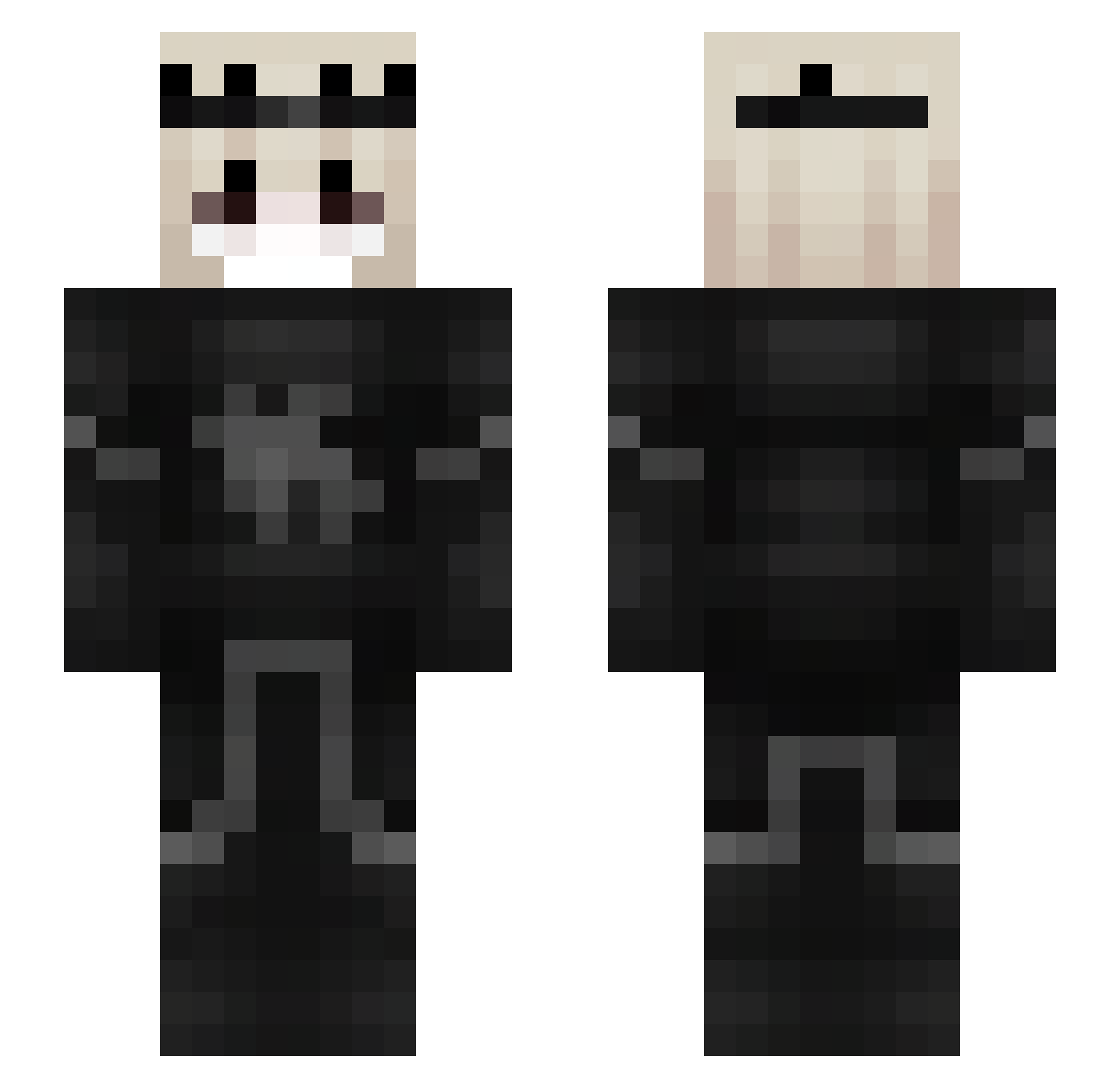
Current Minecraft skin of the player XStarlight__, loaded from the official Mojang API. Rotate the 3D model with your mouse or finger, then download the skin as a PNG file and use it in Minecraft: Bedrock Edition or Java Edition for free. When XStarlight__ changes their skin, this page updates automatically and the old skin stays in the history below.
Other players with this skin (45)
XStarlight__ was the 2nd player we have seen with this skin, first spotted on 26.07.2026. The same skin was seen on these players. Open a nickname to see their current skin and skin history.
 H0nored0ne Espeautomatic9 Young_Amaro Asphodellos BigBangFail smeax0001 d_u_p_i ReVnehw FrogBoyShane crim3sss Hzpe Krycha_Gabrycha Santeza
 Peron2030 k1senh MonKeyxAngry BlackDreamon Floresaw ga4bsart Melancony Life_Enchanter Viramon AkiN00dle _Rrenzyy PicklePigeon_ITA Kim_Joonk Calade Respelling Jelectus IsaacOnMC Jumble_NR MoaBallistic Androype Tenhikari R3miiii Nelsonrod Tier3VietNam KikoooOvO s0luna_ Craftber91 Anya102011 danguszeone Snu6sssik iRedzo Mazzay
More Face Mask Minecraft skins
How to install the XStarlight__ skin
- Press the Download button above to save the skin as a PNG file.
- Minecraft: Bedrock Edition (PE): open the Dressing Room from the main menu (or tap your character → Edit Character), go to Classic Skins → Owned, press the + (new skin) button, choose the downloaded PNG and pick the Slim (Alex) model. Works on PC and mobile; consoles cannot import custom skins.
- Minecraft: Java Edition: open the Minecraft Launcher, go to the Skins tab, click New Skin, load the PNG, pick the Slim (Alex) model and press Save & Use. You can also upload it at minecraft.net → Profile → Change Skin.
The skin does not show up after import - what should I do?
Restart Minecraft and open the Dressing Room again - imported skins sometimes appear only after a restart. Also make sure you selected the imported skin and picked the Slim (Alex) model.
Which model should I choose, Classic or Slim?
This skin is designed for the Slim (Alex) model. If you pick the wrong model, the arms of the skin will look stretched or squeezed.
Is the skin of XStarlight__ free to download?
Yes. Press Download, save the PNG file and use it in Minecraft: Bedrock Edition or Java Edition - no payment or registration needed. The skin also works on multiplayer servers and Realms.
More skins
Looking for more? Go back to all Minecraft skins and check the top skins of the week, month and all time, or find any player's skin by nickname.