
 Kahodo Mhody Kakeet Loguc AwesomeAlex707 kichan06 Daracoth ItsImJoi BiduleChoze eyptO ProbablySawyer Untasteful Boss_games14 SausagE_SausE Kojexa iDragonize_ DeepRed_ FrostKougar MICKEYGAMEPLAYS Valkyriiking siru38 sunboy3028 Viki055 kemada6 DarkKarma_ Oait the_noob0021 xleinad18x Yell00w Bjmeesterking hejieze Sukeru repairab3leTria Anthem0 IndeikaZavr yisenP Korean_Jolly Difda3 Reeces_Preeces AntoninPoussin RezenLND Datshot68 IHades0 _MohamedAli_ Tambuddy SyntexHD3 bla7ax DotNot chaeupark Maple_Edict Mishanea77 MyRealNameIsTodd Zero0625 TonioTriple7 daboyofdoi Toxic_Oleg AlbertLSCT F4icker davidx99 Arbitra
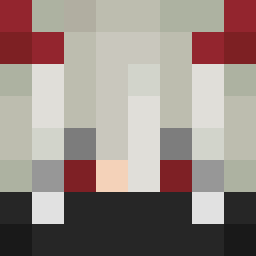
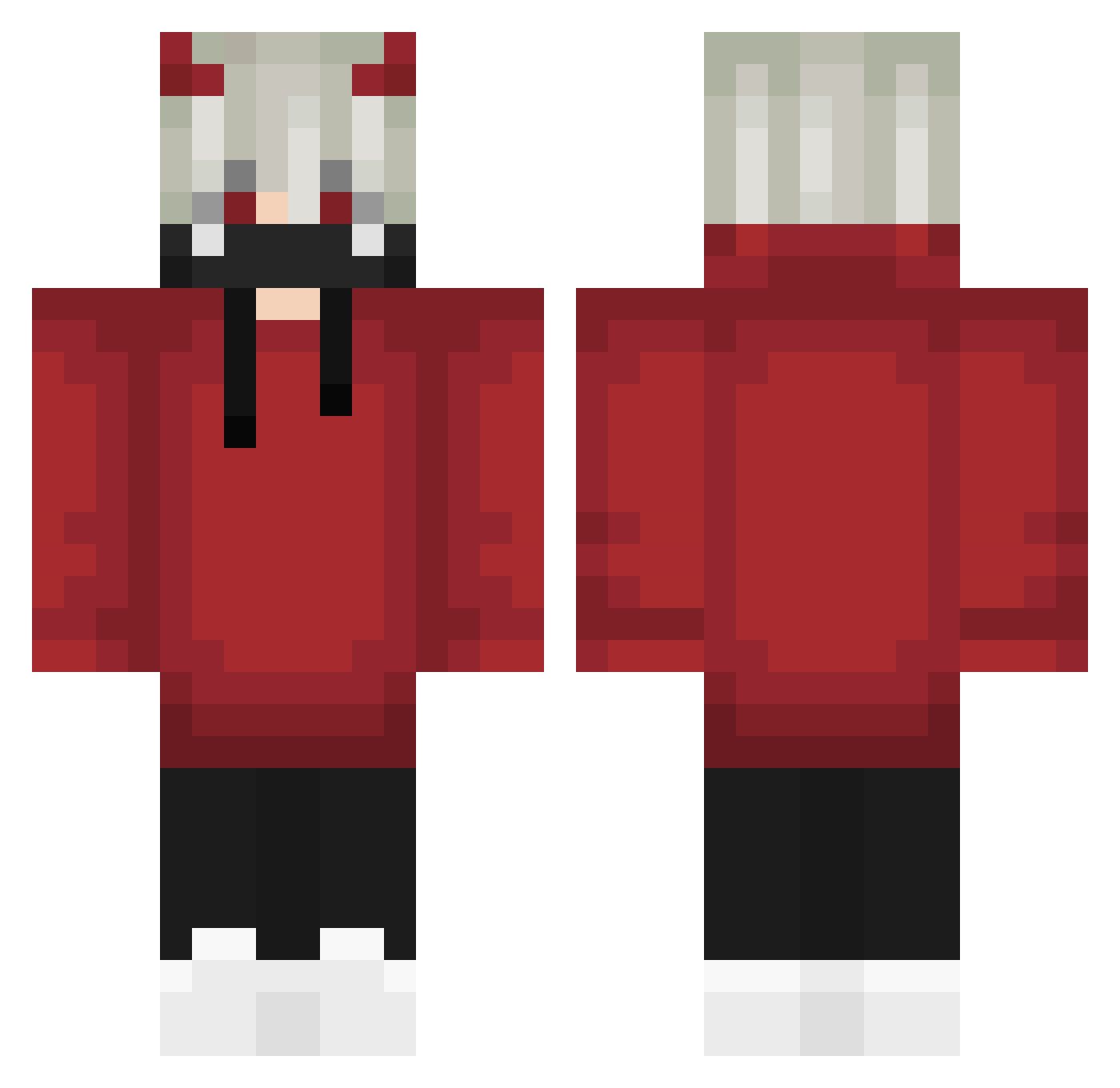
Minecraft skin of lichpit. Rotate the 3D model with your mouse or finger to view the skin from every angle, then download it as a PNG file and use it in Minecraft: Bedrock Edition or Java Edition for free. Rate the skin with stars to help other players find the best skins in our collection.
How to install the lichpit skin
- Press the Download button above to save the skin as a PNG file.
- Minecraft: Bedrock Edition (PE): open the Dressing Room from the main menu (or tap your character → Edit Character), go to Classic Skins → Owned, press the + (new skin) button, choose the downloaded PNG and pick the Classic (Steve) model. Works on PC and mobile; consoles cannot import custom skins.
- Minecraft: Java Edition: open the Minecraft Launcher, go to the Skins tab, click New Skin, load the PNG, pick the Classic (Steve) model and press Save & Use. You can also upload it at minecraft.net → Profile → Change Skin.
The skin does not show up after import - what should I do?
Restart Minecraft and open the Dressing Room again - imported skins sometimes appear only after a restart. Also make sure you selected the imported skin and picked the Classic (Steve) model.
Which model should I choose, Classic or Slim?
This skin is designed for the Classic (Steve) model. If you pick the wrong model, the arms of the skin will look stretched or squeezed.
Is this skin free to use?
Yes. Press Download, save the PNG file and use it in Minecraft: Bedrock Edition or Java Edition - no payment or registration needed. The skin also works on multiplayer servers and Realms.
More Demon Horns Minecraft skins
More skins
Looking for more? Go back to all Minecraft skins and check the top skins of the week, month and all time, or find any player's skin by nickname.