
 LunaSeymour 1OrangeJuice1 Gragnorth DaMazyy JOAKKILY frajola_gamer K1m1_5 PrincesseCam MamiToast Kiwi_lein3 martiiinaa sseaph Guiamuve krewetkaa _Deli_ Tadsel Jarret007 Lars_45_hd Chr0matized MatteBlackRoses AndressaFox Ayoub_noob1 MARGARlTA Buildo_ sxziii alleecat8 olcix21 Ania121123121 Rainyday951 GiovannaRJ eli4112 WolfStrawberryy DizzyRogue nxls03 Victoria_Tori SegiBubregMLG mustafaaIQ WCTaucherin Surerkev waterman98252835 Elinetjuhx HIMFIRSIZZ Ya_ne_Tuchka jhitlr Ashley_Wolf_1106 mooonk3y xOguzBey urisa Jelly_Jam7 Perm_Army_bot_14 kozakanayo Equo_venator Annxa EinfachePuschel zoyeeyee MelanieBlxck TropicalSky3773 TheMadMartigan karadenise GayaDrouk
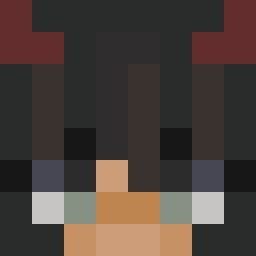
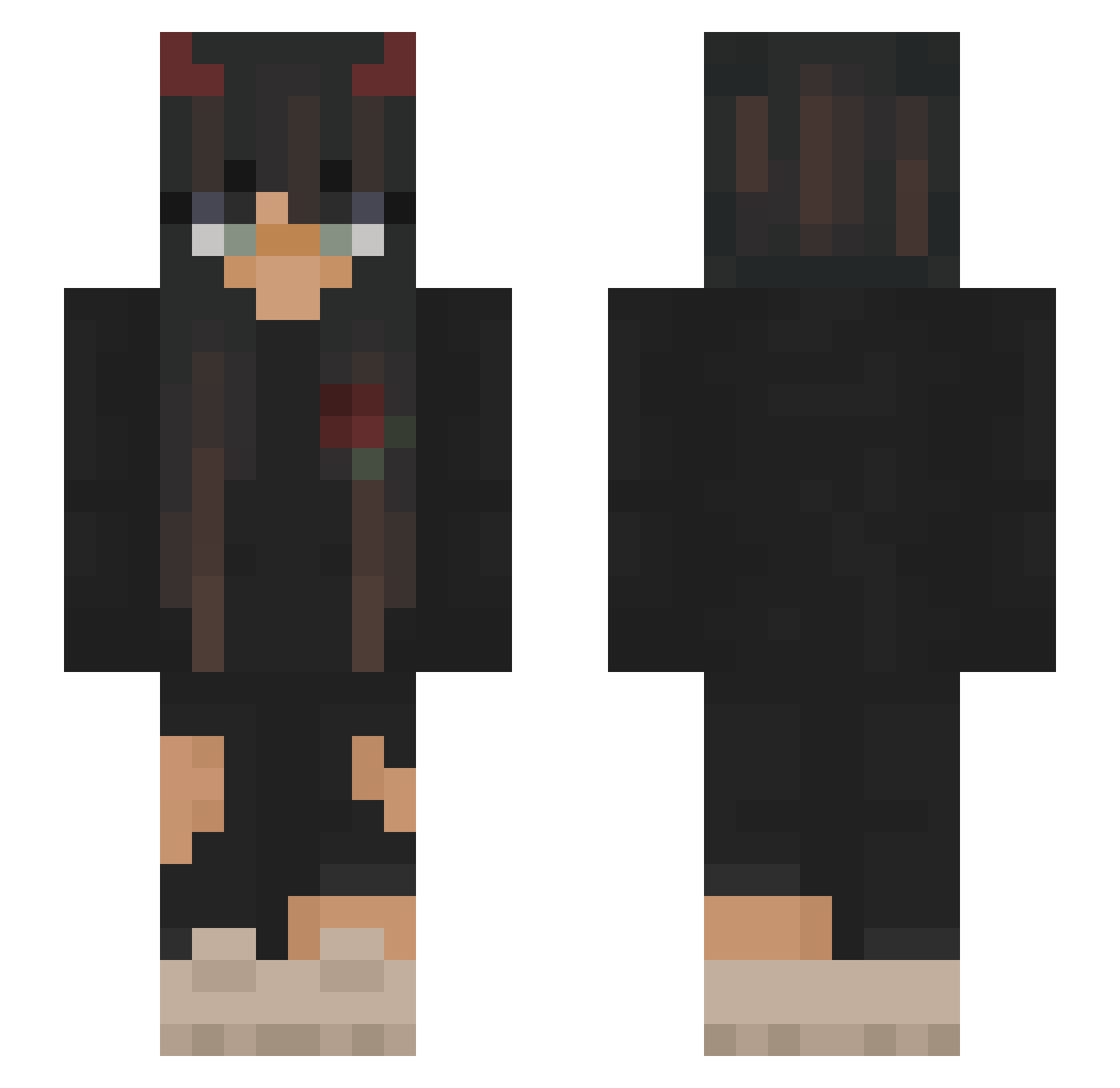
Minecraft skin of xBrzys. Rotate the 3D model with your mouse or finger to view the skin from every angle, then download it as a PNG file and use it in Minecraft: Bedrock Edition or Java Edition for free. Rate the skin with stars to help other players find the best skins in our collection.
How to install the xBrzys skin
- Press the Download button above to save the skin as a PNG file.
- Minecraft: Bedrock Edition (PE): open the Dressing Room from the main menu (or tap your character → Edit Character), go to Classic Skins → Owned, press the + (new skin) button, choose the downloaded PNG and pick the Slim (Alex) model. Works on PC and mobile; consoles cannot import custom skins.
- Minecraft: Java Edition: open the Minecraft Launcher, go to the Skins tab, click New Skin, load the PNG, pick the Slim (Alex) model and press Save & Use. You can also upload it at minecraft.net → Profile → Change Skin.
The skin does not show up after import - what should I do?
Restart Minecraft and open the Dressing Room again - imported skins sometimes appear only after a restart. Also make sure you selected the imported skin and picked the Slim (Alex) model.
Which model should I choose, Classic or Slim?
This skin is designed for the Slim (Alex) model. If you pick the wrong model, the arms of the skin will look stretched or squeezed.
Is this skin free to use?
Yes. Press Download, save the PNG file and use it in Minecraft: Bedrock Edition or Java Edition - no payment or registration needed. The skin also works on multiplayer servers and Realms.
More Demon Horns Minecraft skins
More skins
Looking for more? Go back to all Minecraft skins and check the top skins of the week, month and all time, or find any player's skin by nickname.