
Westxon - Minecraft Skins & Skin History
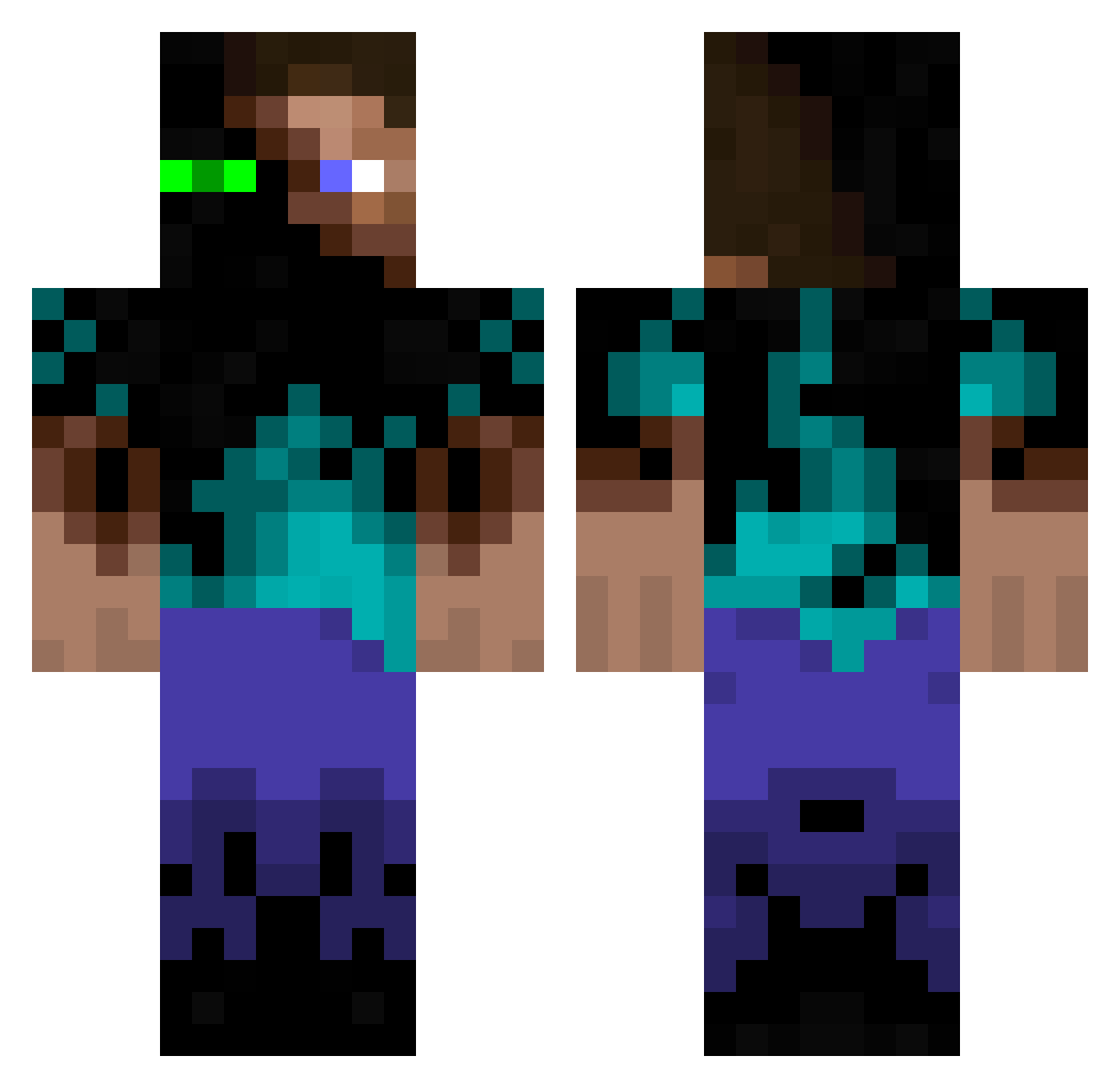
Current Minecraft skin of the player Westxon, loaded from the official Mojang API. Rotate the 3D model with your mouse or finger, then download the skin as a PNG file and use it in Minecraft: Bedrock Edition or Java Edition for free. When Westxon changes their skin, this page updates automatically and the old skin stays in the history below.
Other players with this skin (942)
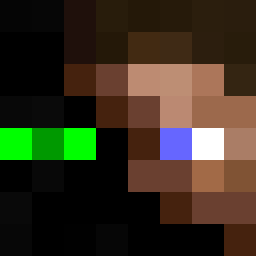
Westxon was the 54th player we have seen with this skin, first spotted on 29.07.2026. The same skin was seen on these players. Open a nickname to see their current skin and skin history.
 rabaerabebu shizzlewizzle SecretAgent006 ludo2333 thegamer101010 theALEXESTEVA Neb518 Zicanari Xman552 Subtract101 Draeger8 Kudesn1k753 Jakob1007 LuckyStriker96 darknife25 dustmaster25 BaconFase JustToastIt Tom0314 Sticks98 spexilGOD Eclipezz BENWOOD9 SirJoaking crafty_crafter00 QIVI655 jako9573 Jonathan5433 AttilaKhan Matte_Black TheMyrr ActonBlossom thenupary thatcoolkid1138 Owstar123 clapinAlt8 tomwilly101 Skellborn bwaaaa64 Nikolai_GOB seanhk Oli4V2005 K1NG1E bassman194 demonicblue kaltereistee TurboLuvr falsedemise superdewy11 Chemicalkid4L Harbinger_7 Tbbas jarand700 boredblind cedericb5 VeynGaming simonhp1 IzziTheGreatest tahveli DESTROYERKONA
More Glowing Eyes Minecraft skins
See all 2320 Glowing Eyes skins
How to install the Westxon skin
- Press the Download button above to save the skin as a PNG file.
- Minecraft: Bedrock Edition (PE): open the Dressing Room from the main menu (or tap your character → Edit Character), go to Classic Skins → Owned, press the + (new skin) button, choose the downloaded PNG and pick the Classic (Steve) model. Works on PC and mobile; consoles cannot import custom skins.
- Minecraft: Java Edition: open the Minecraft Launcher, go to the Skins tab, click New Skin, load the PNG, pick the Classic (Steve) model and press Save & Use. You can also upload it at minecraft.net → Profile → Change Skin.
The skin does not show up after import - what should I do?
Restart Minecraft and open the Dressing Room again - imported skins sometimes appear only after a restart. Also make sure you selected the imported skin and picked the Classic (Steve) model.
Which model should I choose, Classic or Slim?
This skin is designed for the Classic (Steve) model. If you pick the wrong model, the arms of the skin will look stretched or squeezed.
Is the skin of Westxon free to download?
Yes. Press Download, save the PNG file and use it in Minecraft: Bedrock Edition or Java Edition - no payment or registration needed. The skin also works on multiplayer servers and Realms.
More skins
Looking for more? Go back to all Minecraft skins and check the top skins of the week, month and all time, or find any player's skin by nickname.