
WeschEEE - Minecraft Skins & Skin History
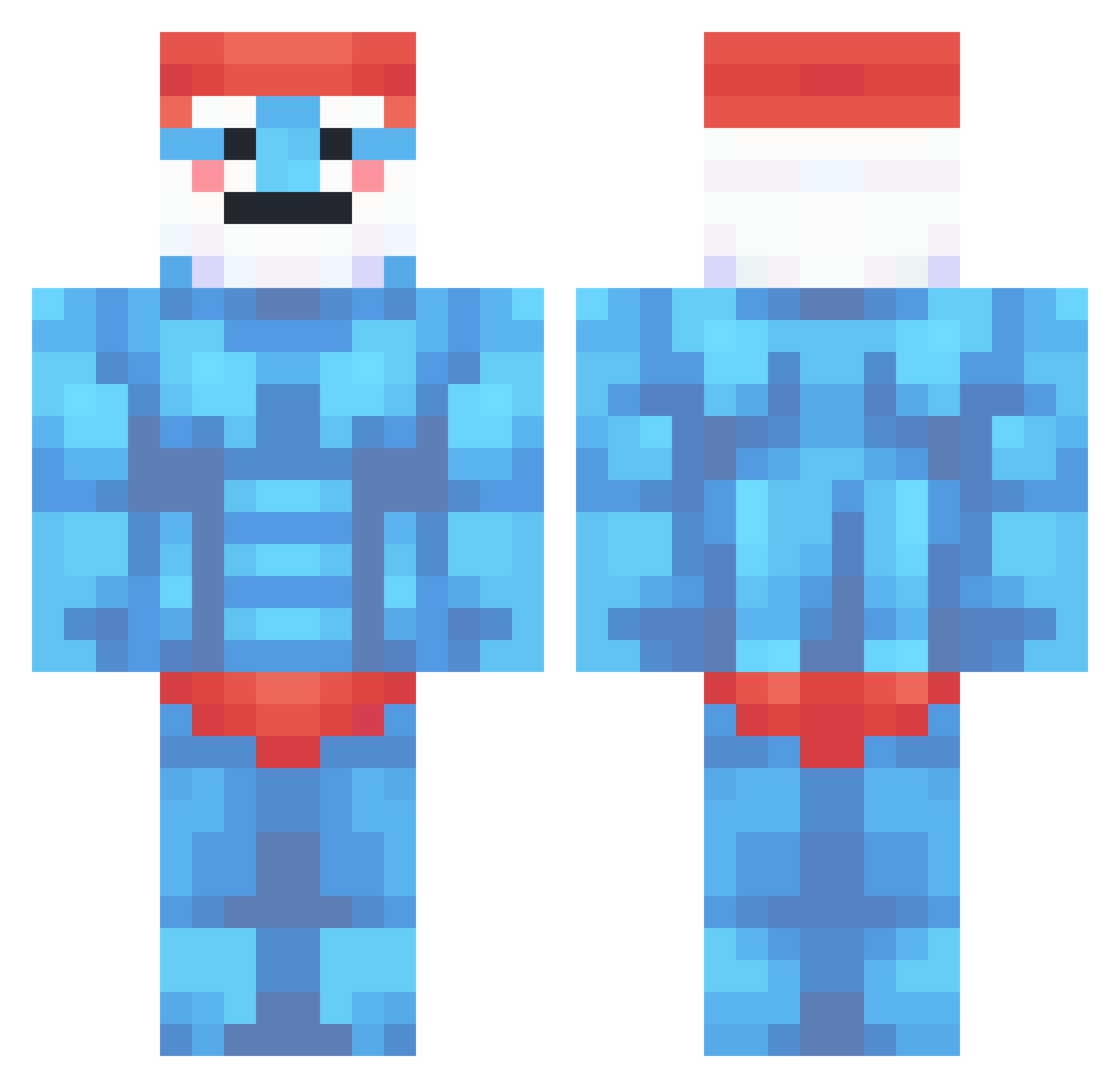
Current Minecraft skin of the player WeschEEE, loaded from the official Mojang API. Rotate the 3D model with your mouse or finger, then download the skin as a PNG file and use it in Minecraft: Bedrock Edition or Java Edition for free. When WeschEEE changes their skin, this page updates automatically and the old skin stays in the history below.
Other players with this skin (360)
WeschEEE was the 150th player we have seen with this skin, first spotted on 09.09.2026. The same skin was seen on these players. Open a nickname to see their current skin and skin history.
 Atorekkk Stylox_your_end
 DragonOv6942 TastyWaffel ReDRobbA Fuzz33 SlickDaddyTyce Petetheplant syptc CA_TIA its_Peace Alimp1K YamataSulla qn1ks Mytsu_San Papafar07 Franciman handstandman Nojus69 hatbeat ElShian Awersome iShields Kawaskiii Mi2007lan Luukhz GordZiIIa piuzbik s2thelongyyy Atchleyy ShadowASE L3fe Sa1saPicante SupremeKdog myetram Kimpis09 Craft_Miner2 h0623 Zorker44 saucylouie roberto7754 TrixNuteria1 BuzzEast Izehail Lichingusa blacknebel unknownslayerX KongiGamer_08 KlrPancakes Ejen4132 Fab1f1 Szmergieluch KrzysztofKiler Owerlord Lyrex__ SSHADY10 SaRp_6666 Badaba_ Morganbrine _kaslevitch_
More Papa Smurf Minecraft skins
How to install the WeschEEE skin
- Press the Download button above to save the skin as a PNG file.
- Minecraft: Bedrock Edition (PE): open the Dressing Room from the main menu (or tap your character → Edit Character), go to Classic Skins → Owned, press the + (new skin) button, choose the downloaded PNG and pick the Classic (Steve) model. Works on PC and mobile; consoles cannot import custom skins.
- Minecraft: Java Edition: open the Minecraft Launcher, go to the Skins tab, click New Skin, load the PNG, pick the Classic (Steve) model and press Save & Use. You can also upload it at minecraft.net → Profile → Change Skin.
The skin does not show up after import - what should I do?
Restart Minecraft and open the Dressing Room again - imported skins sometimes appear only after a restart. Also make sure you selected the imported skin and picked the Classic (Steve) model.
Which model should I choose, Classic or Slim?
This skin is designed for the Classic (Steve) model. If you pick the wrong model, the arms of the skin will look stretched or squeezed.
Is the skin of WeschEEE free to download?
Yes. Press Download, save the PNG file and use it in Minecraft: Bedrock Edition or Java Edition - no payment or registration needed. The skin also works on multiplayer servers and Realms.
More skins
Looking for more? Go back to all Minecraft skins and check the top skins of the week, month and all time, or find any player's skin by nickname.