
Viniman15 - Minecraft Skins & Skin History
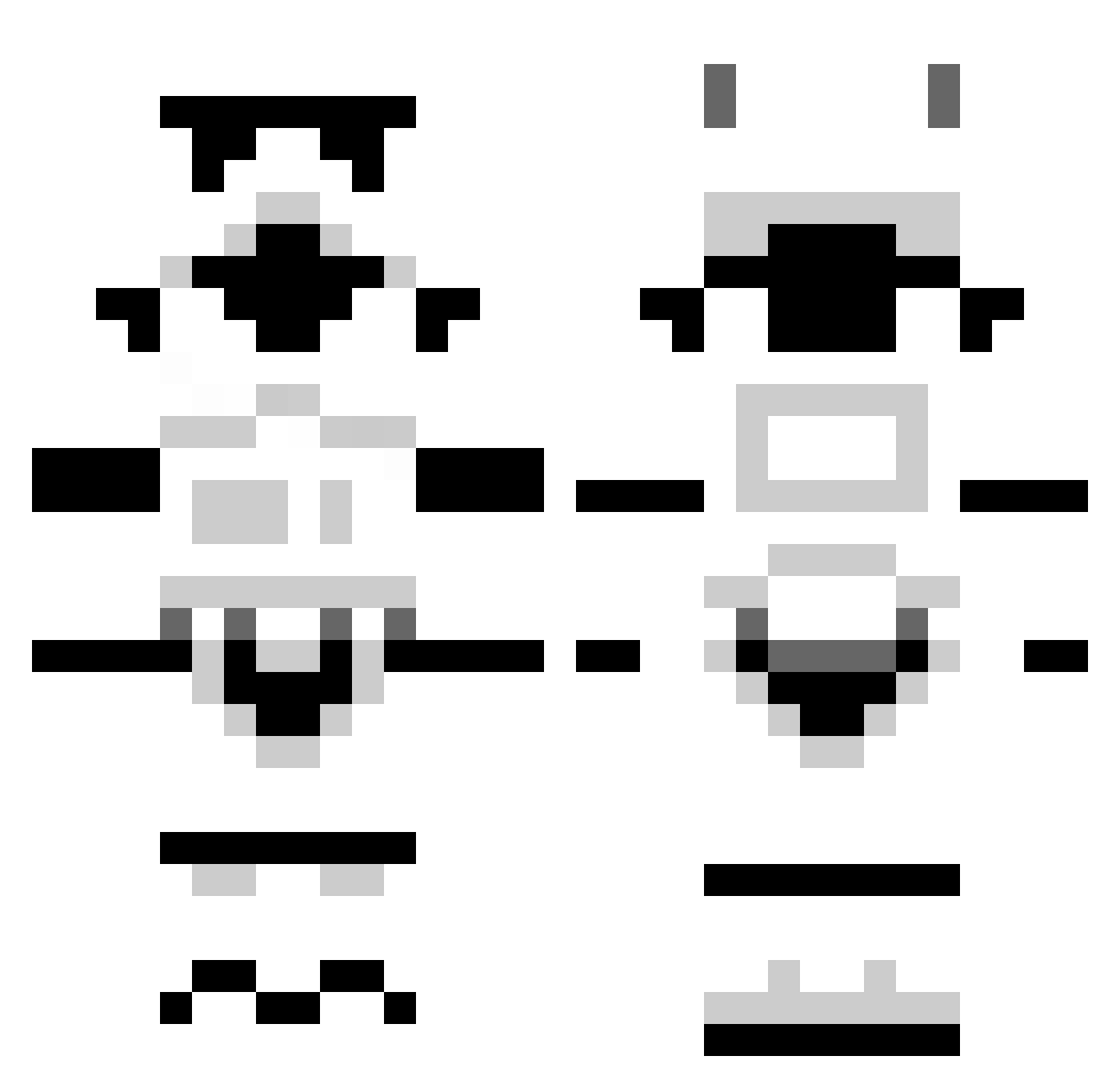
Current Minecraft skin of the player Viniman15, loaded from the official Mojang API. Rotate the 3D model with your mouse or finger, then download the skin as a PNG file and use it in Minecraft: Bedrock Edition or Java Edition for free. When Viniman15 changes their skin, this page updates automatically and the old skin stays in the history below.
Other players with this skin (1304)
Viniman15 was the 559th player we have seen with this skin, first spotted on 15.09.2026. The same skin was seen on these players. Open a nickname to see their current skin and skin history.
 Big_Bad_Wolf_Au Osle2000 ryno28 deathkja Antichton TheSkitts Zorky96 Aurelienmine Choco97 ktkayaker Adrian_wcj NewProvidence FluffyMonkey564 LeTsStasi1996 LDrago44 Meowziz AgentMrQ TommyGun20 sofarnone Alexban Lostsaka thepumbler BenWeezy DSauceTheBoss Wes07 LOST_LEADER Millsman163 OverTheEdge1013 Isaac_b Davitt212 MOFWIC Honey_Balls Cahoney Bagler68 Teacrow jafacake007 bberinger13 Dobbes grimes2011 almost_arab Medic593 Confus86 stycho FearTheFilipino jalva50 newdlzzz chaotidoom RhysGrim Gabebone hong_min Segax911 Poussinou greatlakejake Ravagedcows jboss43 AbominatioN137 RAYKOVE Mod_Austin brokenflea KrabbyIsBest
More Stormtrooper Minecraft skins
See all 531 Stormtrooper skins
How to install the Viniman15 skin
- Press the Download button above to save the skin as a PNG file.
- Minecraft: Bedrock Edition (PE): open the Dressing Room from the main menu (or tap your character → Edit Character), go to Classic Skins → Owned, press the + (new skin) button, choose the downloaded PNG and pick the Classic (Steve) model. Works on PC and mobile; consoles cannot import custom skins.
- Minecraft: Java Edition: open the Minecraft Launcher, go to the Skins tab, click New Skin, load the PNG, pick the Classic (Steve) model and press Save & Use. You can also upload it at minecraft.net → Profile → Change Skin.
The skin does not show up after import - what should I do?
Restart Minecraft and open the Dressing Room again - imported skins sometimes appear only after a restart. Also make sure you selected the imported skin and picked the Classic (Steve) model.
Which model should I choose, Classic or Slim?
This skin is designed for the Classic (Steve) model. If you pick the wrong model, the arms of the skin will look stretched or squeezed.
Is the skin of Viniman15 free to download?
Yes. Press Download, save the PNG file and use it in Minecraft: Bedrock Edition or Java Edition - no payment or registration needed. The skin also works on multiplayer servers and Realms.
More skins
Looking for more? Go back to all Minecraft skins and check the top skins of the week, month and all time, or find any player's skin by nickname.