
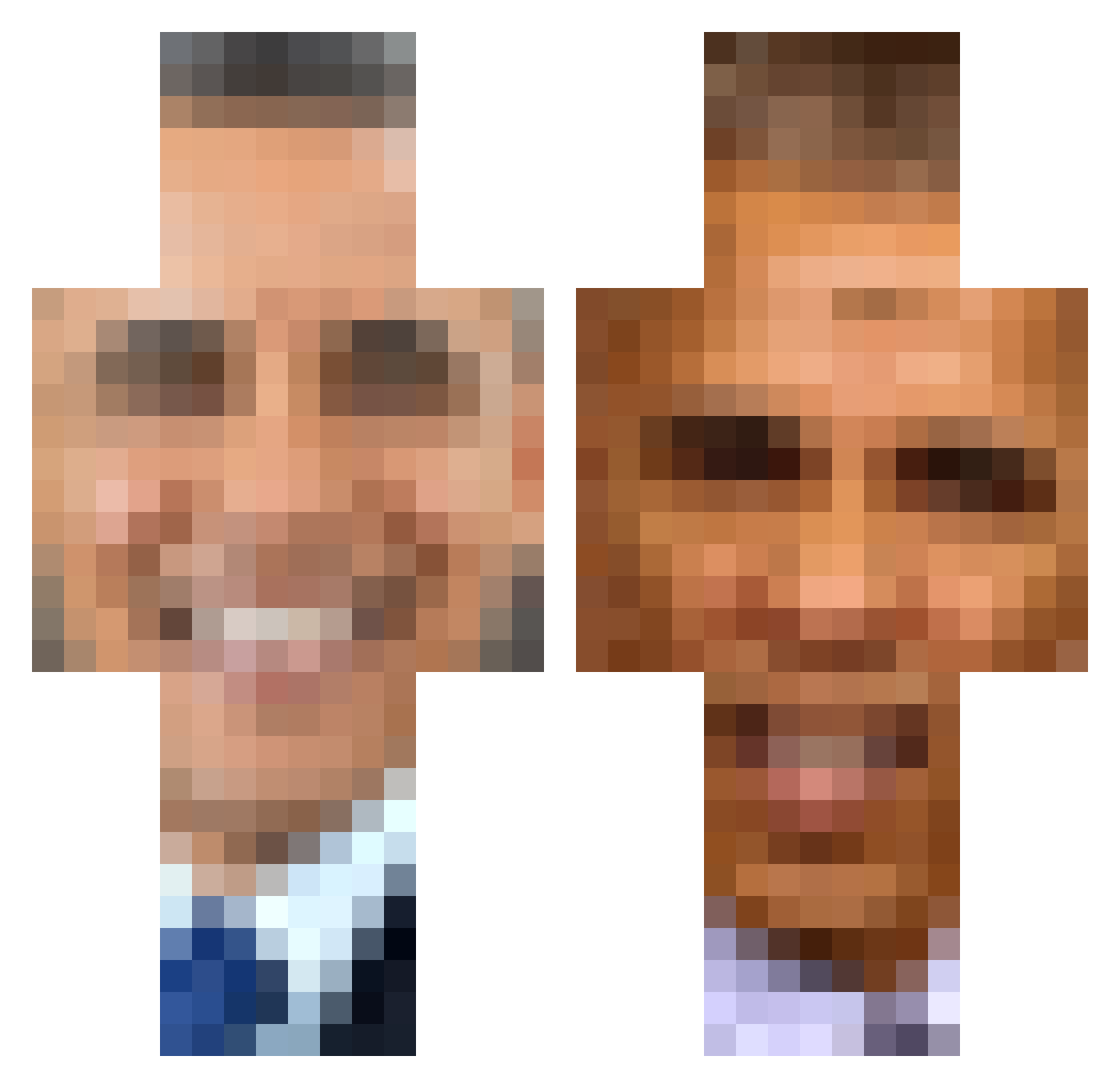
Current Minecraft skin of the player Vidlak_Sustr, loaded from the official Mojang API. Rotate the 3D model with your mouse or finger, then download the skin as a PNG file and use it in Minecraft: Bedrock Edition or Java Edition for free. When Vidlak_Sustr changes their skin, this page updates automatically and the old skin stays in the history below.
Other players with this skin (300)
Vidlak_Sustr was the 243rd player we have seen with this skin, first spotted on 01.10.2026. The same skin was seen on these players. Open a nickname to see their current skin and skin history.
 lucasrai69 happyfacesmiling bluewolf_fry Ninjiz Ryanbattleeyes VORTEX_D2 PYRINX Thick_mc_chick bigibombom Dmerrigan1 Obama2021 WaltonJiggums bnnmilkshake ObamaIsGaming ShutUpObama ButWholeBlasted LacedemonYT Elon_musk_tesla hawkinsmx199 Kleme Meat_Washer FormerPres_Obama hobones kinging ashite54 L0CHT00 StripperPeter Zantobozz Kev_bev06 WhatsObamasLastN Bunny_Bouncer687 n0va223 Giantpotato Canebagnato89 milkprinter Aguustiing Techtr0 ThePatroller Shovelnose Python339 super_cucumber Tomitipi MetalFox Mischeviousnut xXG4M3Rxx4LYFX koychet JacksPizza AnghEel obamasof MrJoeBidenCool DingDongBigSlong moonilade newjeansofficial Kozlowka Handy_Andy69 0tus xbayxx Spybongos Cranberrypie53 Broluck82
More Barack Obama Minecraft skins
See all 224 Barack Obama skins
How to install the Vidlak_Sustr skin
- Press the Download button above to save the skin as a PNG file.
- Minecraft: Bedrock Edition (PE): open the Dressing Room from the main menu (or tap your character → Edit Character), go to Classic Skins → Owned, press the + (new skin) button, choose the downloaded PNG and pick the Classic (Steve) model. Works on PC and mobile; consoles cannot import custom skins.
- Minecraft: Java Edition: open the Minecraft Launcher, go to the Skins tab, click New Skin, load the PNG, pick the Classic (Steve) model and press Save & Use. You can also upload it at minecraft.net → Profile → Change Skin.
The skin does not show up after import - what should I do?
Restart Minecraft and open the Dressing Room again - imported skins sometimes appear only after a restart. Also make sure you selected the imported skin and picked the Classic (Steve) model.
Which model should I choose, Classic or Slim?
This skin is designed for the Classic (Steve) model. If you pick the wrong model, the arms of the skin will look stretched or squeezed.
Is the skin of Vidlak_Sustr free to download?
Yes. Press Download, save the PNG file and use it in Minecraft: Bedrock Edition or Java Edition - no payment or registration needed. The skin also works on multiplayer servers and Realms.
More skins
Looking for more? Go back to all Minecraft skins and check the top skins of the week, month and all time, or find any player's skin by nickname.