
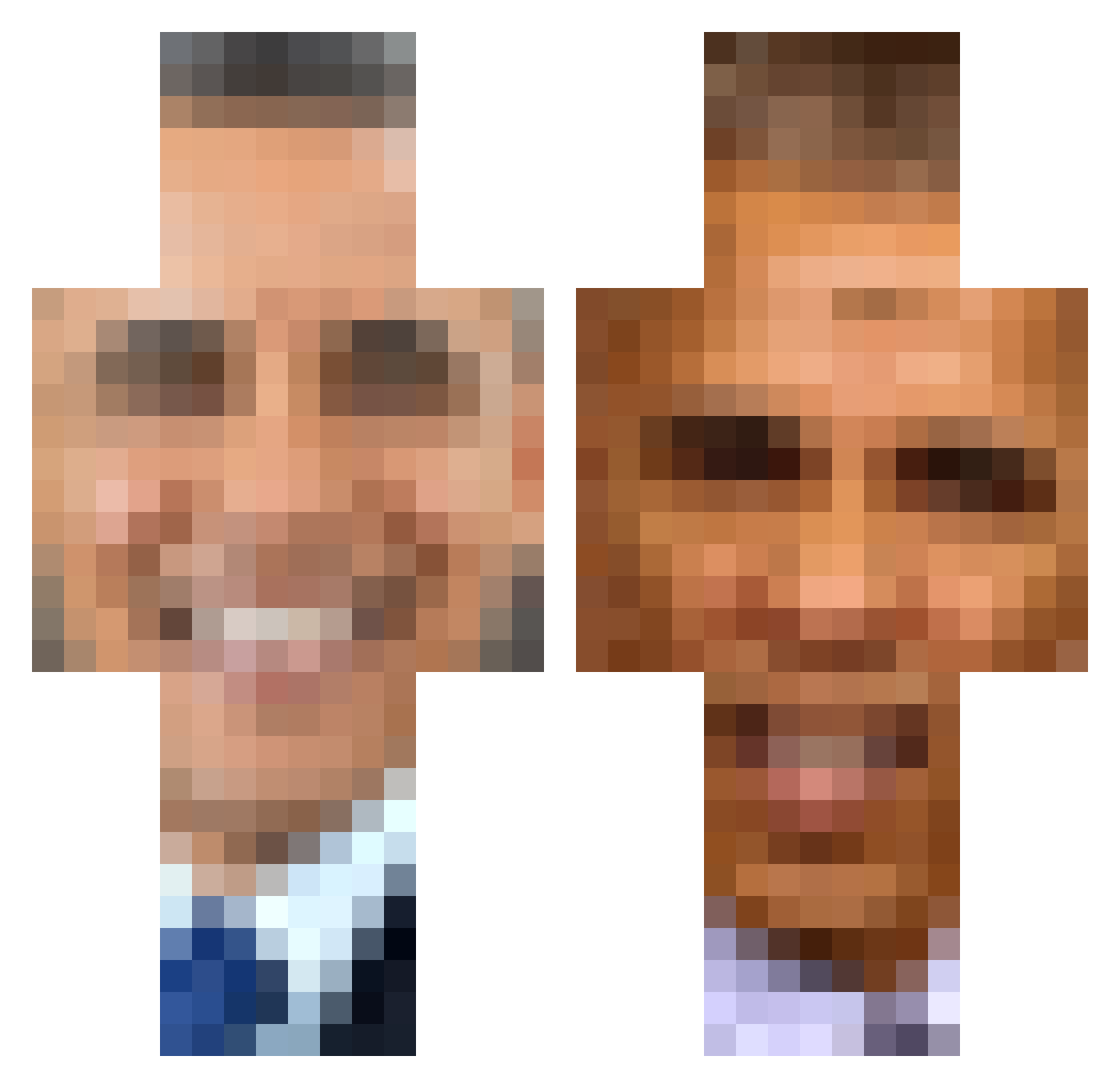
Current Minecraft skin of the player AnghEel, loaded from the official Mojang API. Rotate the 3D model with your mouse or finger, then download the skin as a PNG file and use it in Minecraft: Bedrock Edition or Java Edition for free. When AnghEel changes their skin, this page updates automatically and the old skin stays in the history below.
Other players with this skin (300)
AnghEel was the 266th player we have seen with this skin, first spotted on 07.10.2026. The same skin was seen on these players. Open a nickname to see their current skin and skin history.
 JacksPizza MetalFox Python339 ThePatroller milkprinter Giantpotato Bunny_Bouncer687 WhatsObamasLastN Bababooeey DavyJ0N3Slocker Zantobozz DustyBender69 b3ef amo8204 Zer0xZer0 KLAUDlA NBush17 Mashedpotato256 ipushP_ Papysus SourCream_Lays L0CHT00 TrizzleCurrent iProks hobones Tony_Cahk Taifu1 NightmanVEVO the_scoobs M0N7YYY Kleme Cheady Jairojesus3 Elon_musk_tesla Tf_Phoenix Meteoroid121 ButWholeBlasted ObamaIsGaming bnnmilkshake WaltonJiggums TRISHSMELLS Obama2021 Marlex00 crrustard Dmerrigan1 bigibombom s_t_a_n_k_y bluewolf_fry lucasrai69 Vidlak_Sustr happyfacesmiling Ninjiz Ryanbattleeyes VORTEX_D2 PYRINX Thick_mc_chick ObamaFor2020 ShutUpObama LacedemonYT tanner22kr
More Barack Obama Minecraft skins
See all 224 Barack Obama skins
How to install the AnghEel skin
- Press the Download button above to save the skin as a PNG file.
- Minecraft: Bedrock Edition (PE): open the Dressing Room from the main menu (or tap your character → Edit Character), go to Classic Skins → Owned, press the + (new skin) button, choose the downloaded PNG and pick the Classic (Steve) model. Works on PC and mobile; consoles cannot import custom skins.
- Minecraft: Java Edition: open the Minecraft Launcher, go to the Skins tab, click New Skin, load the PNG, pick the Classic (Steve) model and press Save & Use. You can also upload it at minecraft.net → Profile → Change Skin.
The skin does not show up after import - what should I do?
Restart Minecraft and open the Dressing Room again - imported skins sometimes appear only after a restart. Also make sure you selected the imported skin and picked the Classic (Steve) model.
Which model should I choose, Classic or Slim?
This skin is designed for the Classic (Steve) model. If you pick the wrong model, the arms of the skin will look stretched or squeezed.
Is the skin of AnghEel free to download?
Yes. Press Download, save the PNG file and use it in Minecraft: Bedrock Edition or Java Edition - no payment or registration needed. The skin also works on multiplayer servers and Realms.
More skins
Looking for more? Go back to all Minecraft skins and check the top skins of the week, month and all time, or find any player's skin by nickname.