
VegettoJose - Minecraft Skins & Skin History
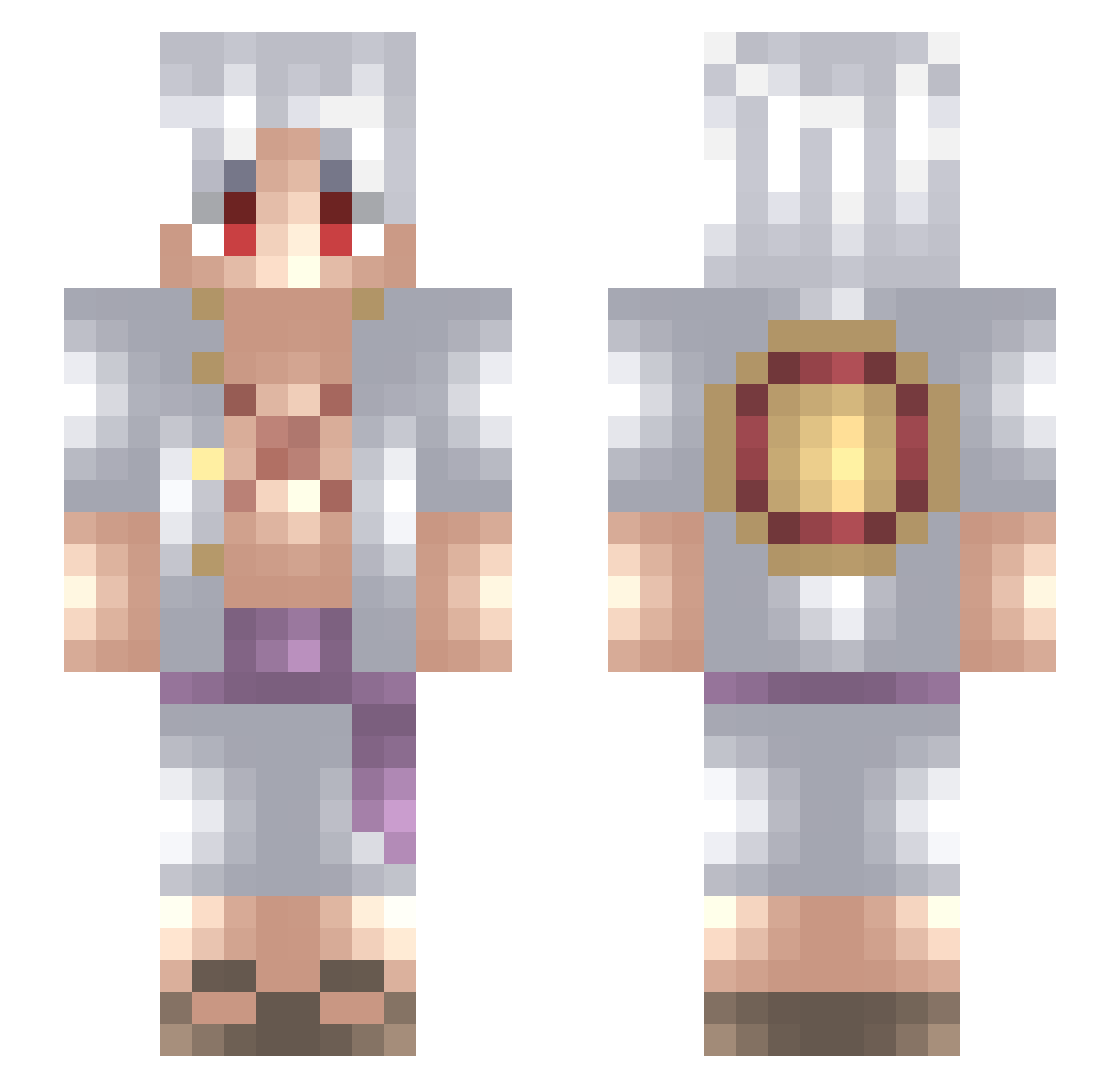
Current Minecraft skin of the player VegettoJose, loaded from the official Mojang API. Rotate the 3D model with your mouse or finger, then download the skin as a PNG file and use it in Minecraft: Bedrock Edition or Java Edition for free. When VegettoJose changes their skin, this page updates automatically and the old skin stays in the history below.
Other players with this skin (726)
VegettoJose was the 420th player we have seen with this skin, first spotted on 29.09.2026. The same skin was seen on these players. Open a nickname to see their current skin and skin history.
 Golliraz Firo479 Piki1997 DragonVS2609 Ifoundyouu Jager777 Alexeimer Usohachii bingjing88 Deigo_Marcel Wedeadit BraxellLP RC_Sky Jhonwn Keroks Joaco787 G4bri3l_Rnd wdhwdh mucasapeca BigManApe Campillo8 MrSlope KnusperLejs AToxY_ KensEyePatch BSGgaming luffypoofy iRealNF AlexxZK23 Vlacce dragondarkslays Lukeflame57 MarquixYT Scoldix WarBey49 MajesticRai Elimio18 Jiinzoo ElPiPo04 silasfcg05 Lilglor1564 TOPIKACHU AndiMRQ cryeep MinerEnjoyer69 KenCh0p SilverFloyd QuantumDooks Marko_G Mattcredible1212 BJDJALL go_rk SomeG3mer naywenXD BigXmas ERMERGHERD1 SirButteryToast Orblitz17 Sicary17 Chispin777
More Monkey D Luffy Minecraft skins
See all 967 Monkey D Luffy skins
How to install the VegettoJose skin
- Press the Download button above to save the skin as a PNG file.
- Minecraft: Bedrock Edition (PE): open the Dressing Room from the main menu (or tap your character → Edit Character), go to Classic Skins → Owned, press the + (new skin) button, choose the downloaded PNG and pick the Slim (Alex) model. Works on PC and mobile; consoles cannot import custom skins.
- Minecraft: Java Edition: open the Minecraft Launcher, go to the Skins tab, click New Skin, load the PNG, pick the Slim (Alex) model and press Save & Use. You can also upload it at minecraft.net → Profile → Change Skin.
The skin does not show up after import - what should I do?
Restart Minecraft and open the Dressing Room again - imported skins sometimes appear only after a restart. Also make sure you selected the imported skin and picked the Slim (Alex) model.
Which model should I choose, Classic or Slim?
This skin is designed for the Slim (Alex) model. If you pick the wrong model, the arms of the skin will look stretched or squeezed.
Is the skin of VegettoJose free to download?
Yes. Press Download, save the PNG file and use it in Minecraft: Bedrock Edition or Java Edition - no payment or registration needed. The skin also works on multiplayer servers and Realms.
More skins
Looking for more? Go back to all Minecraft skins and check the top skins of the week, month and all time, or find any player's skin by nickname.