
TokTok - Minecraft Skins & Skin History
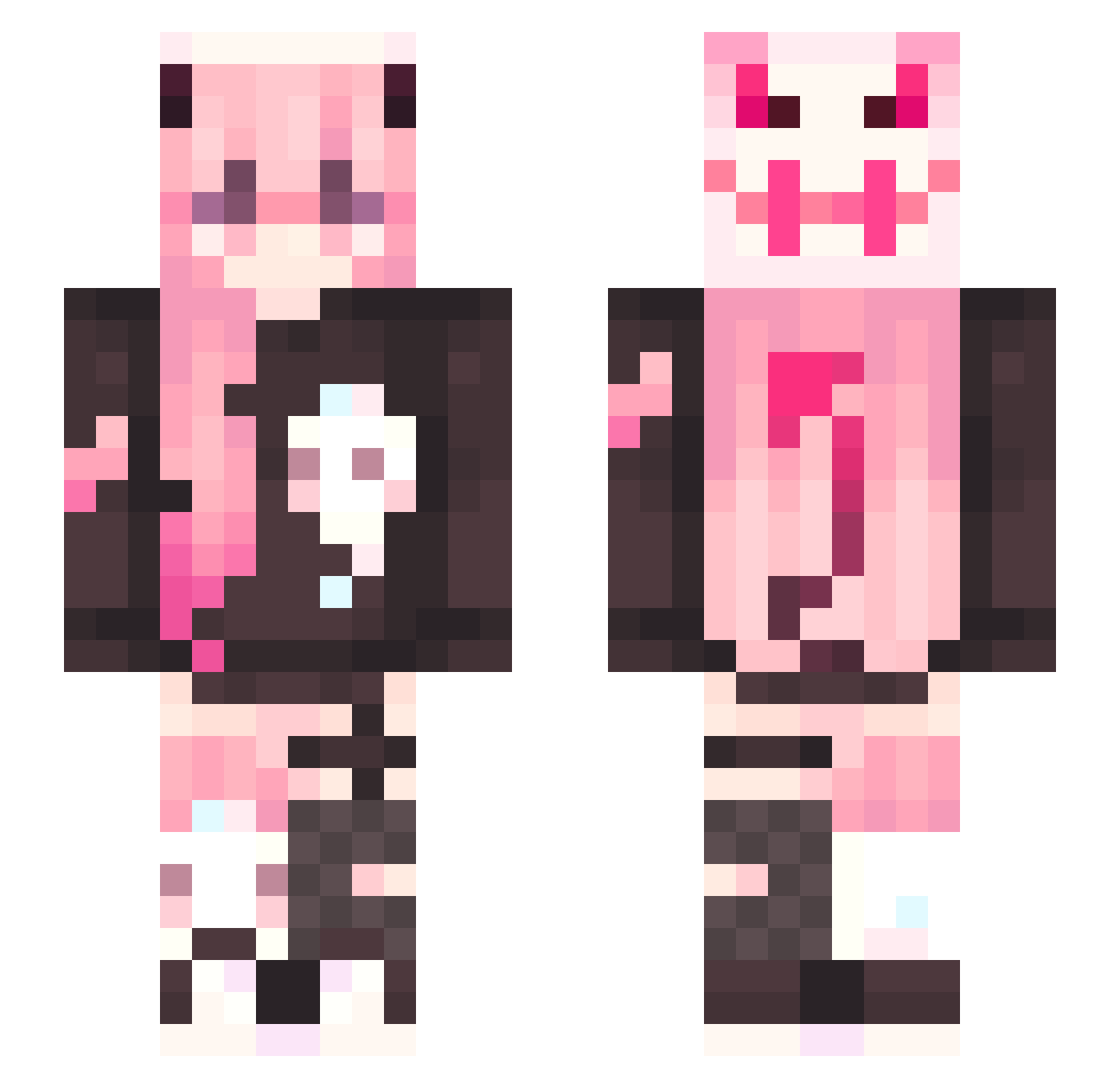
Current Minecraft skin of the player TokTok, loaded from the official Mojang API. Rotate the 3D model with your mouse or finger, then download the skin as a PNG file and use it in Minecraft: Bedrock Edition or Java Edition for free. When TokTok changes their skin, this page updates automatically and the old skin stays in the history below.
Other players with this skin (378)
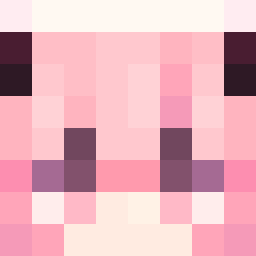
TokTok was the 350th player we have seen with this skin, first spotted on 09.11.2026. The same skin was seen on these players. Open a nickname to see their current skin and skin history.
 inswwne shinano72 Lightsageri Rydiaa 27MMKK D3ST1NY1312 BloveDawn nekoko5108 Emooo_ Sawyb shoalvie Powerofthelight Pippismuumi Purin02 YouTubeButton Ajdan06 Miya_owo hisonlygirl sinoniUO Pythra97 _Cat_0 Whodeenie SchetaXXI TescoSnail iam3den _miklos_ PortalBark0306 AmaoMao_VT BigGrampus Grain_awa urmom_96 Elvis_Vinograd TiredandHungry ZuziZuzi2012 Jollybear01 _Starbell Tony17102 Asia8998 Batstar101 kimno56 MayaIsCoolio loeyshine ThanYon cReAk7655 Shisu_uu WassupRapStar Yungdelion FengXiangBiao stars0908 Ayanodrawzzz RadiatedCorn Shionome Lovely_Izzy ktaehyun221 LittleBya lilyrose1155 Shidoh279 NnooonN nekomancer5319 ARTWM2
More Demon Minecraft skins
How to install the TokTok skin
- Press the Download button above to save the skin as a PNG file.
- Minecraft: Bedrock Edition (PE): open the Dressing Room from the main menu (or tap your character → Edit Character), go to Classic Skins → Owned, press the + (new skin) button, choose the downloaded PNG and pick the Slim (Alex) model. Works on PC and mobile; consoles cannot import custom skins.
- Minecraft: Java Edition: open the Minecraft Launcher, go to the Skins tab, click New Skin, load the PNG, pick the Slim (Alex) model and press Save & Use. You can also upload it at minecraft.net → Profile → Change Skin.
The skin does not show up after import - what should I do?
Restart Minecraft and open the Dressing Room again - imported skins sometimes appear only after a restart. Also make sure you selected the imported skin and picked the Slim (Alex) model.
Which model should I choose, Classic or Slim?
This skin is designed for the Slim (Alex) model. If you pick the wrong model, the arms of the skin will look stretched or squeezed.
Is the skin of TokTok free to download?
Yes. Press Download, save the PNG file and use it in Minecraft: Bedrock Edition or Java Edition - no payment or registration needed. The skin also works on multiplayer servers and Realms.
More skins
Looking for more? Go back to all Minecraft skins and check the top skins of the week, month and all time, or find any player's skin by nickname.