
Tissssue - Minecraft Skins & Skin History
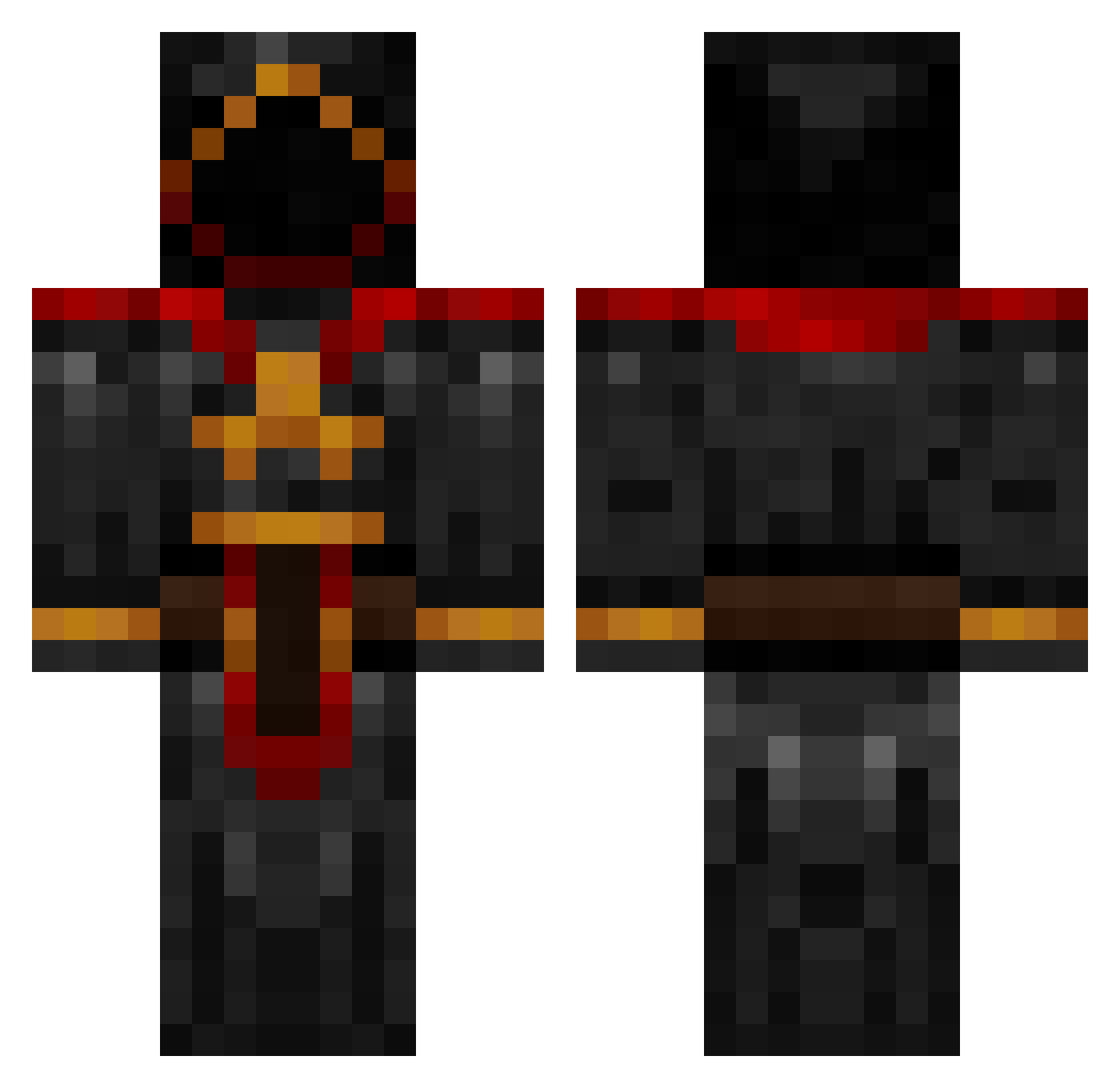
Current Minecraft skin of the player Tissssue, loaded from the official Mojang API. Rotate the 3D model with your mouse or finger, then download the skin as a PNG file and use it in Minecraft: Bedrock Edition or Java Edition for free. When Tissssue changes their skin, this page updates automatically and the old skin stays in the history below.
Other players with this skin (883)
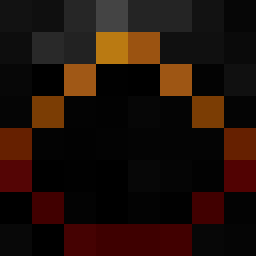
Tissssue was the 533rd player we have seen with this skin, first spotted on 29.09.2026. The same skin was seen on these players. Open a nickname to see their current skin and skin history.
 Awur Pyrantes Romooska iJacka 1024bit Rite666 ROTFLMFA0 krazanth JustOjuice e_elovessugar gubbis voffla99 Meschond05 connorjaime Skarotte Mindfucr Nuggfush nico887 Version43 stingingscorpio KillerPotato90 Radnem mrj1234567890 _momomo SosaOP sandtrap101 cilo Mattylax19 Arkaidius Ekassault MetaXCI jamierterrell jpandrusky Eliviel_ Josh_Appell Dreadguard21 CravingCombos warbluecat Jonte_swed TurboTechnology Eritiert Titus_Mora CloakedGGamer TheUnforgivenIII Killgen Justicej2001 bleh2me _bobby_boten_ TenBel0w soccerpro2003 soo2384 whyiateyourcat Hayashi7 TheGameNeverends Pollux___ Mista_Zoid CLEO565656 DestroyerEMP nmyoungblood bob159159
More Cultist Minecraft skins
How to install the Tissssue skin
- Press the Download button above to save the skin as a PNG file.
- Minecraft: Bedrock Edition (PE): open the Dressing Room from the main menu (or tap your character → Edit Character), go to Classic Skins → Owned, press the + (new skin) button, choose the downloaded PNG and pick the Classic (Steve) model. Works on PC and mobile; consoles cannot import custom skins.
- Minecraft: Java Edition: open the Minecraft Launcher, go to the Skins tab, click New Skin, load the PNG, pick the Classic (Steve) model and press Save & Use. You can also upload it at minecraft.net → Profile → Change Skin.
The skin does not show up after import - what should I do?
Restart Minecraft and open the Dressing Room again - imported skins sometimes appear only after a restart. Also make sure you selected the imported skin and picked the Classic (Steve) model.
Which model should I choose, Classic or Slim?
This skin is designed for the Classic (Steve) model. If you pick the wrong model, the arms of the skin will look stretched or squeezed.
Is the skin of Tissssue free to download?
Yes. Press Download, save the PNG file and use it in Minecraft: Bedrock Edition or Java Edition - no payment or registration needed. The skin also works on multiplayer servers and Realms.
More skins
Looking for more? Go back to all Minecraft skins and check the top skins of the week, month and all time, or find any player's skin by nickname.