
 Vior_xo AdiDFA Vorsehung harryxpotter moizst reaperr696 beans4564lkimga Vancvx G_lct Hans18743 Resucked whos_right93 Apolo524 Ftxshadows R3VOLVER_ shortstack1 Zinq0_ awildlevi Megadev1n Takumi2222 BuckFuttss SirrusZhelan kioaa NoctuX_ _d_o_o_r_ Antonio2409 Deffct Kevos0 fxbysss EK_Dragoon suzukazeryuusaki aib211 Geronon iamrynu PS7_MNSTIC I_Mc_I QcOg420 ImSleepful Chocodave FAZESSJ SatisWolf Welpe93 allepaca rottxnrxvn bogdan10 wingzio ShadowBlade74042 BeefyDevin BendyInkDemon__ TheRainbowner TeComboAoVivo RSTANN23 Microsoft_Clap MoeJoJo Zxckts AkaMyke FENCE_Cryptic RezendeGordo Defneu Alakay__
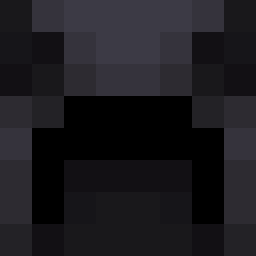
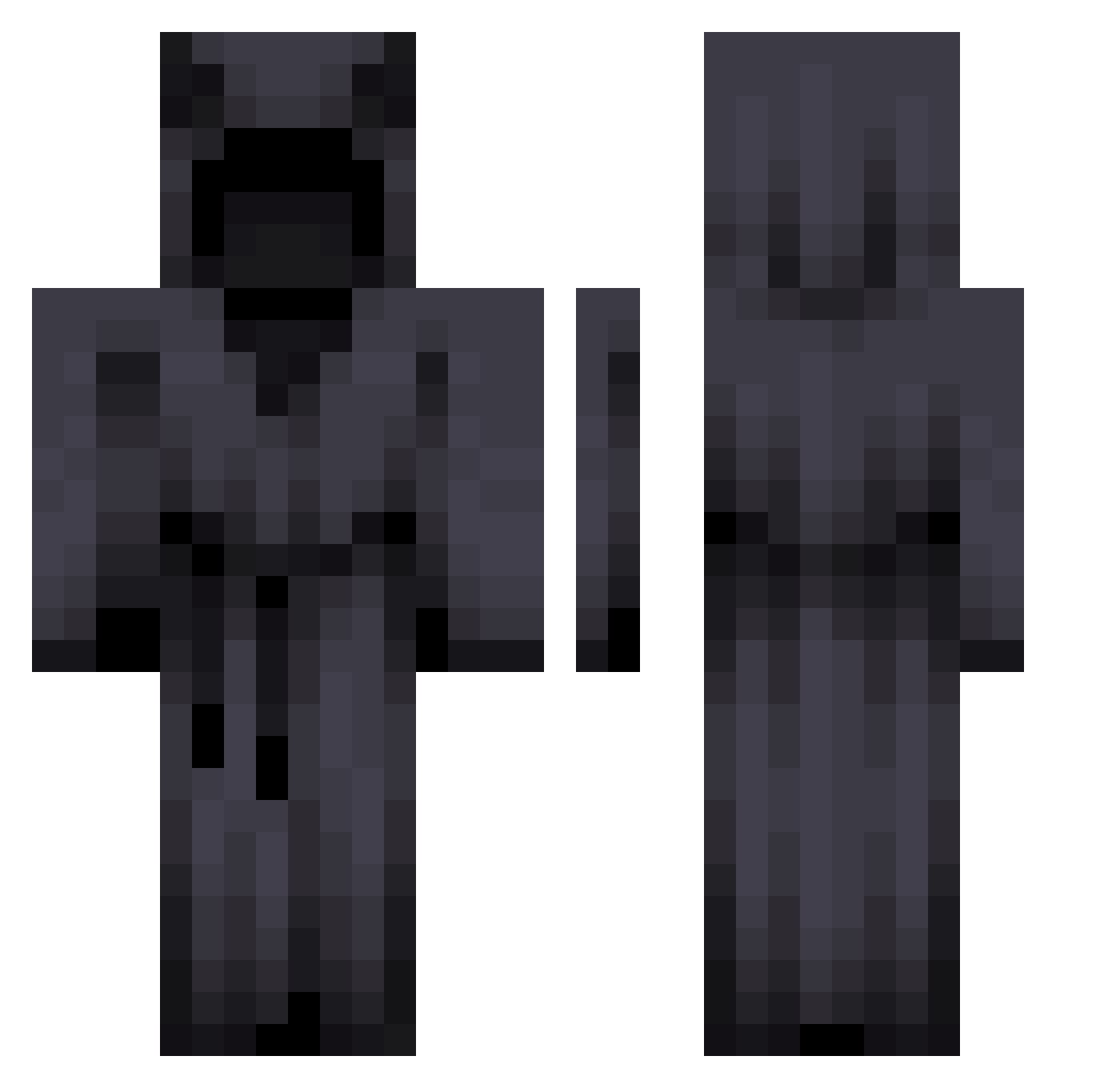
Minecraft skin of Pert0. Rotate the 3D model with your mouse or finger to view the skin from every angle, then download it as a PNG file and use it in Minecraft: Bedrock Edition or Java Edition for free. Rate the skin with stars to help other players find the best skins in our collection.
How to install the Pert0 skin
- Press the Download button above to save the skin as a PNG file.
- Minecraft: Bedrock Edition (PE): open the Dressing Room from the main menu (or tap your character → Edit Character), go to Classic Skins → Owned, press the + (new skin) button, choose the downloaded PNG and pick the Classic (Steve) model. Works on PC and mobile; consoles cannot import custom skins.
- Minecraft: Java Edition: open the Minecraft Launcher, go to the Skins tab, click New Skin, load the PNG, pick the Classic (Steve) model and press Save & Use. You can also upload it at minecraft.net → Profile → Change Skin.
The skin does not show up after import - what should I do?
Restart Minecraft and open the Dressing Room again - imported skins sometimes appear only after a restart. Also make sure you selected the imported skin and picked the Classic (Steve) model.
Which model should I choose, Classic or Slim?
This skin is designed for the Classic (Steve) model. If you pick the wrong model, the arms of the skin will look stretched or squeezed.
Is this skin free to use?
Yes. Press Download, save the PNG file and use it in Minecraft: Bedrock Edition or Java Edition - no payment or registration needed. The skin also works on multiplayer servers and Realms.
More Cultist Minecraft skins
More skins
Looking for more? Go back to all Minecraft skins and check the top skins of the week, month and all time, or find any player's skin by nickname.