
Thrawn888 - Minecraft Skins & Skin History
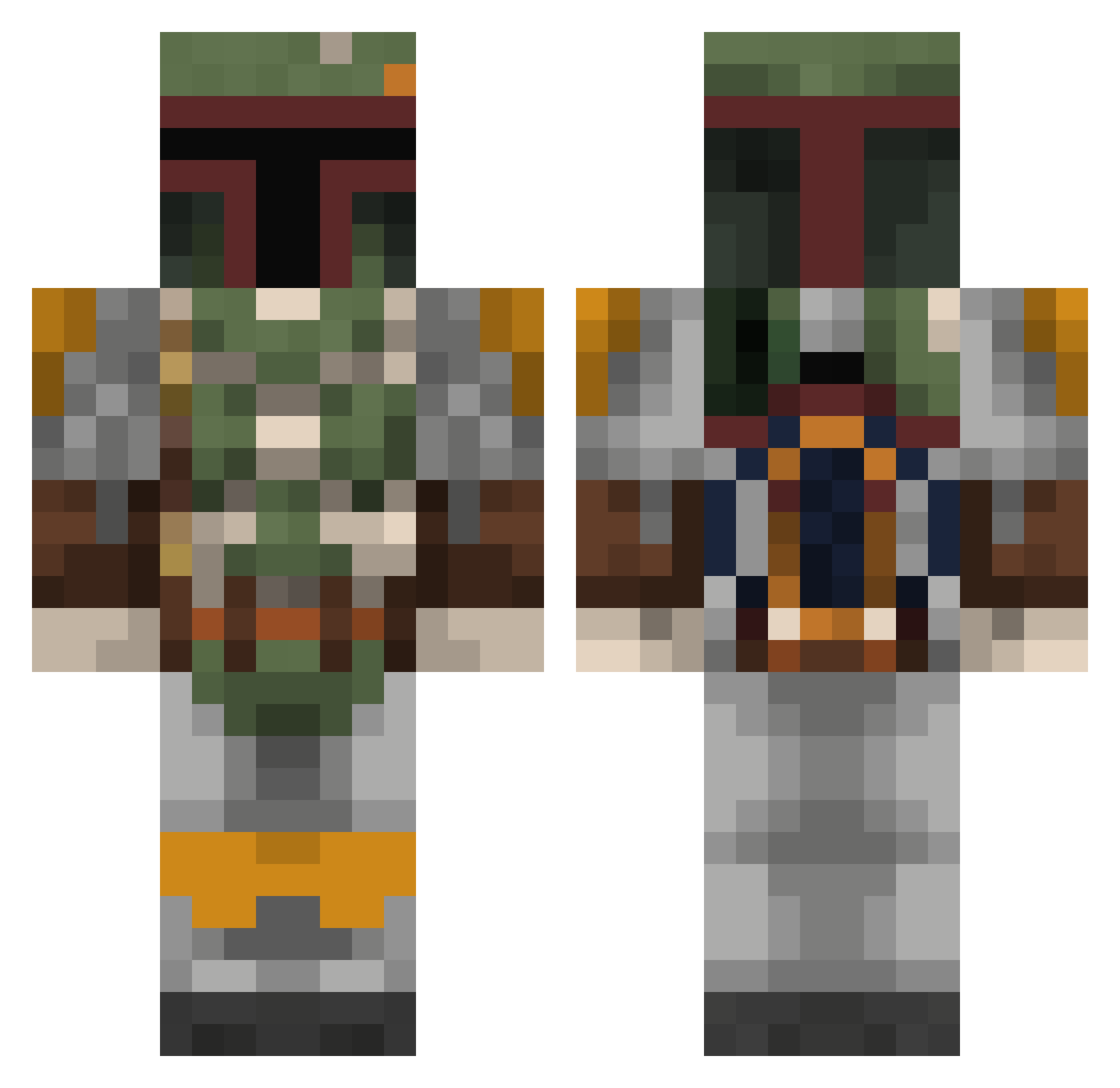
Current Minecraft skin of the player Thrawn888, loaded from the official Mojang API. Rotate the 3D model with your mouse or finger, then download the skin as a PNG file and use it in Minecraft: Bedrock Edition or Java Edition for free. When Thrawn888 changes their skin, this page updates automatically and the old skin stays in the history below.
Other players with this skin (803)
Thrawn888 was the 82nd player we have seen with this skin, first spotted on 05.08.2026. The same skin was seen on these players. Open a nickname to see their current skin and skin history.
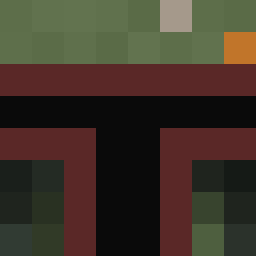 godengraham Joneser858 mehmet100 Anorak354 GaMEChld LeStorm BOC43 Twinkee_boy theboss2141 alikazam123 onexero bigking15e CrY_BadRock_ JackSoph aGRUNTKILLER DragonSlayor116 slashys1 lucfield Babblan Jizm0 PatchyElPirate ThaHigh Nesar couchus BobbaFett22 sack555 badori SammyBeans RojanTheTrojan MissMandalorian StarkValentine FootButcher snoopiey arcasensio alpacaUSA Thefluffybunny Patrick_0001 idkabettername JerehSad Mut389 fightingtalk EpicEindbaas ikjedi Redemption95 nlcproduction Ed_carz HuntsMart mikolodzaj lugii21 AFallingObject tobiasgideon NatttyDaddy MandoPete _R0NIN_ Kezza666 LWD2003 Samweise Edvintexas woofffie dave2977
More Boba Fett Minecraft skins
How to install the Thrawn888 skin
- Press the Download button above to save the skin as a PNG file.
- Minecraft: Bedrock Edition (PE): open the Dressing Room from the main menu (or tap your character → Edit Character), go to Classic Skins → Owned, press the + (new skin) button, choose the downloaded PNG and pick the Classic (Steve) model. Works on PC and mobile; consoles cannot import custom skins.
- Minecraft: Java Edition: open the Minecraft Launcher, go to the Skins tab, click New Skin, load the PNG, pick the Classic (Steve) model and press Save & Use. You can also upload it at minecraft.net → Profile → Change Skin.
The skin does not show up after import - what should I do?
Restart Minecraft and open the Dressing Room again - imported skins sometimes appear only after a restart. Also make sure you selected the imported skin and picked the Classic (Steve) model.
Which model should I choose, Classic or Slim?
This skin is designed for the Classic (Steve) model. If you pick the wrong model, the arms of the skin will look stretched or squeezed.
Is the skin of Thrawn888 free to download?
Yes. Press Download, save the PNG file and use it in Minecraft: Bedrock Edition or Java Edition - no payment or registration needed. The skin also works on multiplayer servers and Realms.
More skins
Looking for more? Go back to all Minecraft skins and check the top skins of the week, month and all time, or find any player's skin by nickname.