
 ExhaustedMess HUNT2816 BoJoFett Blackspeeder2 yorkPremonition BaronVonGamesYT dodosox Arthas_LichK1ng The__Jester Kjata1989 DyrtByk IroncladZombie Kittylasers rider134 HJHgaming Shaneobi AwesomeRykster Bostralian psno1994 samallen1993 genocidalgemini bloodylite 888SAMUEL888 Robe12359 Sturung776 LordVader1056 Lt_G_Bromhead bongafett tolly66 lucasaikins Eight_Tots nolekins Flomsat TheGamerz2 mjbaseball Dokie420 jerx1125 long4shot BluePhoenix717 Beinhard BillyT2008 Dhaward THEB0SS1010 chetara2010 Lysergi_ _Masha2_ phoenixking2008 Jubington NathanIsrael reaperv3 t0msv nightcrawler9691 Safehandsno1 Smokweedevrday Bluecatbob Gingyroo mistersweg Jack21co tanmanhockey22 ChristopherEnder
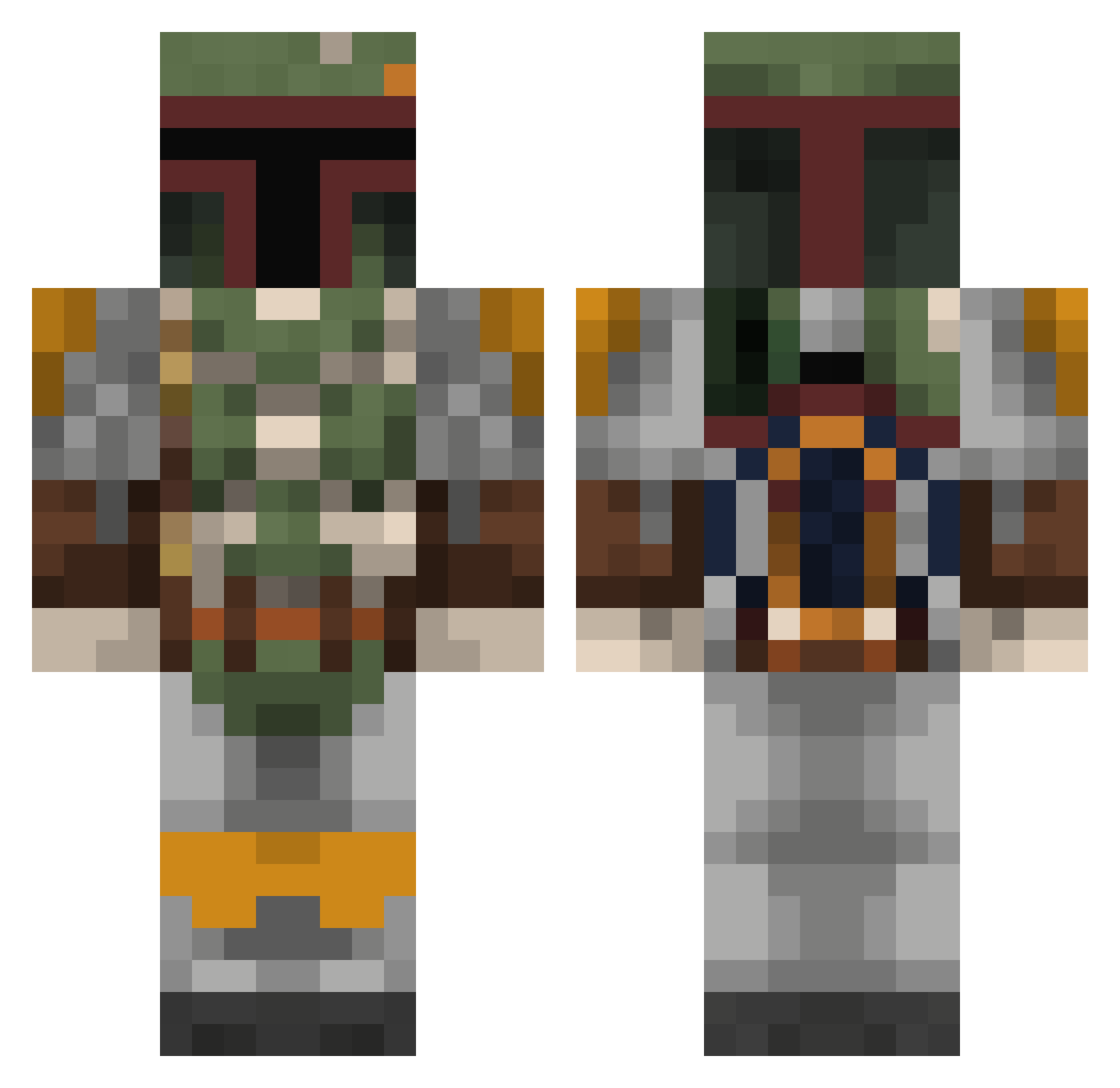
Minecraft skin of SKTImpact. Rotate the 3D model with your mouse or finger to view the skin from every angle, then download it as a PNG file and use it in Minecraft: Bedrock Edition or Java Edition for free. Rate the skin with stars to help other players find the best skins in our collection.
How to install the SKTImpact skin
- Press the Download button above to save the skin as a PNG file.
- Minecraft: Bedrock Edition (PE): open the Dressing Room from the main menu (or tap your character → Edit Character), go to Classic Skins → Owned, press the + (new skin) button, choose the downloaded PNG and pick the Classic (Steve) model. Works on PC and mobile; consoles cannot import custom skins.
- Minecraft: Java Edition: open the Minecraft Launcher, go to the Skins tab, click New Skin, load the PNG, pick the Classic (Steve) model and press Save & Use. You can also upload it at minecraft.net → Profile → Change Skin.
The skin does not show up after import - what should I do?
Restart Minecraft and open the Dressing Room again - imported skins sometimes appear only after a restart. Also make sure you selected the imported skin and picked the Classic (Steve) model.
Which model should I choose, Classic or Slim?
This skin is designed for the Classic (Steve) model. If you pick the wrong model, the arms of the skin will look stretched or squeezed.
Is this skin free to use?
Yes. Press Download, save the PNG file and use it in Minecraft: Bedrock Edition or Java Edition - no payment or registration needed. The skin also works on multiplayer servers and Realms.
More Boba Fett Minecraft skins
More skins
Looking for more? Go back to all Minecraft skins and check the top skins of the week, month and all time, or find any player's skin by nickname.