
 countdemonet CavemanFountain PEFILL ChildishPaulbino BreiterReiter Laith11 Jzeller03 BanillaCone Tiger4859 eiire Lichtenstein69 papanub2 MRHUNTZZ Nr21BobaFettFan RyRySully tornadogordo DarthWhon Arcus22 MarloRose_ dajapro808 DrWonderBread Tumblerr Jake_The_Snake98 EcroniXXX swiftyyco Master_Dave_73 guuamm hairy_eyeball Noahghg__ Islas11 ItsBradaT Hurren_ __GingerBeard__ 10TheDoctorX Hankocean1 JDSeay SoggyBubblewrap Chopperhead86 KingCrazyAdde DeepFriedNate IkerShane ThePtitBee Ehekky Bbsaint ChinoMtz FunnyTurtleMan MC_gaming21 laura__o Lawrence97 Uisneach ELTRR _Warboy_ flapjack2443 ponny125 Guigee xRednaxelanx CapitanUniverse kacolorado ToddLeFond24 Lenrax
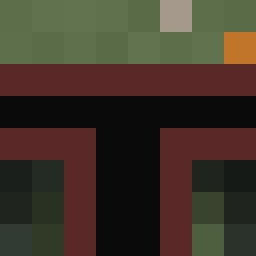
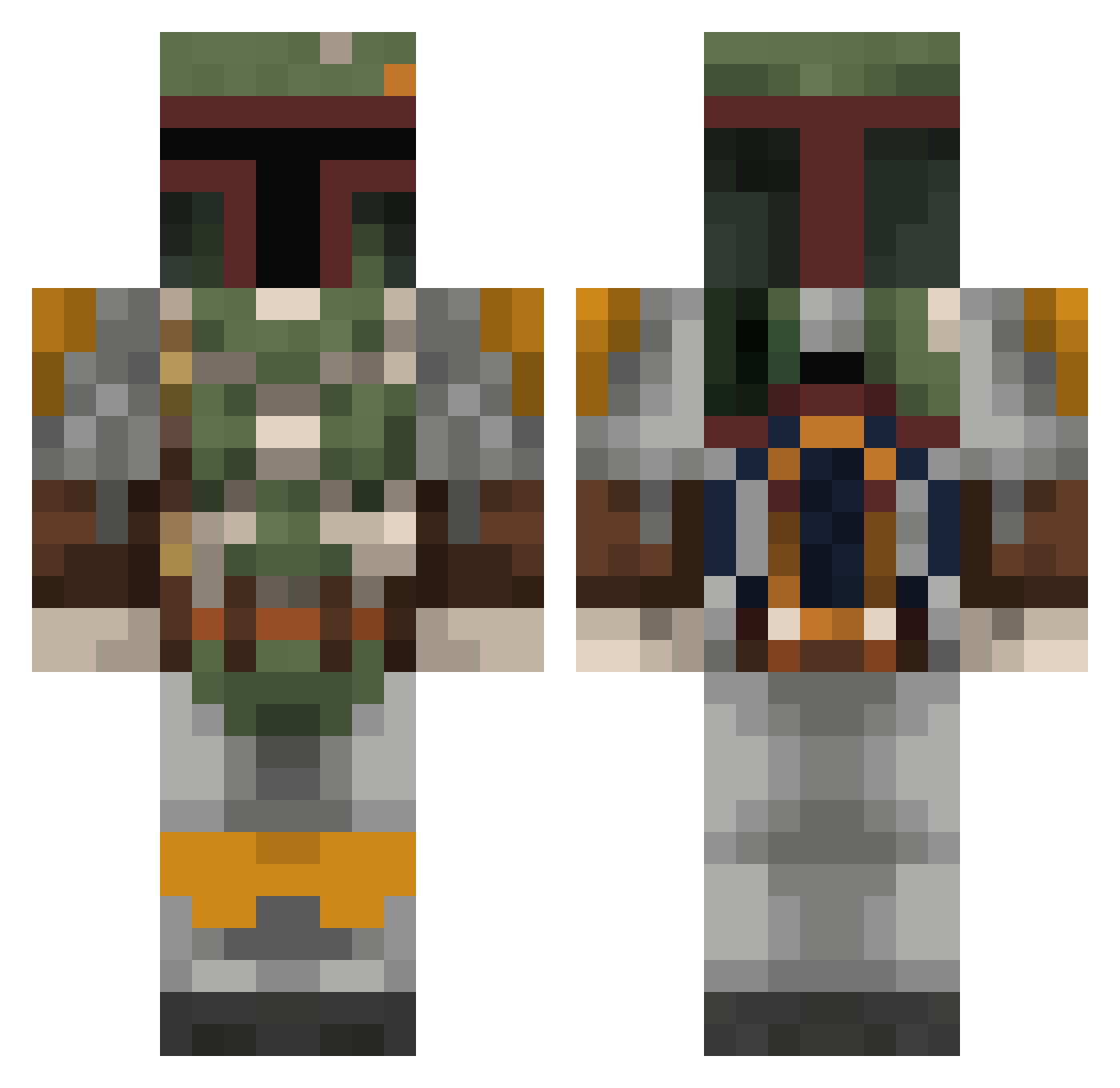
Minecraft skin of LordMalcolm. Rotate the 3D model with your mouse or finger to view the skin from every angle, then download it as a PNG file and use it in Minecraft: Bedrock Edition or Java Edition for free. Rate the skin with stars to help other players find the best skins in our collection.
How to install the LordMalcolm skin
- Press the Download button above to save the skin as a PNG file.
- Minecraft: Bedrock Edition (PE): open the Dressing Room from the main menu (or tap your character → Edit Character), go to Classic Skins → Owned, press the + (new skin) button, choose the downloaded PNG and pick the Classic (Steve) model. Works on PC and mobile; consoles cannot import custom skins.
- Minecraft: Java Edition: open the Minecraft Launcher, go to the Skins tab, click New Skin, load the PNG, pick the Classic (Steve) model and press Save & Use. You can also upload it at minecraft.net → Profile → Change Skin.
The skin does not show up after import - what should I do?
Restart Minecraft and open the Dressing Room again - imported skins sometimes appear only after a restart. Also make sure you selected the imported skin and picked the Classic (Steve) model.
Which model should I choose, Classic or Slim?
This skin is designed for the Classic (Steve) model. If you pick the wrong model, the arms of the skin will look stretched or squeezed.
Is this skin free to use?
Yes. Press Download, save the PNG file and use it in Minecraft: Bedrock Edition or Java Edition - no payment or registration needed. The skin also works on multiplayer servers and Realms.
More Boba Fett Minecraft skins
More skins
Looking for more? Go back to all Minecraft skins and check the top skins of the week, month and all time, or find any player's skin by nickname.