
ThatIsSickening - Minecraft Skins & Skin History
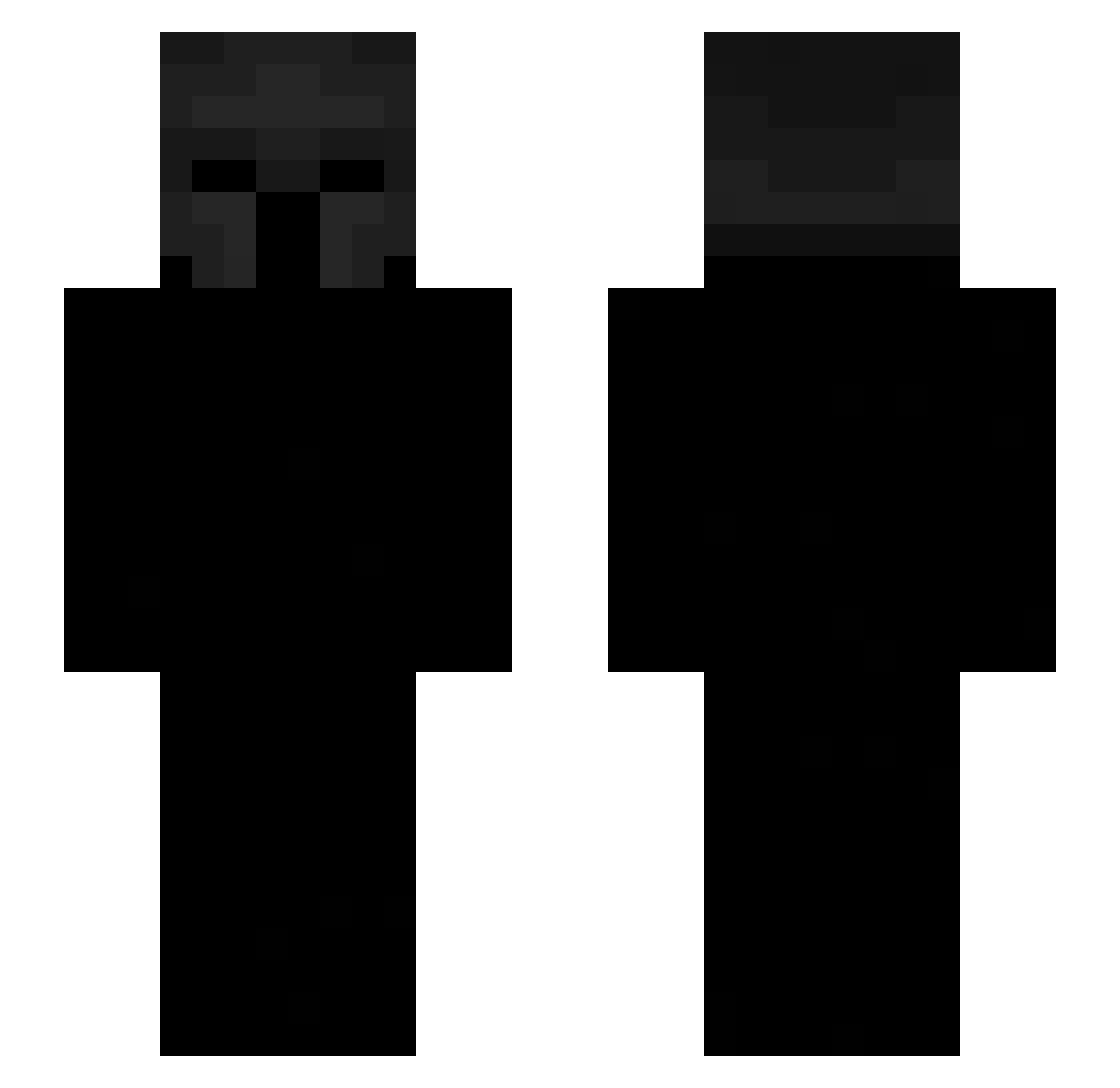
Current Minecraft skin of the player ThatIsSickening, loaded from the official Mojang API. Rotate the 3D model with your mouse or finger, then download the skin as a PNG file and use it in Minecraft: Bedrock Edition or Java Edition for free. When ThatIsSickening changes their skin, this page updates automatically and the old skin stays in the history below.
Other players with this skin (576)
ThatIsSickening was the 49th player we have seen with this skin, first spotted on 01.08.2026. The same skin was seen on these players. Open a nickname to see their current skin and skin history.
 lullle EkenW pisscan JosephW0902 MLGq skullface24k doobletrooble ChiwawaCorey xGiganux 1mpx nickyboy0174 cometking13 NINJA22627 ELITE_SINON KhronosW Zernited CLS203 xBoredMc sh111111 jettalord energY_Vj_ chntchnt Jurowsky Gabo_1 j3shiftz Igna1202 KRiM14 AoZzIn Pay4Luca S8mark Zdejon LamoleTev Layurd FelipeDevecz eliaz93 BABOO1916 Chronicles12 adriXga Gross__Meister Millionthant Ryanea JohsonCena Soncioo F0R3VERJ4Y faberkaa_ bileuu__ GucciMadsen67 DARK4332 AceofSpadess_ planka2 socafofo_69 SkCash
 ArthurS21 IsaacOly JoJo7712 medzilla_tk opsidian09 Storm_Excalibur1 Gachtu JoC1204
More Spartan Minecraft skins
How to install the ThatIsSickening skin
- Press the Download button above to save the skin as a PNG file.
- Minecraft: Bedrock Edition (PE): open the Dressing Room from the main menu (or tap your character → Edit Character), go to Classic Skins → Owned, press the + (new skin) button, choose the downloaded PNG and pick the Slim (Alex) model. Works on PC and mobile; consoles cannot import custom skins.
- Minecraft: Java Edition: open the Minecraft Launcher, go to the Skins tab, click New Skin, load the PNG, pick the Slim (Alex) model and press Save & Use. You can also upload it at minecraft.net → Profile → Change Skin.
The skin does not show up after import - what should I do?
Restart Minecraft and open the Dressing Room again - imported skins sometimes appear only after a restart. Also make sure you selected the imported skin and picked the Slim (Alex) model.
Which model should I choose, Classic or Slim?
This skin is designed for the Slim (Alex) model. If you pick the wrong model, the arms of the skin will look stretched or squeezed.
Is the skin of ThatIsSickening free to download?
Yes. Press Download, save the PNG file and use it in Minecraft: Bedrock Edition or Java Edition - no payment or registration needed. The skin also works on multiplayer servers and Realms.
More skins
Looking for more? Go back to all Minecraft skins and check the top skins of the week, month and all time, or find any player's skin by nickname.