
Terthel - Minecraft Skins & Skin History
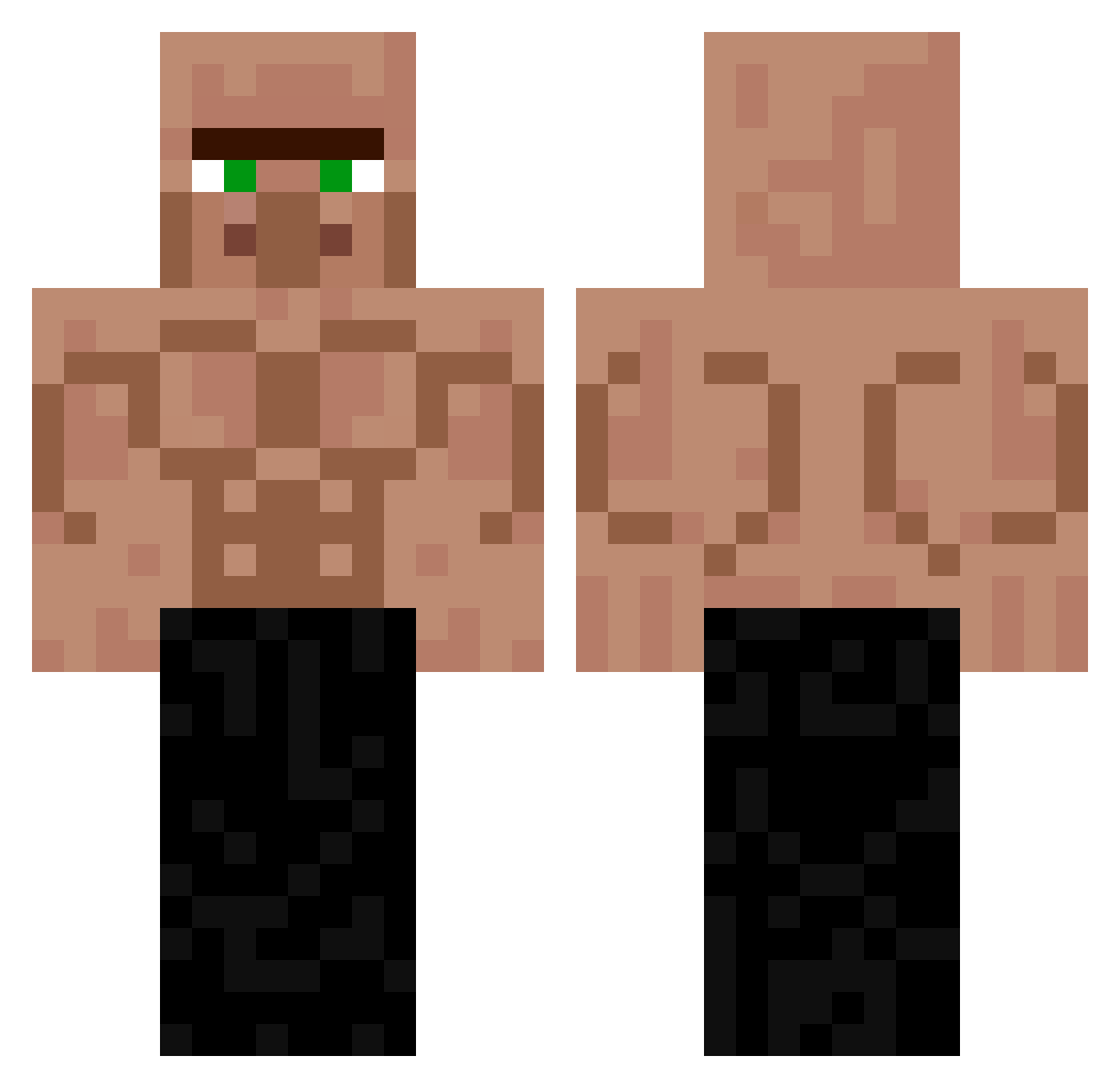
Current Minecraft skin of the player Terthel, loaded from the official Mojang API. Rotate the 3D model with your mouse or finger, then download the skin as a PNG file and use it in Minecraft: Bedrock Edition or Java Edition for free. When Terthel changes their skin, this page updates automatically and the old skin stays in the history below.
Other players with this skin (225)
Terthel was the 134th player we have seen with this skin, first spotted on 21.09.2026. The same skin was seen on these players. Open a nickname to see their current skin and skin history.
 YellowChicky Graffi09 asaptecca worry_kyn SZYMCZOKKK007 Walalaaax Young_Miki324 0szymeqq Chaya_123 5ivess santa_seungwon PainfulThoughts ELpablo_r3ps Palmmm PoH010 Bubb4lu so_confused_ Nn_0328 Arksis tangbig2 Delphinium_05 RONCHI12 Rinkujiari duplam fanntomer Hatchson AstroPhysiical HikariUnderscore swan_____ allan21 Kedalou PufferfishKonji neighborwang666 Bienchen31 Darek_budowa ravenhold Nolanero jdneve Zenti_o m0nat olekfifolek Stowa_Na_Klate MaximeCremona9 bronz1st Chinous226 pbwithnoj GamerOOMan99 Guuss01 sico1777 rqhi Zeckerys rakmanik2229 F_K_A_ Andy5687 Demander1 chipin0322 layroxxx DarthReevus NuclearCorn POLSKI_NINJA10
More Buff Minecraft skins
How to install the Terthel skin
- Press the Download button above to save the skin as a PNG file.
- Minecraft: Bedrock Edition (PE): open the Dressing Room from the main menu (or tap your character → Edit Character), go to Classic Skins → Owned, press the + (new skin) button, choose the downloaded PNG and pick the Classic (Steve) model. Works on PC and mobile; consoles cannot import custom skins.
- Minecraft: Java Edition: open the Minecraft Launcher, go to the Skins tab, click New Skin, load the PNG, pick the Classic (Steve) model and press Save & Use. You can also upload it at minecraft.net → Profile → Change Skin.
The skin does not show up after import - what should I do?
Restart Minecraft and open the Dressing Room again - imported skins sometimes appear only after a restart. Also make sure you selected the imported skin and picked the Classic (Steve) model.
Which model should I choose, Classic or Slim?
This skin is designed for the Classic (Steve) model. If you pick the wrong model, the arms of the skin will look stretched or squeezed.
Is the skin of Terthel free to download?
Yes. Press Download, save the PNG file and use it in Minecraft: Bedrock Edition or Java Edition - no payment or registration needed. The skin also works on multiplayer servers and Realms.
More skins
Looking for more? Go back to all Minecraft skins and check the top skins of the week, month and all time, or find any player's skin by nickname.