
TAZAR_05 - Minecraft Skins & Skin History
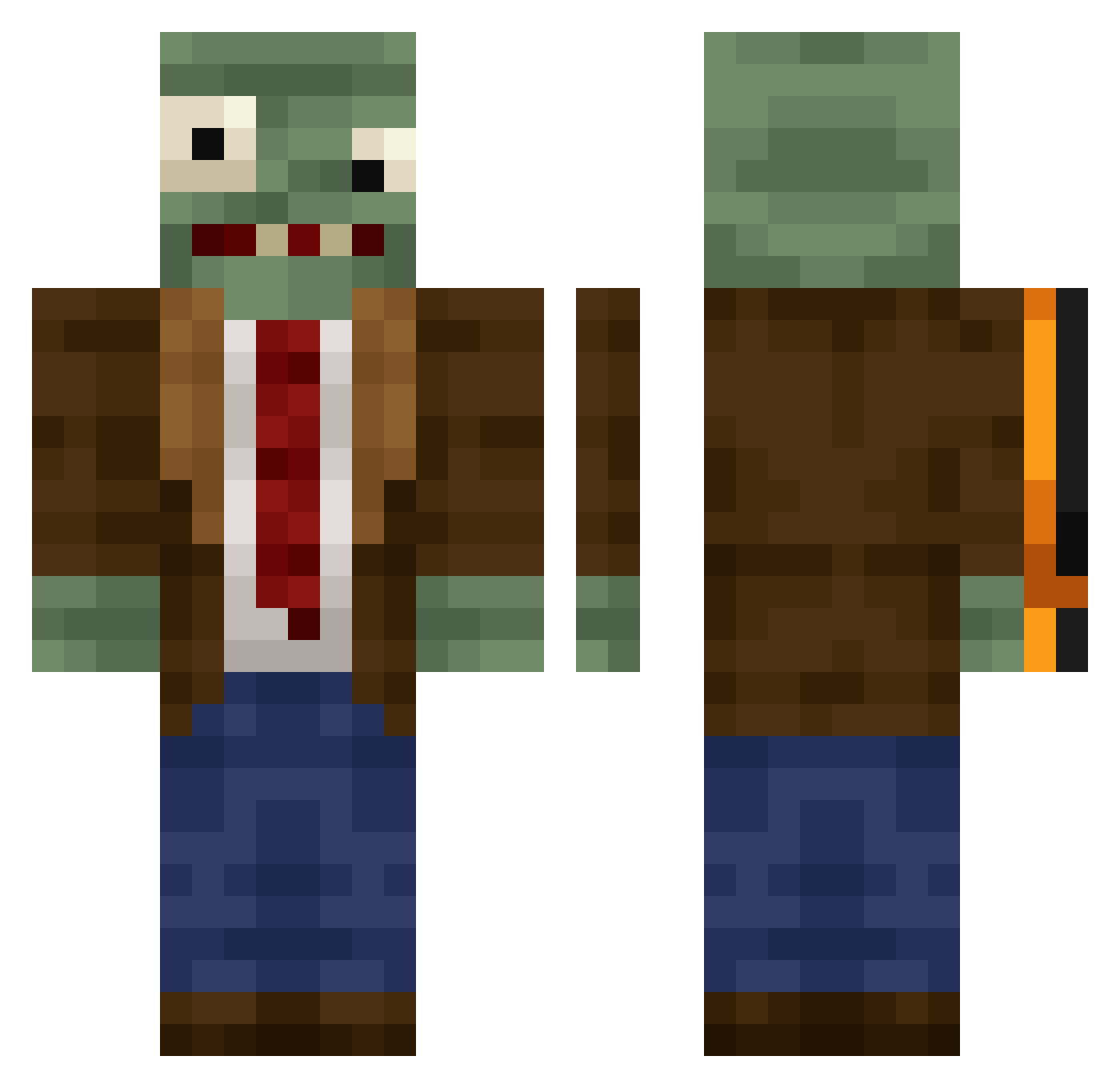
Current Minecraft skin of the player TAZAR_05, loaded from the official Mojang API. Rotate the 3D model with your mouse or finger, then download the skin as a PNG file and use it in Minecraft: Bedrock Edition or Java Edition for free. When TAZAR_05 changes their skin, this page updates automatically and the old skin stays in the history below.
Other players with this skin (409)
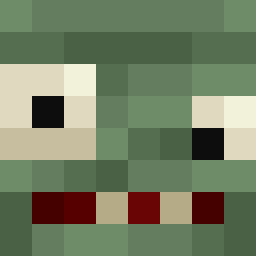
TAZAR_05 was the 329th player we have seen with this skin, first spotted on 18.10.2026. The same skin was seen on these players. Open a nickname to see their current skin and skin history.
 knoyu_ wcwhycs xVengeance_ turaya27 MimuGoddo ScorchingFlame WhisperingSea Kakaler Leduc2109 HoneyQeenBee Azihax JackSmellington Rei1526 Holastar14 MieszkoS GlebAZZ Cleveland_jr123 OttoFliege BigDogBigNuts CSB94 Cristian140701 JabbyRex HAPKOTA ginsaa xz77 LosadaSINz Capybara52 eMYioP BAIHEZI01 nickname1004 enemy1111 Jamescool5000 CongYah_0110 BleakCrown Taco_Gaming07 FakerArgentino kocainenose Wigglyturd Septebr NotAir2468 W3SSS IJustFarm cheesychibs Milan395 ilayosss ButterMeBiscuit9 ZeeksAghost LMR0217 Salem66666 JootDoot ORDING Yusak18 Lavr82 Cheremyas Fim0_Zik Zomboniev1 Arrietty_2 guajil U986 MR246PANDA
More Plants Vs Zombies Minecraft skins
See all 52 Plants Vs Zombies skins
How to install the TAZAR_05 skin
- Press the Download button above to save the skin as a PNG file.
- Minecraft: Bedrock Edition (PE): open the Dressing Room from the main menu (or tap your character → Edit Character), go to Classic Skins → Owned, press the + (new skin) button, choose the downloaded PNG and pick the Classic (Steve) model. Works on PC and mobile; consoles cannot import custom skins.
- Minecraft: Java Edition: open the Minecraft Launcher, go to the Skins tab, click New Skin, load the PNG, pick the Classic (Steve) model and press Save & Use. You can also upload it at minecraft.net → Profile → Change Skin.
The skin does not show up after import - what should I do?
Restart Minecraft and open the Dressing Room again - imported skins sometimes appear only after a restart. Also make sure you selected the imported skin and picked the Classic (Steve) model.
Which model should I choose, Classic or Slim?
This skin is designed for the Classic (Steve) model. If you pick the wrong model, the arms of the skin will look stretched or squeezed.
Is the skin of TAZAR_05 free to download?
Yes. Press Download, save the PNG file and use it in Minecraft: Bedrock Edition or Java Edition - no payment or registration needed. The skin also works on multiplayer servers and Realms.
More skins
Looking for more? Go back to all Minecraft skins and check the top skins of the week, month and all time, or find any player's skin by nickname.