
 babaorhumvdv Mars1822 spinynuggie Hidetoito Bradynator222 fakerofmc Camarooon lhx123456789 Siamoneoooo Antelyt OFWEL Nikonoro 69CU69 nato_zzz Yamku Lord_noman SuperbGold77079 sinceohsix FishingJoyH ultracain wavy_uwu uzivanicko Rafa_LB isaiah_5 Yuut03 Matteo33915 mutoonh215 janpona TumTheDum TheVend JINSU_S Vapor_Stripes koreanbread Aygyat NoeAlexanderr mensch187 ZZZZZJ1 xiquinho22 molote777 Zagamor Chipo0123 Reality_Ch3ck77 bill750 Sarid23 jackkryz CoolJrd85 bbbblame4 dhffhfhffh 3oluK Sko0cik Axuan628 realShidman yuhui0110 King_1145 Bigbear6960 Bloomindeath XDennini Thibautito DeadWalkerAlive axlyzz
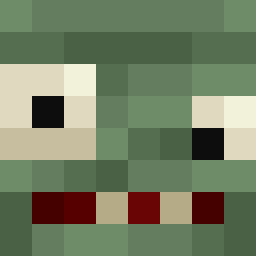
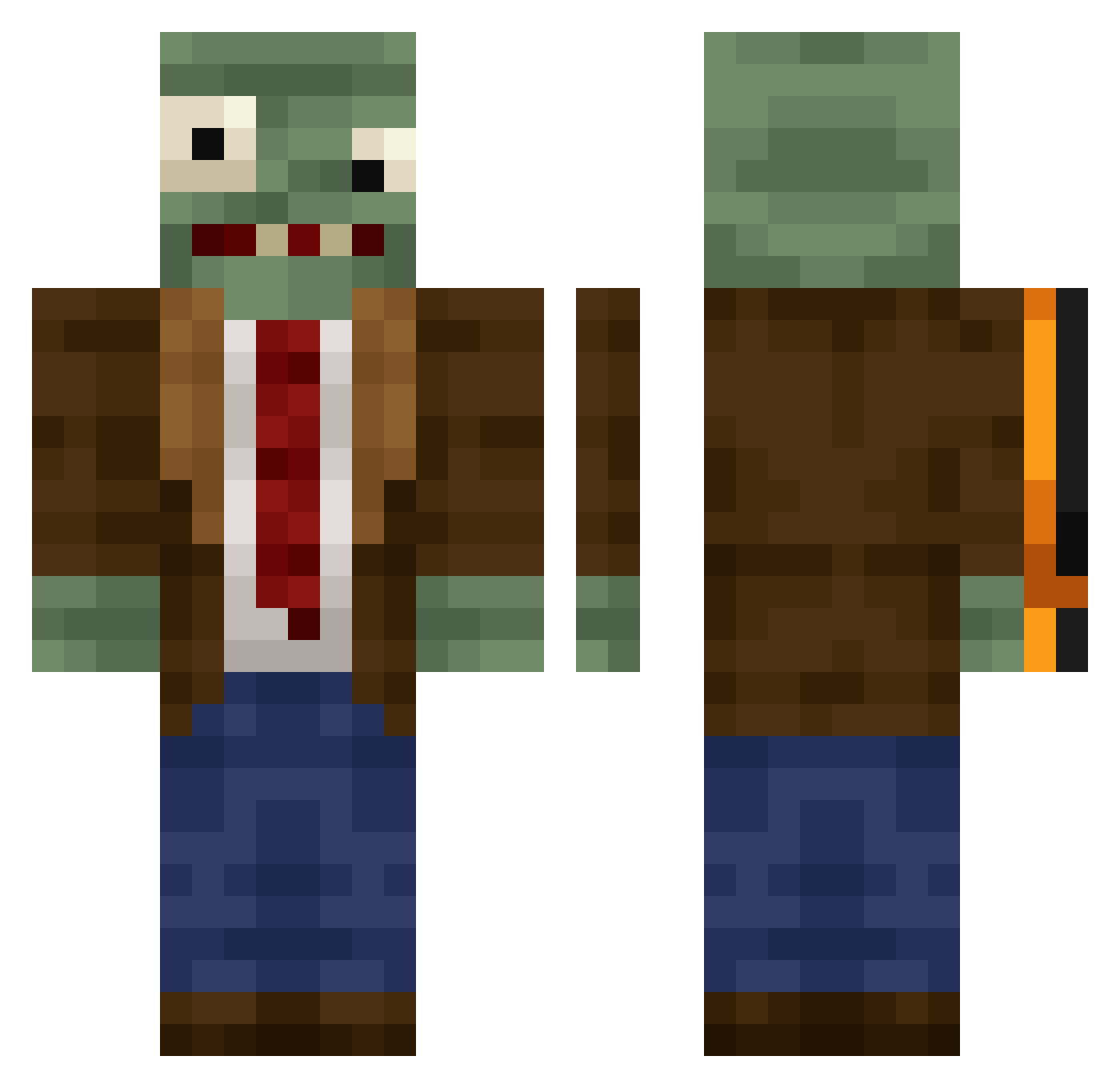
Minecraft skin of ray655. Rotate the 3D model with your mouse or finger to view the skin from every angle, then download it as a PNG file and use it in Minecraft: Bedrock Edition or Java Edition for free. Rate the skin with stars to help other players find the best skins in our collection.
How to install the ray655 skin
- Press the Download button above to save the skin as a PNG file.
- Minecraft: Bedrock Edition (PE): open the Dressing Room from the main menu (or tap your character → Edit Character), go to Classic Skins → Owned, press the + (new skin) button, choose the downloaded PNG and pick the Classic (Steve) model. Works on PC and mobile; consoles cannot import custom skins.
- Minecraft: Java Edition: open the Minecraft Launcher, go to the Skins tab, click New Skin, load the PNG, pick the Classic (Steve) model and press Save & Use. You can also upload it at minecraft.net → Profile → Change Skin.
The skin does not show up after import - what should I do?
Restart Minecraft and open the Dressing Room again - imported skins sometimes appear only after a restart. Also make sure you selected the imported skin and picked the Classic (Steve) model.
Which model should I choose, Classic or Slim?
This skin is designed for the Classic (Steve) model. If you pick the wrong model, the arms of the skin will look stretched or squeezed.
Is this skin free to use?
Yes. Press Download, save the PNG file and use it in Minecraft: Bedrock Edition or Java Edition - no payment or registration needed. The skin also works on multiplayer servers and Realms.
More Plants Vs Zombies Minecraft skins
See all 57 Plants Vs Zombies skins
More skins
Looking for more? Go back to all Minecraft skins and check the top skins of the week, month and all time, or find any player's skin by nickname.