
Swagy_GtaV - Minecraft Skins & Skin History
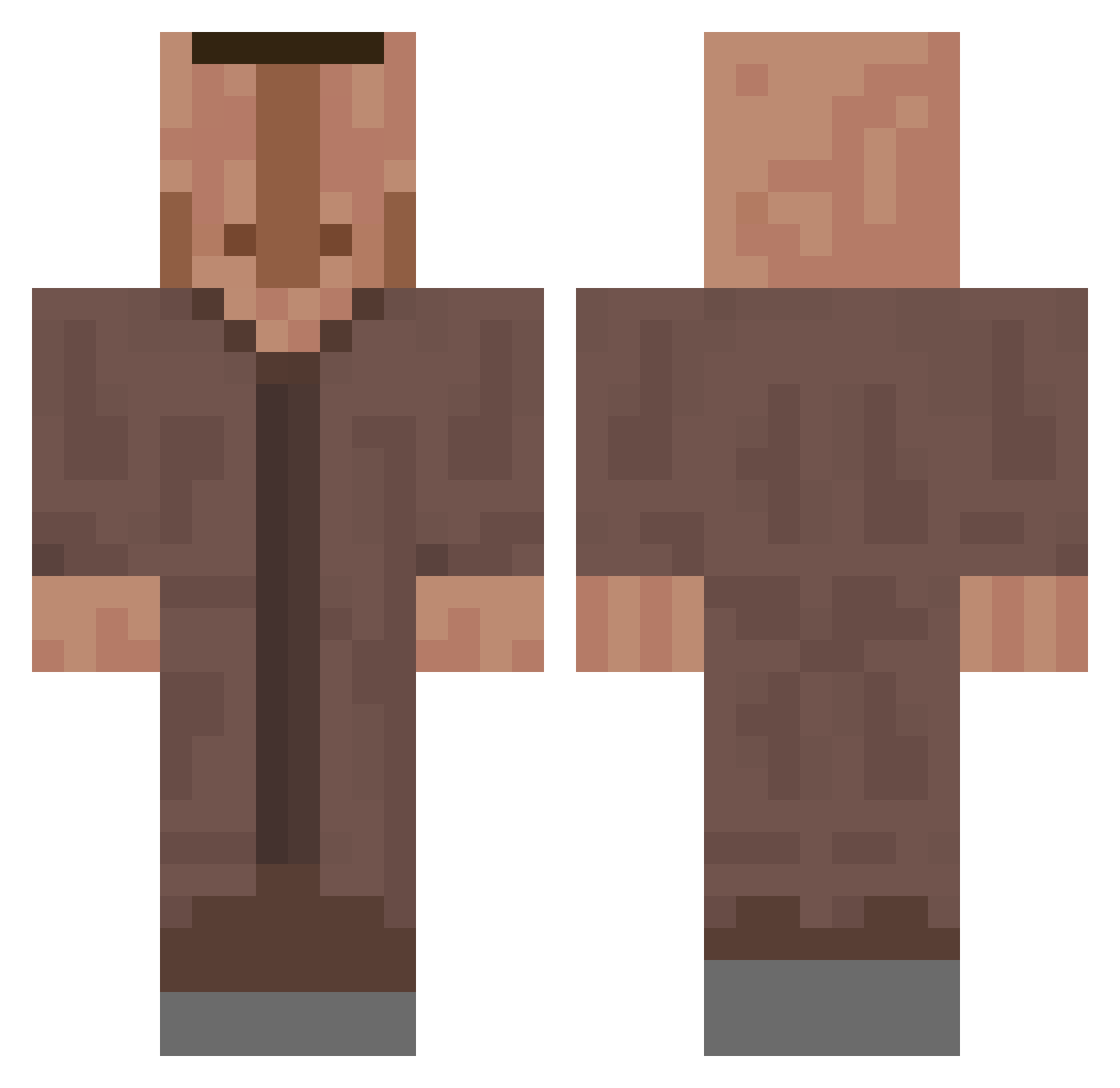
Current Minecraft skin of the player Swagy_GtaV, loaded from the official Mojang API. Rotate the 3D model with your mouse or finger, then download the skin as a PNG file and use it in Minecraft: Bedrock Edition or Java Edition for free. When Swagy_GtaV changes their skin, this page updates automatically and the old skin stays in the history below.
Other players with this skin (635)
Swagy_GtaV was the 192nd player we have seen with this skin, first spotted on 02.09.2026. The same skin was seen on these players. Open a nickname to see their current skin and skin history.
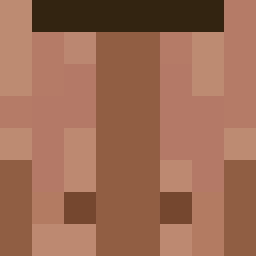 AntonioJun
 chasoh moisesgordo1227 HamsterFurtif layoul1234 Asersin C_Q_Cumber_ Br1ndille Hamroydhunter88 Chapo1355 TopControll Fragox_
 TK357 viskkk Akul800 cheywq phoenyliam adam0s_ SirMatjes8640 M4nic69 siurek_siurowski shetagar ViccyT _Nzo_ enderdragon999 Fluffybackside keremxyz54 FallAnteater664 Herr_Heftig wdwda3 rodrigowwwww Mikxrrr ZmB33 Bobya4523 B0chwaldMC
 subakii Elytron12 kafaninamingorum Littlepiggris123 Knightzing antolla VitorCarias MaZe_Quania cheche_Martin Veenu12 uboringaf SpellSpaghetti DerDrecksAraber Lauchie8558 Hunter6Lolo emilbst jjeremiah123 Axootto123 Scott_Sepp Kxam02 N1kup3 CartopAttic5674 teteugne BigClemm T_watt
More Villager Minecraft skins
How to install the Swagy_GtaV skin
- Press the Download button above to save the skin as a PNG file.
- Minecraft: Bedrock Edition (PE): open the Dressing Room from the main menu (or tap your character → Edit Character), go to Classic Skins → Owned, press the + (new skin) button, choose the downloaded PNG and pick the Classic (Steve) model. Works on PC and mobile; consoles cannot import custom skins.
- Minecraft: Java Edition: open the Minecraft Launcher, go to the Skins tab, click New Skin, load the PNG, pick the Classic (Steve) model and press Save & Use. You can also upload it at minecraft.net → Profile → Change Skin.
The skin does not show up after import - what should I do?
Restart Minecraft and open the Dressing Room again - imported skins sometimes appear only after a restart. Also make sure you selected the imported skin and picked the Classic (Steve) model.
Which model should I choose, Classic or Slim?
This skin is designed for the Classic (Steve) model. If you pick the wrong model, the arms of the skin will look stretched or squeezed.
Is the skin of Swagy_GtaV free to download?
Yes. Press Download, save the PNG file and use it in Minecraft: Bedrock Edition or Java Edition - no payment or registration needed. The skin also works on multiplayer servers and Realms.
More skins
Looking for more? Go back to all Minecraft skins and check the top skins of the week, month and all time, or find any player's skin by nickname.