
StinykFarty1 - Minecraft Skins & Skin History
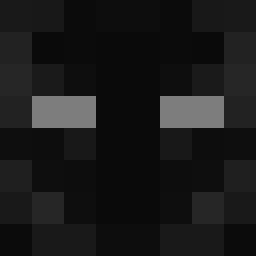
Current Minecraft skin of the player StinykFarty1, loaded from the official Mojang API. Rotate the 3D model with your mouse or finger, then download the skin as a PNG file and use it in Minecraft: Bedrock Edition or Java Edition for free. When StinykFarty1 changes their skin, this page updates automatically and the old skin stays in the history below.
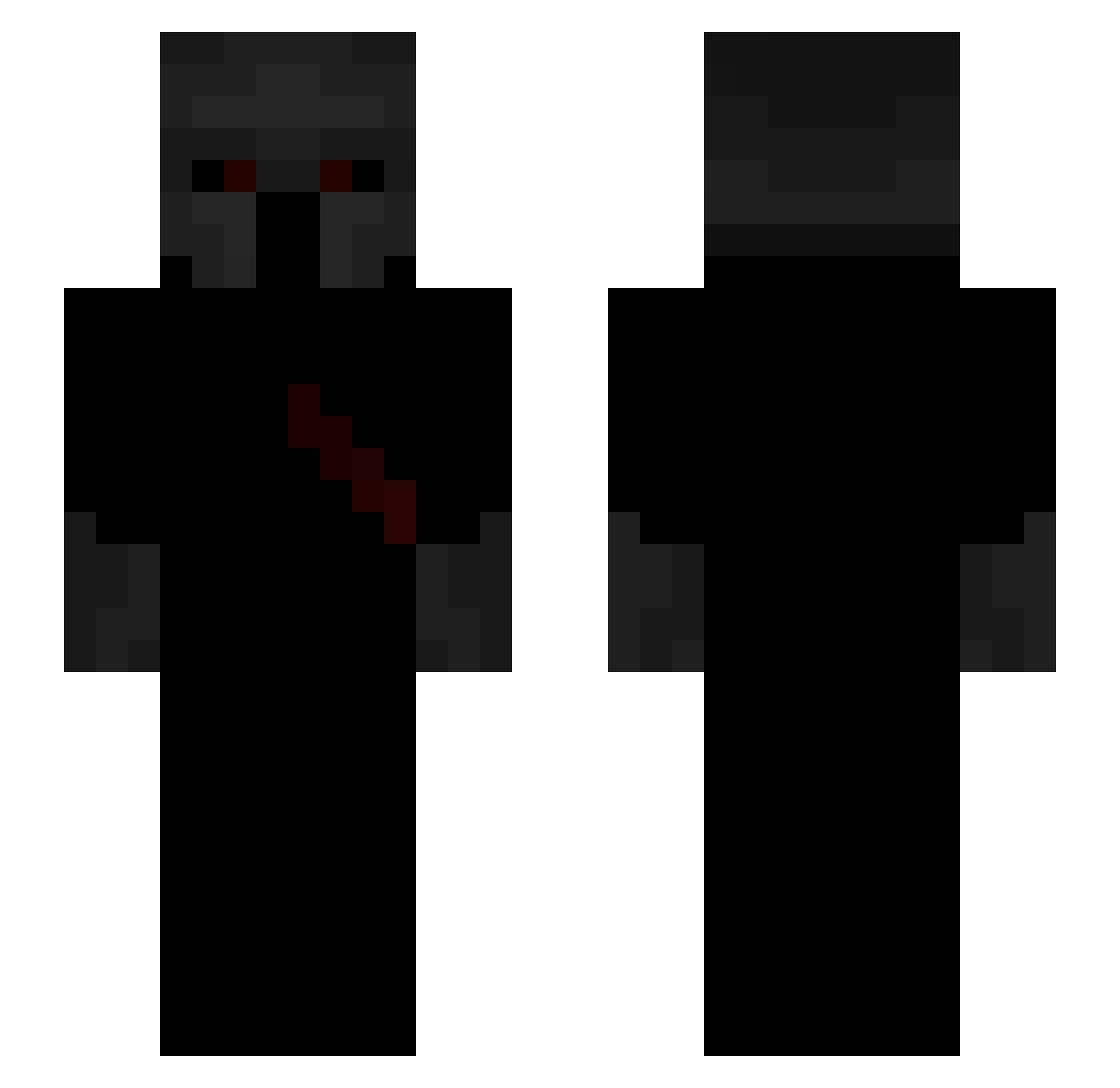
Other players with this skin (64)
StinykFarty1 was the 10th player we have seen with this skin, first spotted on 10.08.2026. The same skin was seen on these players. Open a nickname to see their current skin and skin history.
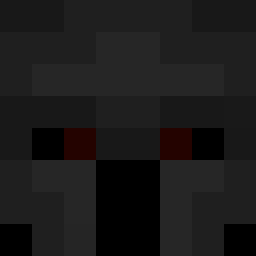 ColorFicial
 pansar Emon27 Otavianoow Clownsuh yngmatix leogcord BombasticEz ReachGainz Floyzie AshuraCrimson NeWak0n iYarino avuriin Lunatic_LNTC greninga3 Treyllll
 mrbrotato69 The_Night_ll PupRoss
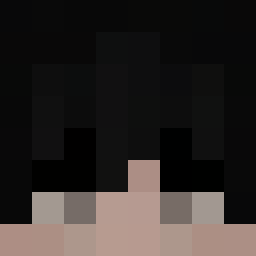 Tsrnx
Tsrnx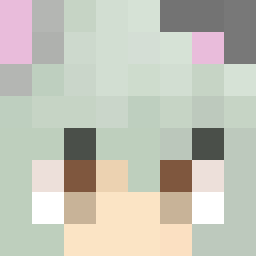 m3mosg 1xqn WebH3ad Psyc0SsS
 1Keks_lul Axirones __Logibear__ Obnoxiouslake Jonteilm Kolega03 Kubix213701 LegendaryWolf45 RaZz___ Juskosinho PluralMe Stan_Lachie NGC6 lxxhbzz Gustavo11142 Lord_HerculasXD Matuap Abaseboss FzinnZn Maxxz10 89qz Xxarky Quantinment sedness propoland66 FineAsColt Maneclash543 Devo2Good k67m KzS_77 norasave22 Laqer ecpu_ ARTL19 Aaron_________
More Spartan Minecraft skins
How to install the StinykFarty1 skin
- Press the Download button above to save the skin as a PNG file.
- Minecraft: Bedrock Edition (PE): open the Dressing Room from the main menu (or tap your character → Edit Character), go to Classic Skins → Owned, press the + (new skin) button, choose the downloaded PNG and pick the Slim (Alex) model. Works on PC and mobile; consoles cannot import custom skins.
- Minecraft: Java Edition: open the Minecraft Launcher, go to the Skins tab, click New Skin, load the PNG, pick the Slim (Alex) model and press Save & Use. You can also upload it at minecraft.net → Profile → Change Skin.
The skin does not show up after import - what should I do?
Restart Minecraft and open the Dressing Room again - imported skins sometimes appear only after a restart. Also make sure you selected the imported skin and picked the Slim (Alex) model.
Which model should I choose, Classic or Slim?
This skin is designed for the Slim (Alex) model. If you pick the wrong model, the arms of the skin will look stretched or squeezed.
Is the skin of StinykFarty1 free to download?
Yes. Press Download, save the PNG file and use it in Minecraft: Bedrock Edition or Java Edition - no payment or registration needed. The skin also works on multiplayer servers and Realms.
More skins
Looking for more? Go back to all Minecraft skins and check the top skins of the week, month and all time, or find any player's skin by nickname.