
Spo_cony - Minecraft Skins & Skin History
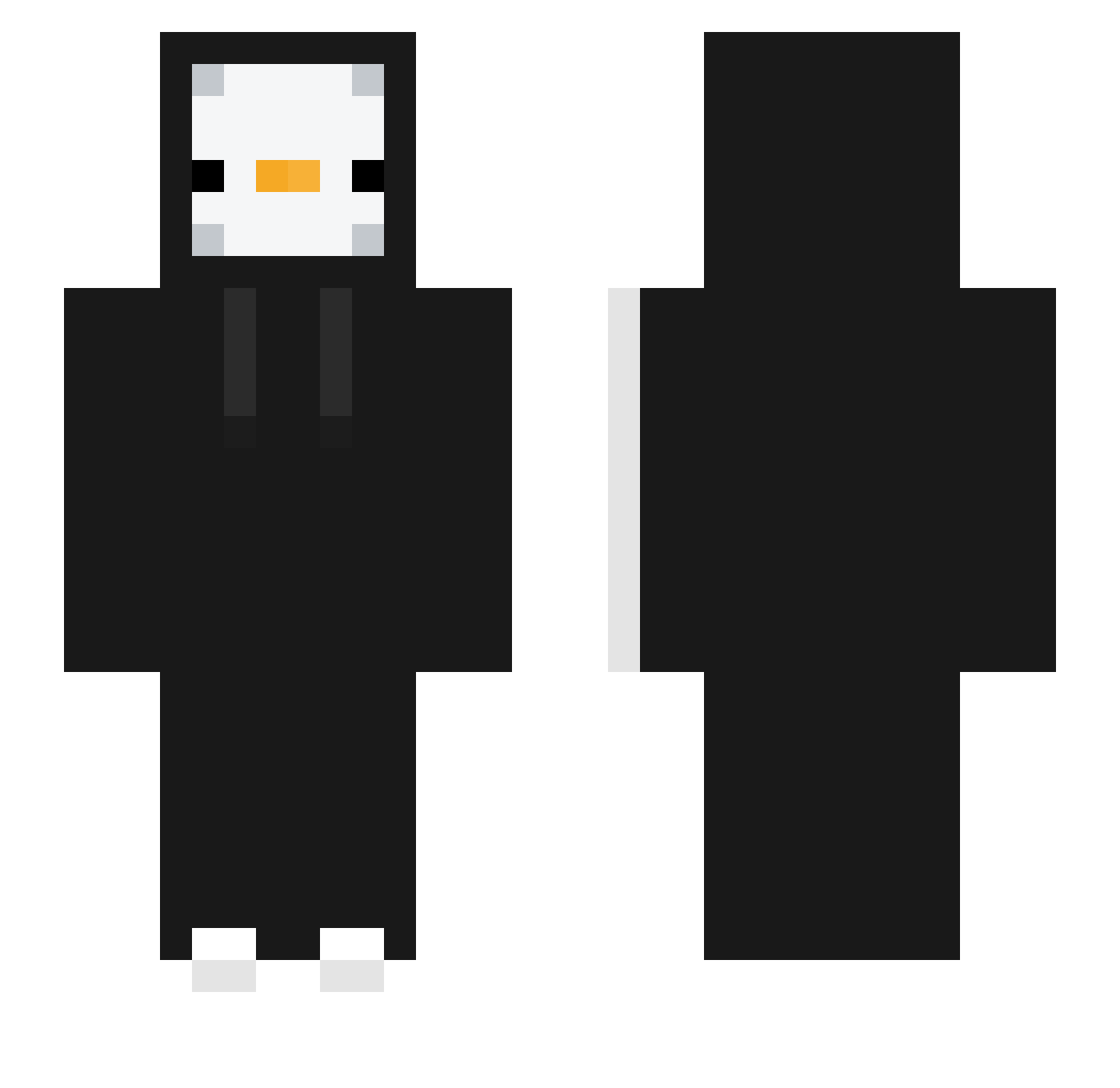
Current Minecraft skin of the player Spo_cony, loaded from the official Mojang API. Rotate the 3D model with your mouse or finger, then download the skin as a PNG file and use it in Minecraft: Bedrock Edition or Java Edition for free. When Spo_cony changes their skin, this page updates automatically and the old skin stays in the history below.
Other players with this skin (331)
Spo_cony was the 218th player we have seen with this skin, first spotted on 05.10.2026. The same skin was seen on these players. Open a nickname to see their current skin and skin history.
 hawinju Biscuittt_ Kelei bean_chilin gwanho_0626 bemo_24678 Keazzyy TNT_C Babymonster0 GroggyHen816901 jeongmin0902 huanguang123 GDH6 tioze0bolado Leeyuchan alb3rtoGG jihoonjang2012 studioeditingcz TBigBossNS Pixel800 shiqi3 Sum2n azuly531 Slodziak112 Ukja lil_KYOT elpato0o0 miniduck NotAlex_23 Myongjun JGusz caioba6999 Catboy7811 BaldEagle0000 ycaro12360 cokamolla skorut delicious0917 Balint1245 WyTren killyou2 moonjyan remczaak W_Hazelnut Ren_sheng_ Nachi_04 Imjustaguy21 kleyd ovrn sigaradaliyurdu MEANIN_gless Dorajuice 671I blackmado thez99 rlfid09 iloveketco SbenF2004 donipoo SuBaN_0208
More Duck Minecraft skins
How to install the Spo_cony skin
- Press the Download button above to save the skin as a PNG file.
- Minecraft: Bedrock Edition (PE): open the Dressing Room from the main menu (or tap your character → Edit Character), go to Classic Skins → Owned, press the + (new skin) button, choose the downloaded PNG and pick the Slim (Alex) model. Works on PC and mobile; consoles cannot import custom skins.
- Minecraft: Java Edition: open the Minecraft Launcher, go to the Skins tab, click New Skin, load the PNG, pick the Slim (Alex) model and press Save & Use. You can also upload it at minecraft.net → Profile → Change Skin.
The skin does not show up after import - what should I do?
Restart Minecraft and open the Dressing Room again - imported skins sometimes appear only after a restart. Also make sure you selected the imported skin and picked the Slim (Alex) model.
Which model should I choose, Classic or Slim?
This skin is designed for the Slim (Alex) model. If you pick the wrong model, the arms of the skin will look stretched or squeezed.
Is the skin of Spo_cony free to download?
Yes. Press Download, save the PNG file and use it in Minecraft: Bedrock Edition or Java Edition - no payment or registration needed. The skin also works on multiplayer servers and Realms.
More skins
Looking for more? Go back to all Minecraft skins and check the top skins of the week, month and all time, or find any player's skin by nickname.