
Smocul1 - Minecraft Skins & Skin History
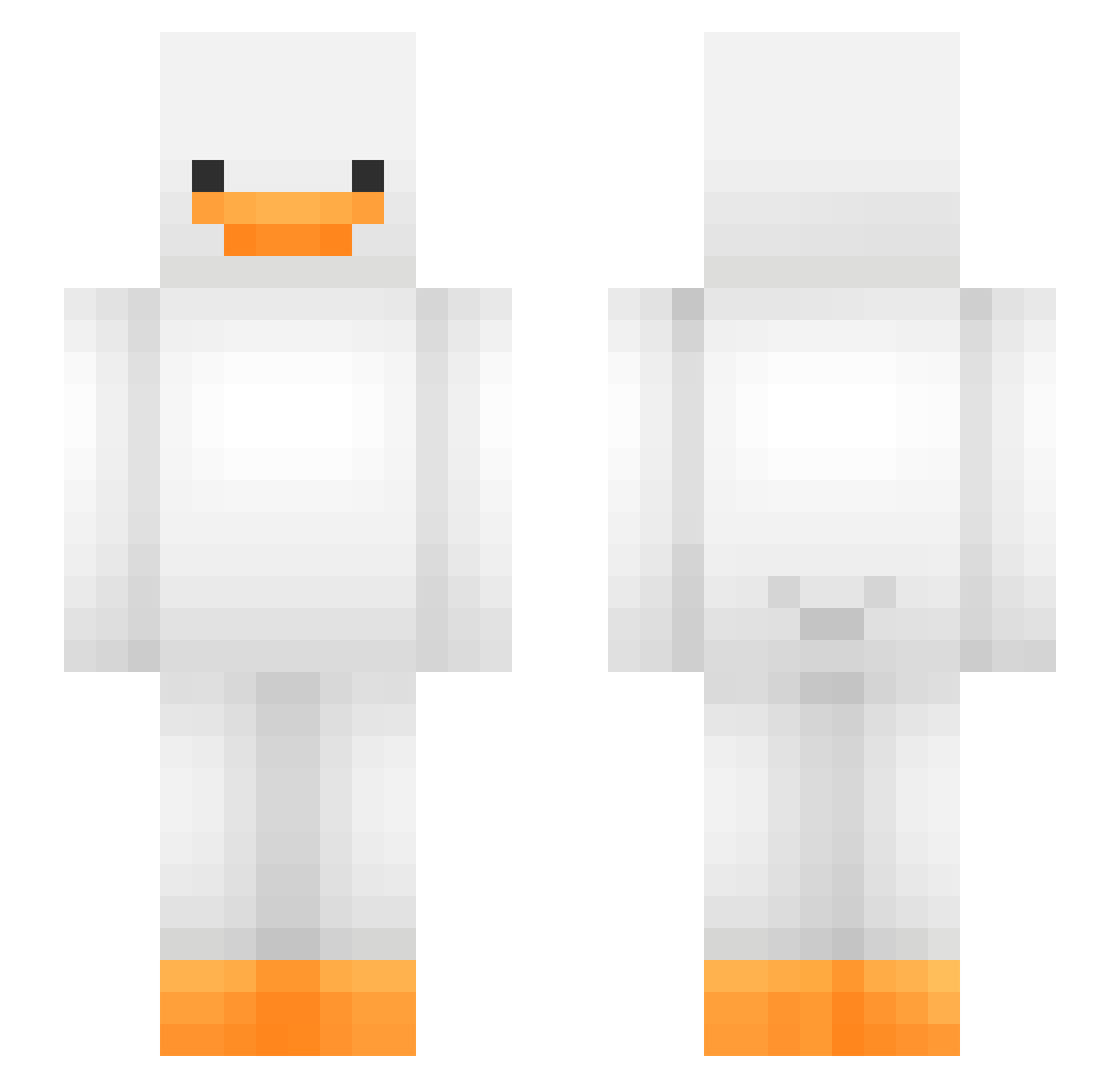
Current Minecraft skin of the player Smocul1, loaded from the official Mojang API. Rotate the 3D model with your mouse or finger, then download the skin as a PNG file and use it in Minecraft: Bedrock Edition or Java Edition for free. When Smocul1 changes their skin, this page updates automatically and the old skin stays in the history below.
Other players with this skin (476)
Smocul1 was the 268th player we have seen with this skin, first spotted on 27.09.2026. The same skin was seen on these players. Open a nickname to see their current skin and skin history.
 _Laxitives mercyOTP Physic8273 axsthxeq Cemilio banus_lol Bubbity3 ThatBoyLou snzii BlanketJellyfish imja_vV Kaczor13131 Daviss0_0 Bellarae57 lenzyy31 Fusion_42 jing_01 angelaqh kaylenneg literallylilli Toong2 elifdeveci offvencido SB6822 GodOfPain42 ccchocieee Hexiko qii67 sssk01 Malum_heng papabird77 kris12207 Goose_N Ymit1234 maeland1704 Chexxz solbang02 henius_ crippin_ Potatoecraft5 Lexx0025 SoyaSauce6 Ciiwiiz LeSajjad TokyoBanana1 SkinnyAsianKid dayeong02 NekoKuros Shiryuio mochitoshi sungh1125 RybnyPiotr Legendtino devinator0178 nqd22 Fernan6325554556 Z_cript HC2H3O2 andrey1ee7 dido7777
More Duck Minecraft skins
How to install the Smocul1 skin
- Press the Download button above to save the skin as a PNG file.
- Minecraft: Bedrock Edition (PE): open the Dressing Room from the main menu (or tap your character → Edit Character), go to Classic Skins → Owned, press the + (new skin) button, choose the downloaded PNG and pick the Slim (Alex) model. Works on PC and mobile; consoles cannot import custom skins.
- Minecraft: Java Edition: open the Minecraft Launcher, go to the Skins tab, click New Skin, load the PNG, pick the Slim (Alex) model and press Save & Use. You can also upload it at minecraft.net → Profile → Change Skin.
The skin does not show up after import - what should I do?
Restart Minecraft and open the Dressing Room again - imported skins sometimes appear only after a restart. Also make sure you selected the imported skin and picked the Slim (Alex) model.
Which model should I choose, Classic or Slim?
This skin is designed for the Slim (Alex) model. If you pick the wrong model, the arms of the skin will look stretched or squeezed.
Is the skin of Smocul1 free to download?
Yes. Press Download, save the PNG file and use it in Minecraft: Bedrock Edition or Java Edition - no payment or registration needed. The skin also works on multiplayer servers and Realms.
More skins
Looking for more? Go back to all Minecraft skins and check the top skins of the week, month and all time, or find any player's skin by nickname.