
Shyla_11 - Minecraft Skins & Skin History
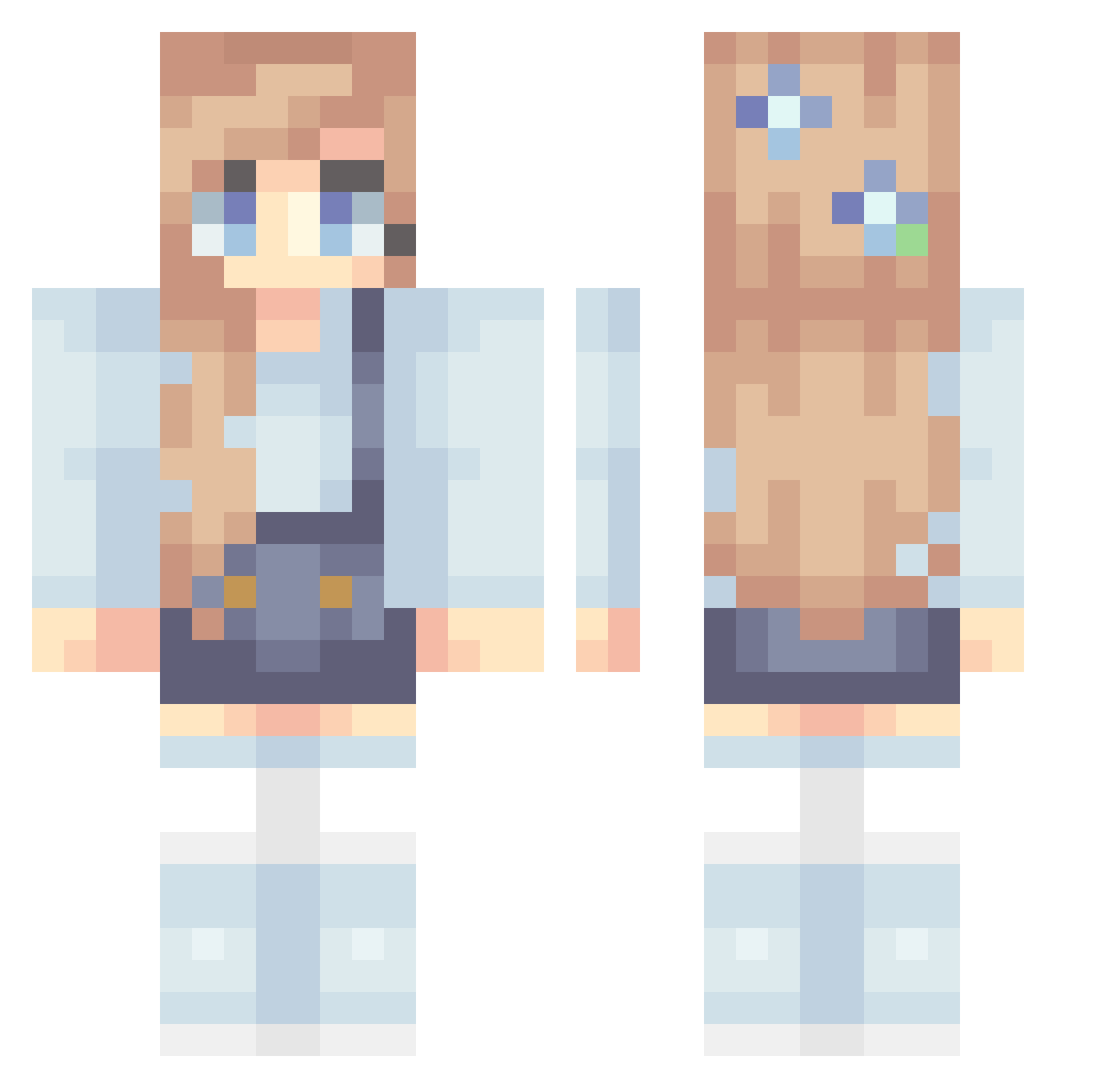
Current Minecraft skin of the player Shyla_11, loaded from the official Mojang API. Rotate the 3D model with your mouse or finger, then download the skin as a PNG file and use it in Minecraft: Bedrock Edition or Java Edition for free. When Shyla_11 changes their skin, this page updates automatically and the old skin stays in the history below.
Other players with this skin (320)
Shyla_11 was the 6th player we have seen with this skin, first spotted on 23.07.2026. The same skin was seen on these players. Open a nickname to see their current skin and skin history.
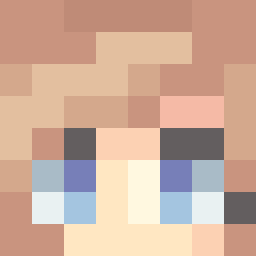 Lyralyn Mel_B13 Shayrn
 Flaviews_ _SassyJaws_ karunetia 12Riman xEmJayx imurvenus Rickaaaaaaaaa Beckybara theDocDuerr92 Kyzr_ thundathighz Nynah10 kkish49 Faded_Winter sallytemi SanjusssX __Kacpix__ Epic1488 MilloPillo Neijiu elliekinsella4 Baaaaby
 Rapidfire35 simplyscaarlet omgbeccaaa el3a Luluu_x3 nalleKo frejakb123 RShippers Cholito08 Jen076
 Nyrix3_ Garibar Wild_Thyme KittyBanana18 BabkaS kelleherae marblebabie ShanelleEeEe Isiico02 mcpeach44 hanhan_86 daianachicinas DewDropTreasures ruru0701 Marialy05 Trixie1ee DanniSebi panda1106 FairyCloudDragon babyBravo18 rkelle7 oceanenormand MeliLu27 ChenC2 HoppyLauren
More Flowers Minecraft skins
How to install the Shyla_11 skin
- Press the Download button above to save the skin as a PNG file.
- Minecraft: Bedrock Edition (PE): open the Dressing Room from the main menu (or tap your character → Edit Character), go to Classic Skins → Owned, press the + (new skin) button, choose the downloaded PNG and pick the Classic (Steve) model. Works on PC and mobile; consoles cannot import custom skins.
- Minecraft: Java Edition: open the Minecraft Launcher, go to the Skins tab, click New Skin, load the PNG, pick the Classic (Steve) model and press Save & Use. You can also upload it at minecraft.net → Profile → Change Skin.
The skin does not show up after import - what should I do?
Restart Minecraft and open the Dressing Room again - imported skins sometimes appear only after a restart. Also make sure you selected the imported skin and picked the Classic (Steve) model.
Which model should I choose, Classic or Slim?
This skin is designed for the Classic (Steve) model. If you pick the wrong model, the arms of the skin will look stretched or squeezed.
Is the skin of Shyla_11 free to download?
Yes. Press Download, save the PNG file and use it in Minecraft: Bedrock Edition or Java Edition - no payment or registration needed. The skin also works on multiplayer servers and Realms.
More skins
Looking for more? Go back to all Minecraft skins and check the top skins of the week, month and all time, or find any player's skin by nickname.