
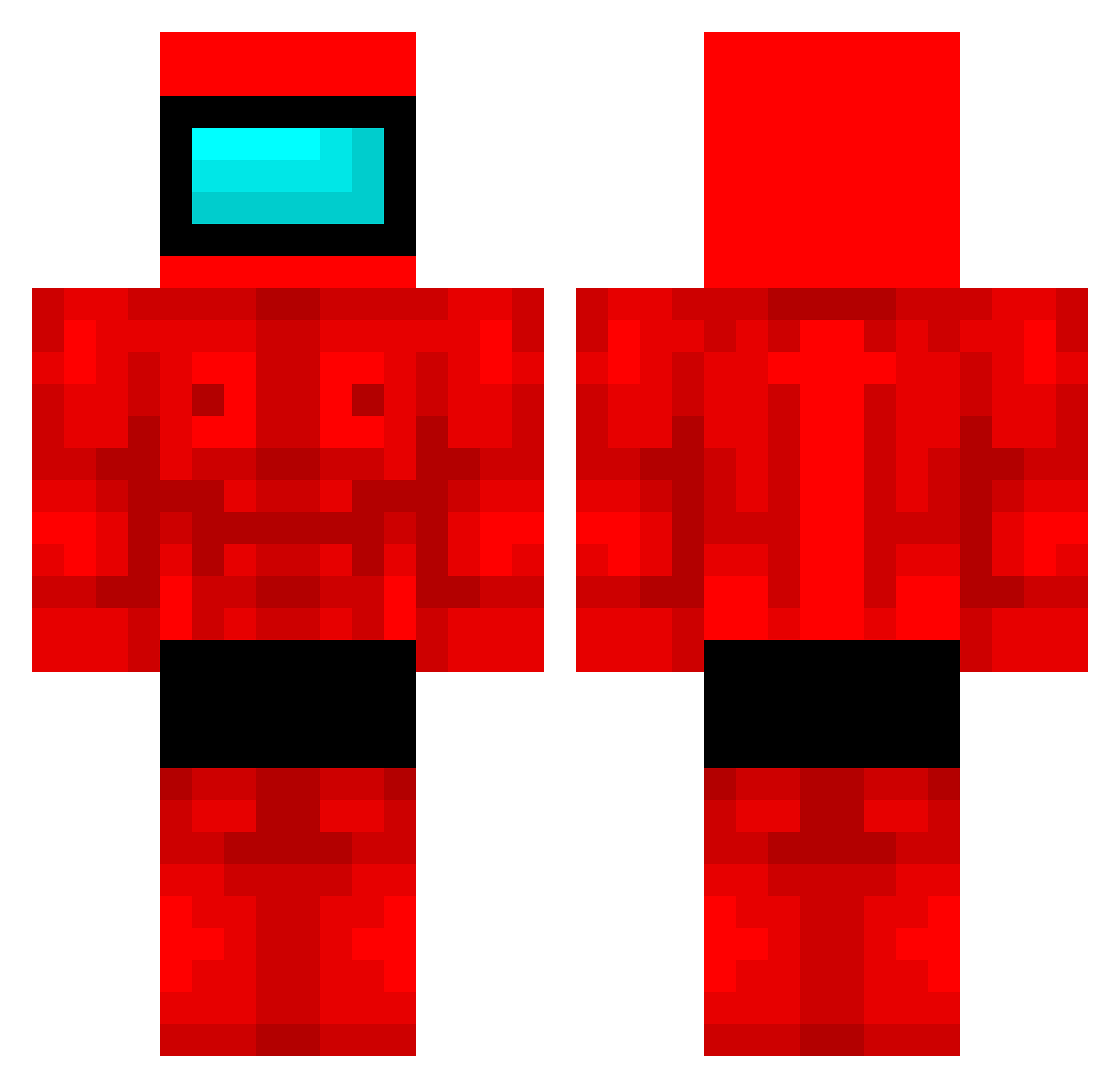
Current Minecraft skin of the player Shugout, loaded from the official Mojang API. Rotate the 3D model with your mouse or finger, then download the skin as a PNG file and use it in Minecraft: Bedrock Edition or Java Edition for free. When Shugout changes their skin, this page updates automatically and the old skin stays in the history below.
Other players with this skin (382)
Shugout was the 253rd player we have seen with this skin, first spotted on 24.09.2026. The same skin was seen on these players. Open a nickname to see their current skin and skin history.
 XavieriX14 8owser gabbronesium Yugen101 SamuelKOK Nareu zab1nha Tomoakyi W00dy2137 BielDoMine StarkInTheNorthh giova43 ibb06 nahthatisnotme canotan DR4G0N1X54 TadeoSap BJT16 Yes90o90 MrAmongUsSussy matsso srjonathan1995 LupulBatran panchomalote Jackskonto Casuula Jimmykmang MooMooMan Torronaro20 ManuIsAuchDabei Y4mi51 Ciszor Floresitaaa morimoritarou DeivyT24 Polizei_420 Vi11en PTD_manito HadToSeeDough Th_F0x Eliu_MV LiLHandXD Xkillme111111111 WhiteOlive12 assasinxd POOKIE0989 pinkdiamond4612 ninotino_3 harrald_hoepfer t0miokaNS taja_smd CamarasMiau haebiwon Domi_nic2005 golmokko JJINDDA1234 Arb15shotcaller TheBiggerCHEESE1 Romqqqq Bondiolax
More Buff Minecraft skins
How to install the Shugout skin
- Press the Download button above to save the skin as a PNG file.
- Minecraft: Bedrock Edition (PE): open the Dressing Room from the main menu (or tap your character → Edit Character), go to Classic Skins → Owned, press the + (new skin) button, choose the downloaded PNG and pick the Classic (Steve) model. Works on PC and mobile; consoles cannot import custom skins.
- Minecraft: Java Edition: open the Minecraft Launcher, go to the Skins tab, click New Skin, load the PNG, pick the Classic (Steve) model and press Save & Use. You can also upload it at minecraft.net → Profile → Change Skin.
The skin does not show up after import - what should I do?
Restart Minecraft and open the Dressing Room again - imported skins sometimes appear only after a restart. Also make sure you selected the imported skin and picked the Classic (Steve) model.
Which model should I choose, Classic or Slim?
This skin is designed for the Classic (Steve) model. If you pick the wrong model, the arms of the skin will look stretched or squeezed.
Is the skin of Shugout free to download?
Yes. Press Download, save the PNG file and use it in Minecraft: Bedrock Edition or Java Edition - no payment or registration needed. The skin also works on multiplayer servers and Realms.
More skins
Looking for more? Go back to all Minecraft skins and check the top skins of the week, month and all time, or find any player's skin by nickname.