
Seii_chi - Minecraft Skins & Skin History
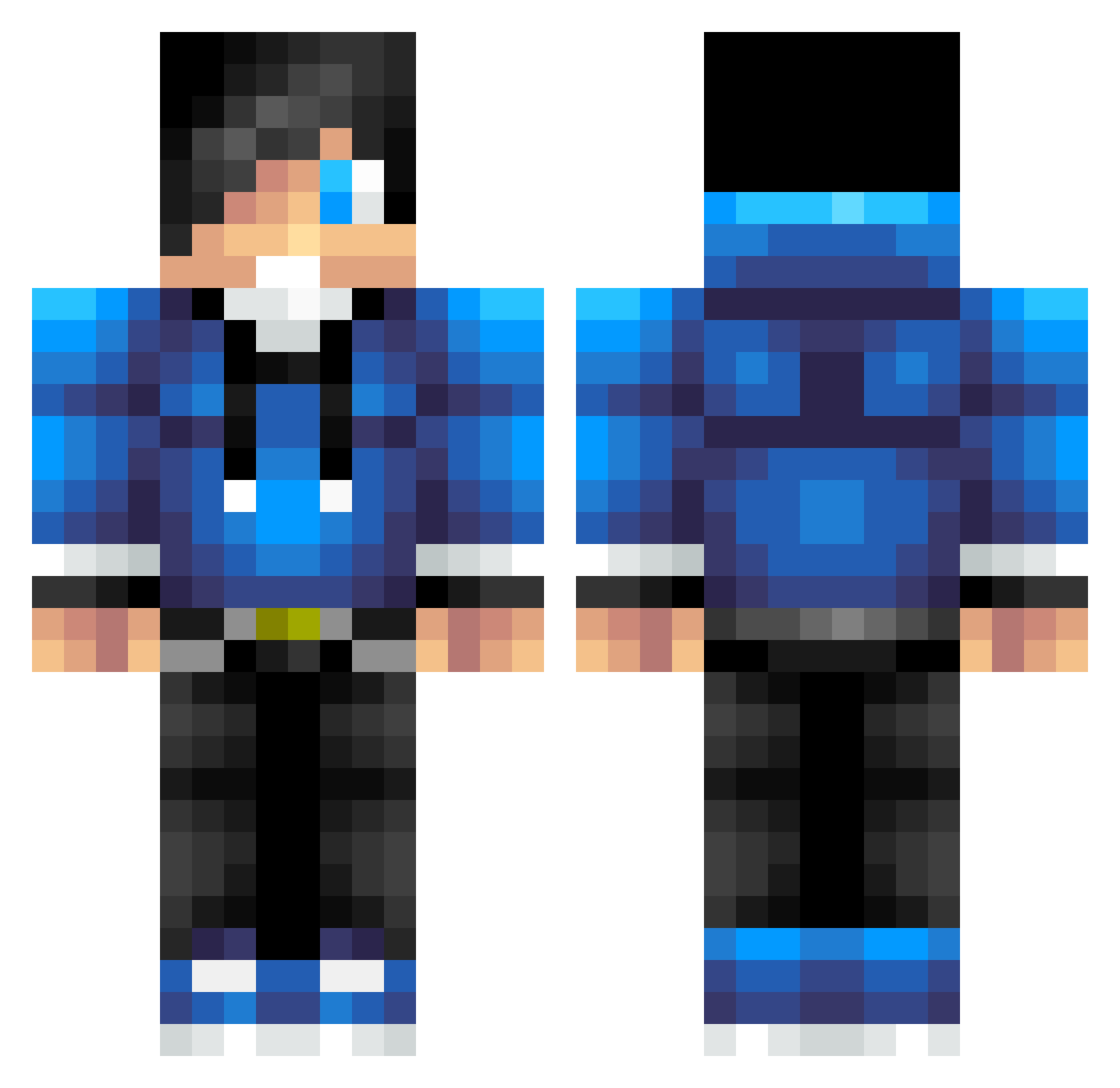
Current Minecraft skin of the player Seii_chi, loaded from the official Mojang API. Rotate the 3D model with your mouse or finger, then download the skin as a PNG file and use it in Minecraft: Bedrock Edition or Java Edition for free. When Seii_chi changes their skin, this page updates automatically and the old skin stays in the history below.
Other players with this skin (77)
Seii_chi was the 29th player we have seen with this skin, first spotted on 23.08.2026. The same skin was seen on these players. Open a nickname to see their current skin and skin history.
 lyngdal3 AMC220702 AlecidooRocks olof19 Chief_Gstar Luo_XiYu mkxz123 ShadowXhunter25 FanaticTrack823 Riens_ BenWaz125 AlbertHME sakura24733 xiaoim EricRose BlookBang momoyuan BruhMomento__ Mompo_2514 cmBINGfeng chenbin0424 Gav1tron
 riXjeee childrenAHH xiaochihhhh soulsence Chudini27 HLSA2015 Xinian618 Xgmrxxc LiuNianSS mrcreaper523 MidnightCry88 AnWindy blackkive masteralexyt sigehuo GodRabbit1 CookieSnack YD_Husky Carol_Tong Jts011701 Atomix2112 Alex99MD NGC1130 Grey_Wong RandyJohnson14 Silicong jiaojun boss123994 King_Karol Brendooooo MrBuilderC TBH_sz lol4lukas bravearth1 anlianzi hydhydok sharkbite77 Sanxun
How to install the Seii_chi skin
- Press the Download button above to save the skin as a PNG file.
- Minecraft: Bedrock Edition (PE): open the Dressing Room from the main menu (or tap your character → Edit Character), go to Classic Skins → Owned, press the + (new skin) button, choose the downloaded PNG and pick the Classic (Steve) model. Works on PC and mobile; consoles cannot import custom skins.
- Minecraft: Java Edition: open the Minecraft Launcher, go to the Skins tab, click New Skin, load the PNG, pick the Classic (Steve) model and press Save & Use. You can also upload it at minecraft.net → Profile → Change Skin.
The skin does not show up after import - what should I do?
Restart Minecraft and open the Dressing Room again - imported skins sometimes appear only after a restart. Also make sure you selected the imported skin and picked the Classic (Steve) model.
Which model should I choose, Classic or Slim?
This skin is designed for the Classic (Steve) model. If you pick the wrong model, the arms of the skin will look stretched or squeezed.
Is the skin of Seii_chi free to download?
Yes. Press Download, save the PNG file and use it in Minecraft: Bedrock Edition or Java Edition - no payment or registration needed. The skin also works on multiplayer servers and Realms.
More skins
Looking for more? Go back to all Minecraft skins and check the top skins of the week, month and all time, or find any player's skin by nickname.