
 Fr0sc4 myy1036040603 Testamarela mikim84 HelloJun15 lol_sejm Silicong Burkay_01 Alex99MD tras6302 DeMo64738 HYCrazy rbunn100 Kylechang1110 yanbaiz JustBlue01 xXKiritoSAOXx HYGuCheng jonahthekid27 Sanxun sharkbite77 hydhydok anlianzi bravearth1 lol4lukas TBH_sz MrBuilderC Brendooooo King_Karol boss123994 jiaojun RandyJohnson14 Grey_Wong NGC1130 Jts011701 YD_Husky BlookBang GodRabbit1 BenWaz125 sigehuo masteralexyt cmBINGfeng Mompo_2514 AnWindy EricRose AMC220702 Xgmrxxc blackkive Carol_Tong Atomix2112 Gav1tron LiuNianSS MidnightCry88 mrcreaper523 Riens_ xiaoim sakura24733 Xinian618 FanaticTrack823 momoyuan
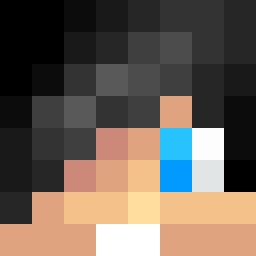
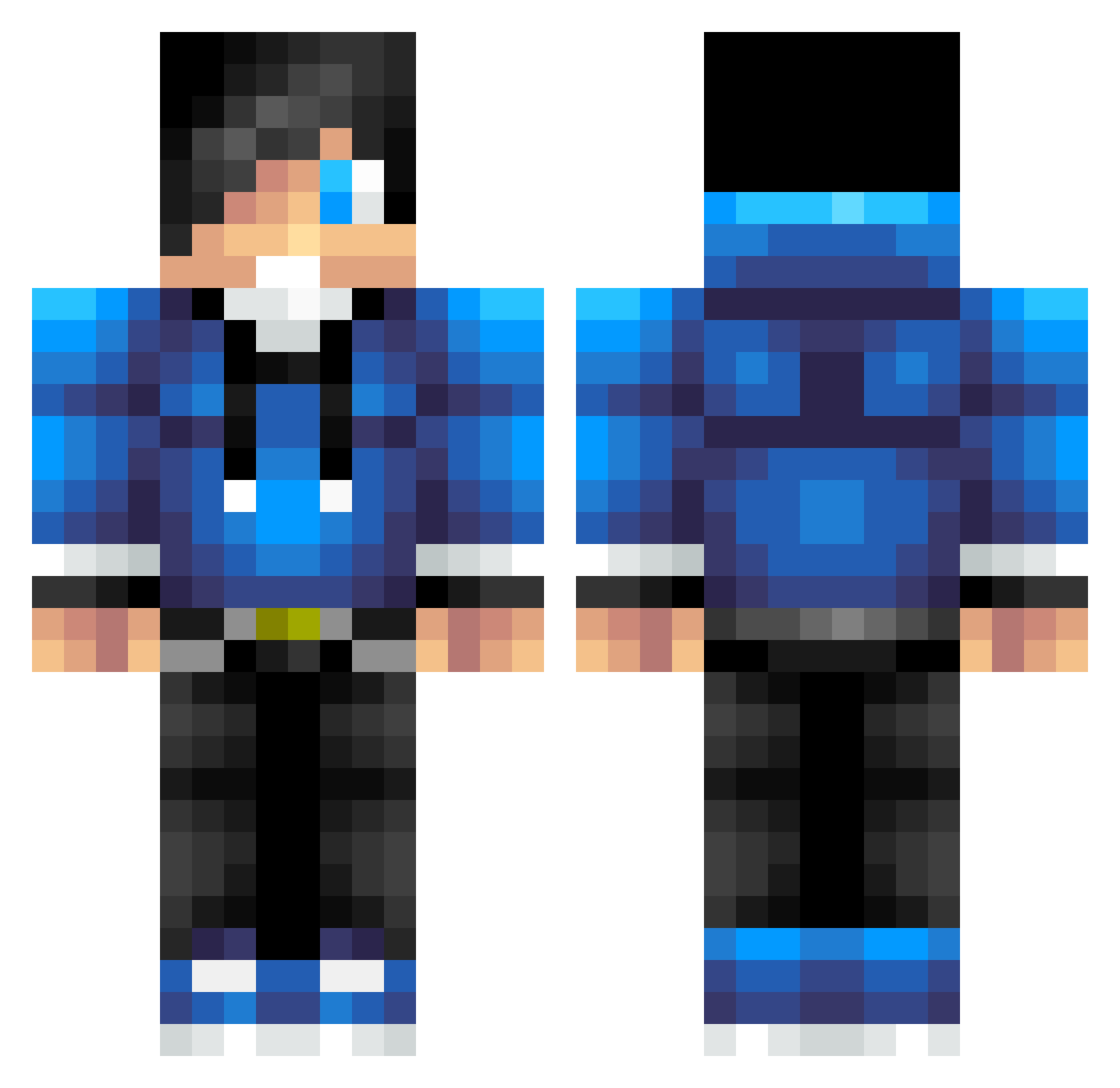
Minecraft skin of Silicong. Rotate the 3D model with your mouse or finger to view the skin from every angle, then download it as a PNG file and use it in Minecraft: Bedrock Edition or Java Edition for free. Rate the skin with stars to help other players find the best skins in our collection.
How to install the Silicong skin
- Press the Download button above to save the skin as a PNG file.
- Minecraft: Bedrock Edition (PE): open the Dressing Room from the main menu (or tap your character → Edit Character), go to Classic Skins → Owned, press the + (new skin) button, choose the downloaded PNG and pick the Classic (Steve) model. Works on PC and mobile; consoles cannot import custom skins.
- Minecraft: Java Edition: open the Minecraft Launcher, go to the Skins tab, click New Skin, load the PNG, pick the Classic (Steve) model and press Save & Use. You can also upload it at minecraft.net → Profile → Change Skin.
The skin does not show up after import - what should I do?
Restart Minecraft and open the Dressing Room again - imported skins sometimes appear only after a restart. Also make sure you selected the imported skin and picked the Classic (Steve) model.
Which model should I choose, Classic or Slim?
This skin is designed for the Classic (Steve) model. If you pick the wrong model, the arms of the skin will look stretched or squeezed.
Is this skin free to use?
Yes. Press Download, save the PNG file and use it in Minecraft: Bedrock Edition or Java Edition - no payment or registration needed. The skin also works on multiplayer servers and Realms.
More skins
Looking for more? Go back to all Minecraft skins and check the top skins of the week, month and all time, or find any player's skin by nickname.