
Seaxx7 - Minecraft Skins & Skin History
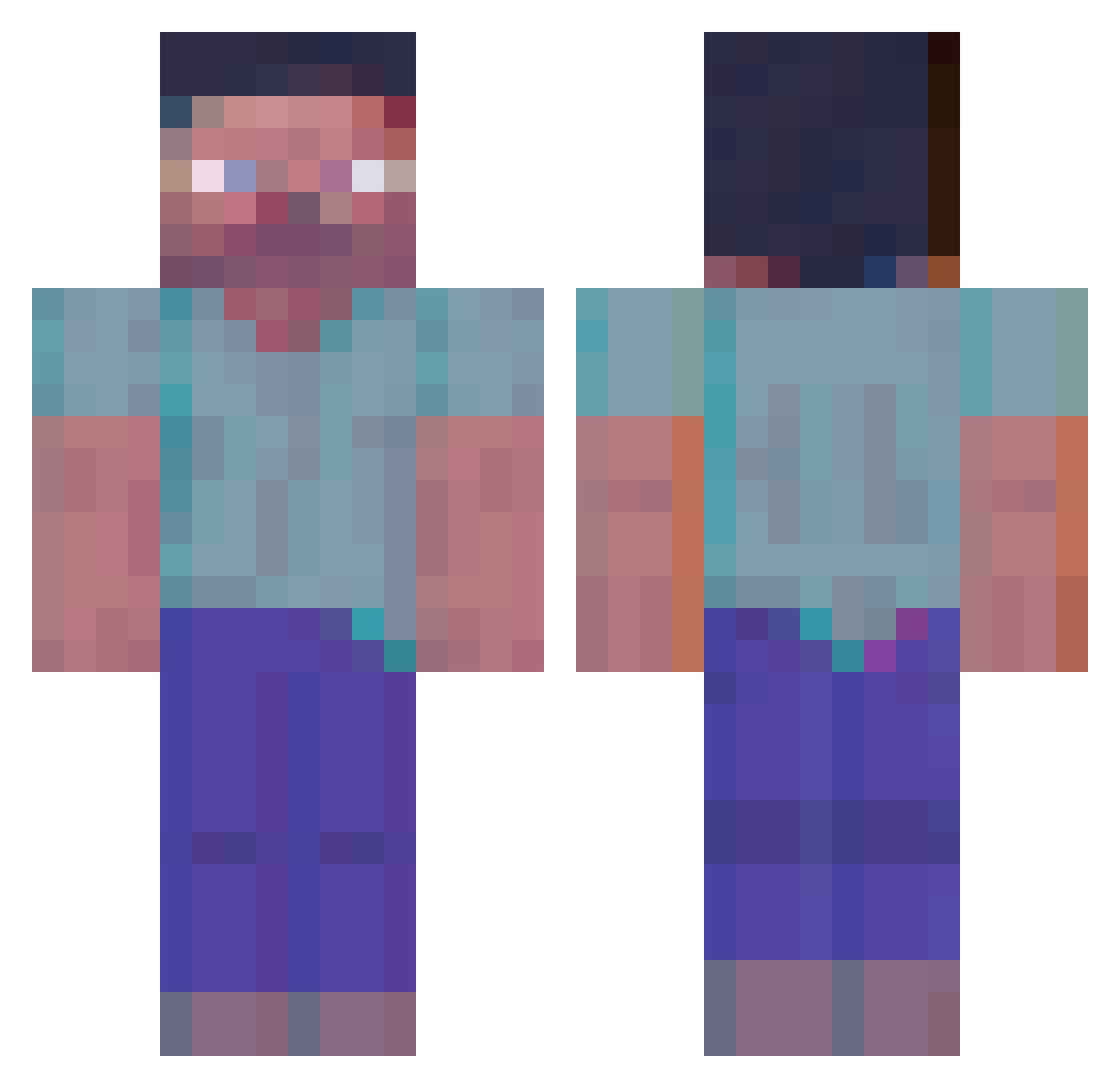
Current Minecraft skin of the player Seaxx7, loaded from the official Mojang API. Rotate the 3D model with your mouse or finger, then download the skin as a PNG file and use it in Minecraft: Bedrock Edition or Java Edition for free. When Seaxx7 changes their skin, this page updates automatically and the old skin stays in the history below.
Other players with this skin (364)
Seaxx7 was the 131st player we have seen with this skin, first spotted on 29.08.2026. The same skin was seen on these players. Open a nickname to see their current skin and skin history.
 woals0302 Ushastic calledarcxire cosmiclord1337 RenegadeIMaster ToffeeDesu Dodo_C_Snotts ZsQ_Rus Vaguely_Canadian Vanaduck
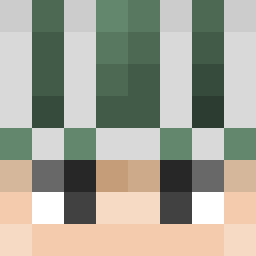 Monnkeymanv12s2 kngmar Aw3s0megotaro999 CascadeFailure CaptainStench s0metim3 _cy_oyo VOHUM tae_sik fuzine_dalajudit xRedBullz tyarumerume Stugelkoss itsmesinnn Hidekaraa Harambeyonce CornetaLeprosa ___Benjamin___ Sweet527 Funfliction splitvyle the_s1ap77 hangzoo_ Mare432 den_4_ik BigLarryW YoAlex95 HyPMuHcKuu BanzaFahra7 suckgus exstezy Force_OP molody18 PUGSIRS WhitelistToday Nuttunkl Vevonis Skaaalll moonfraek noxmundi KubaBuleczka ichang0 PearlLynx350471 CHUP1T0 ax1lus DJTownend ItsHectical Vanda_fbx Marijiuana AkiraM1ya
More Herobrine Minecraft skins
How to install the Seaxx7 skin
- Press the Download button above to save the skin as a PNG file.
- Minecraft: Bedrock Edition (PE): open the Dressing Room from the main menu (or tap your character → Edit Character), go to Classic Skins → Owned, press the + (new skin) button, choose the downloaded PNG and pick the Classic (Steve) model. Works on PC and mobile; consoles cannot import custom skins.
- Minecraft: Java Edition: open the Minecraft Launcher, go to the Skins tab, click New Skin, load the PNG, pick the Classic (Steve) model and press Save & Use. You can also upload it at minecraft.net → Profile → Change Skin.
The skin does not show up after import - what should I do?
Restart Minecraft and open the Dressing Room again - imported skins sometimes appear only after a restart. Also make sure you selected the imported skin and picked the Classic (Steve) model.
Which model should I choose, Classic or Slim?
This skin is designed for the Classic (Steve) model. If you pick the wrong model, the arms of the skin will look stretched or squeezed.
Is the skin of Seaxx7 free to download?
Yes. Press Download, save the PNG file and use it in Minecraft: Bedrock Edition or Java Edition - no payment or registration needed. The skin also works on multiplayer servers and Realms.
More skins
Looking for more? Go back to all Minecraft skins and check the top skins of the week, month and all time, or find any player's skin by nickname.