
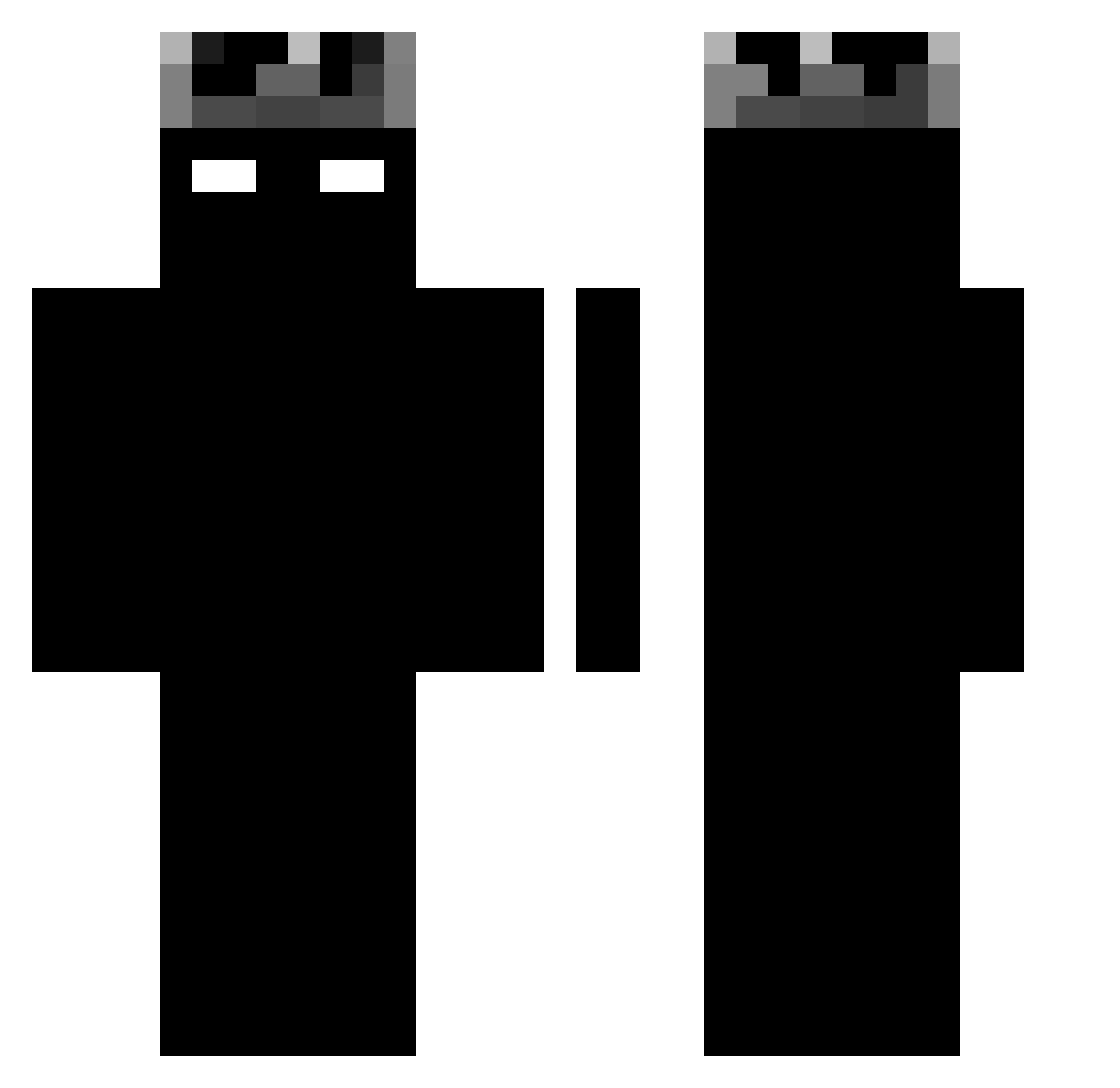
Current Minecraft skin of the player SZEFO__, loaded from the official Mojang API. Rotate the 3D model with your mouse or finger, then download the skin as a PNG file and use it in Minecraft: Bedrock Edition or Java Edition for free. When SZEFO__ changes their skin, this page updates automatically and the old skin stays in the history below.
Other players with this skin (935)
SZEFO__ was the 444th player we have seen with this skin, first spotted on 31.08.2026. The same skin was seen on these players. Open a nickname to see their current skin and skin history.
 14Zimoon_ owwoowow shinyujunpig IlyanoFishy picca62 ManuCioaca Kevis15 julian_761 leomartin_ theWarpatchs XAO_KING Perju0911 SENIORRRR MIlx93 sigiemka2215 StevXx einfachkevii Mr_Black0722 SeungWooUm lwlhaha speedyrko2919 20Shade Twissox ZyronPvP RoccoContigo Profiteer08 NoName590 junsu_0507 Chlebek8693 CAROPE4403 makskyz Neiron4ik Azaroth01 Igsonix SuperC345 Richbear123 drayri1945 Harinkein el_neto_777 SHADOW1479 Kacpersvv TaikiDoBrazil manhhhh BlackRord Revilomiles Cone1771 Szymelek77 General_anyam Ap0Lo1 JDMontenegro DanoninoRO xTriskey Vibrant_White Yxicen Speedy2500 Lpsoaressz Ronaldopro3 mizxe Tonin01 EliqsGR
More Shadow Minecraft skins
How to install the SZEFO__ skin
- Press the Download button above to save the skin as a PNG file.
- Minecraft: Bedrock Edition (PE): open the Dressing Room from the main menu (or tap your character → Edit Character), go to Classic Skins → Owned, press the + (new skin) button, choose the downloaded PNG and pick the Classic (Steve) model. Works on PC and mobile; consoles cannot import custom skins.
- Minecraft: Java Edition: open the Minecraft Launcher, go to the Skins tab, click New Skin, load the PNG, pick the Classic (Steve) model and press Save & Use. You can also upload it at minecraft.net → Profile → Change Skin.
The skin does not show up after import - what should I do?
Restart Minecraft and open the Dressing Room again - imported skins sometimes appear only after a restart. Also make sure you selected the imported skin and picked the Classic (Steve) model.
Which model should I choose, Classic or Slim?
This skin is designed for the Classic (Steve) model. If you pick the wrong model, the arms of the skin will look stretched or squeezed.
Is the skin of SZEFO__ free to download?
Yes. Press Download, save the PNG file and use it in Minecraft: Bedrock Edition or Java Edition - no payment or registration needed. The skin also works on multiplayer servers and Realms.
More skins
Looking for more? Go back to all Minecraft skins and check the top skins of the week, month and all time, or find any player's skin by nickname.