
SUPERGooFY11 - Minecraft Skins & Skin History
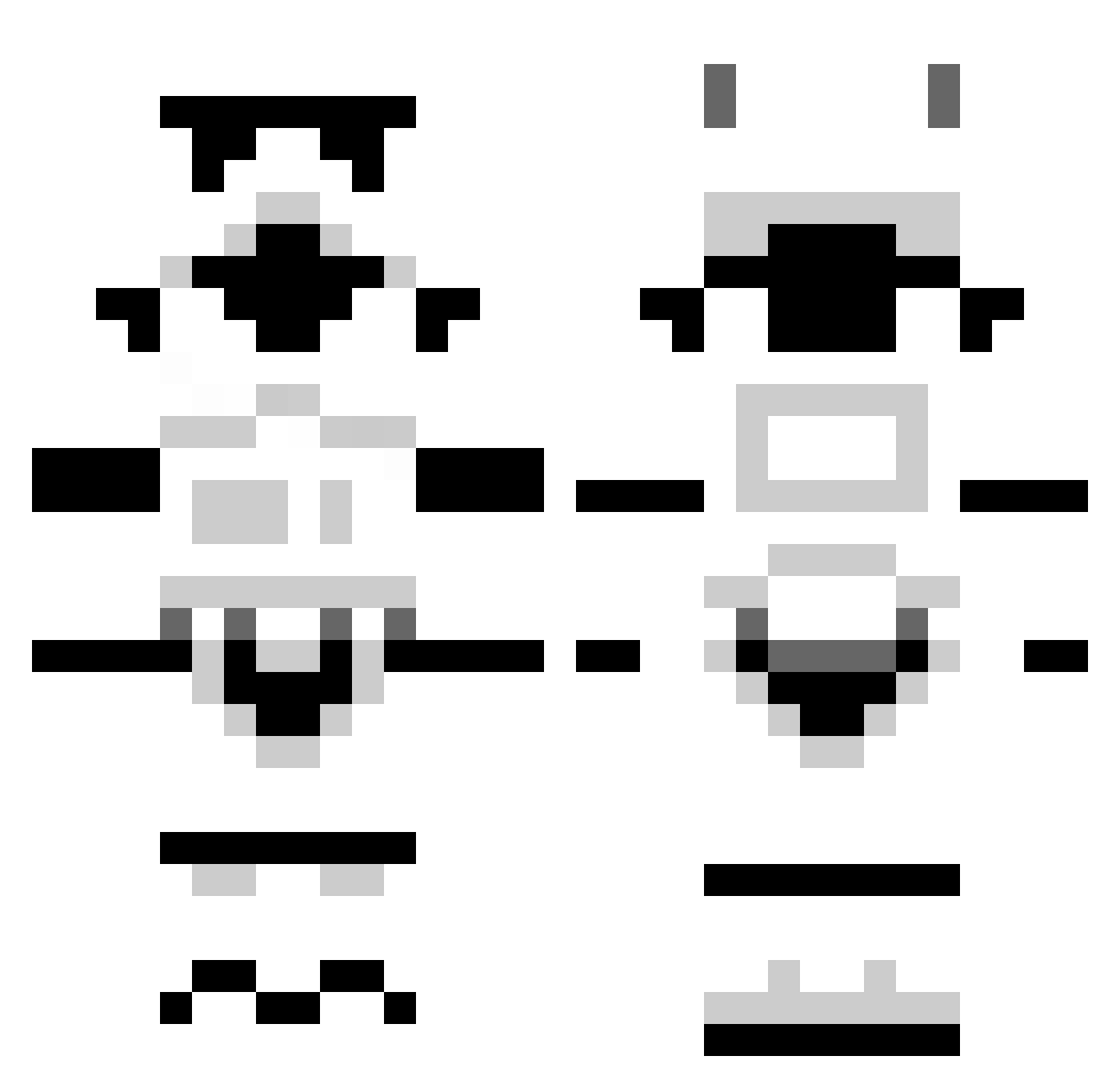
Current Minecraft skin of the player SUPERGooFY11, loaded from the official Mojang API. Rotate the 3D model with your mouse or finger, then download the skin as a PNG file and use it in Minecraft: Bedrock Edition or Java Edition for free. When SUPERGooFY11 changes their skin, this page updates automatically and the old skin stays in the history below.
Other players with this skin (1307)
SUPERGooFY11 was the 668th player we have seen with this skin, first spotted on 23.09.2026. The same skin was seen on these players. Open a nickname to see their current skin and skin history.
 nmbr1seahawksfan dirtybutler222 MrxRx Minetroll3000 isofix NulledRaiz EricBaq DavidDrash TRlCKS Lonetree24 TheBestEver40 Jack69J KarateCAT1234__ ImTheCaptian jimmyfitz87 zombiekiller8180 rufus1999 CotGod Bytecipher descoladan Deobfuscation Stephkanie BenneOnFire swordman7442 thehornsbys pazzl GravityHand J2_Davis i_luv_to_eat Skittzz YinBunBun dylanA2000 chickenpieXD Xelaja PsiKiller Jackstyr calum324 Ry_n joina412 Exotic_GamerYT LongHaulGamer FruitcakeSupreme ethan_martin95 jake_lee11 Pritch juggletheuggz PhluffyCubed Wanderluster bossman66202 Manigama Flashlinxx lucasgritsch754 Chiller521 Milkamann JOBBBA Aeresis Sangria123 schizophreniak DrW4T3R LT_G
More Stormtrooper Minecraft skins
See all 535 Stormtrooper skins
How to install the SUPERGooFY11 skin
- Press the Download button above to save the skin as a PNG file.
- Minecraft: Bedrock Edition (PE): open the Dressing Room from the main menu (or tap your character → Edit Character), go to Classic Skins → Owned, press the + (new skin) button, choose the downloaded PNG and pick the Classic (Steve) model. Works on PC and mobile; consoles cannot import custom skins.
- Minecraft: Java Edition: open the Minecraft Launcher, go to the Skins tab, click New Skin, load the PNG, pick the Classic (Steve) model and press Save & Use. You can also upload it at minecraft.net → Profile → Change Skin.
The skin does not show up after import - what should I do?
Restart Minecraft and open the Dressing Room again - imported skins sometimes appear only after a restart. Also make sure you selected the imported skin and picked the Classic (Steve) model.
Which model should I choose, Classic or Slim?
This skin is designed for the Classic (Steve) model. If you pick the wrong model, the arms of the skin will look stretched or squeezed.
Is the skin of SUPERGooFY11 free to download?
Yes. Press Download, save the PNG file and use it in Minecraft: Bedrock Edition or Java Edition - no payment or registration needed. The skin also works on multiplayer servers and Realms.
More skins
Looking for more? Go back to all Minecraft skins and check the top skins of the week, month and all time, or find any player's skin by nickname.