
RancheGod - Minecraft Skins & Skin History
Current Minecraft skin of the player RancheGod, loaded from the official Mojang API. Rotate the 3D model with your mouse or finger, then download the skin as a PNG file and use it in Minecraft: Bedrock Edition or Java Edition for free. When RancheGod changes their skin, this page updates automatically and the old skin stays in the history below.
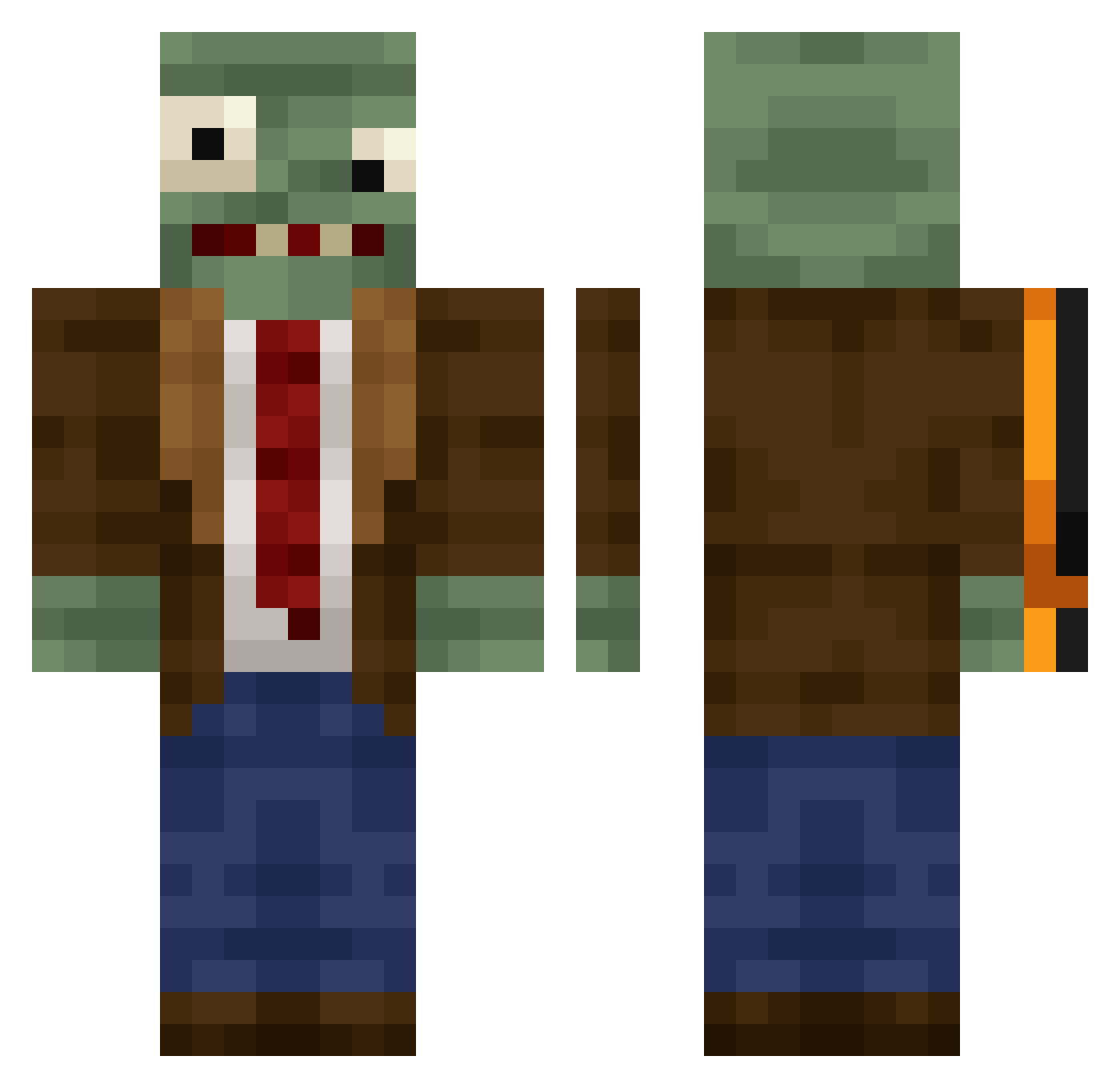
Other players with this skin (409)
RancheGod was the 381st player we have seen with this skin, first spotted on 26.10.2026. The same skin was seen on these players. Open a nickname to see their current skin and skin history.
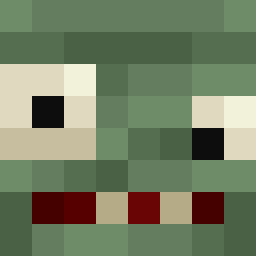 kirikusmen0 aw667 alooxchugs Lyyxy luan2006 evandaepac Mechanicusmuridi Colbee316 RustAlanpu inM1D_Blood iluvfartin alixeir wrkxdmstoRl axlyzz DOOOORMAN DeadWalkerAlive Japinhaaaa Thibautito XDennini jockeydoodle08 gabbiano020 AlfeTM Bloomindeath Bigbear6960 Sanechki SumFrostyBoi King_1145 MR246PANDA yuhui0110 realShidman guajil Arrietty_2 Zomboniev1 Axuan628 Cheremyas Sko0cik 3oluK dhffhfhffh bbbblame4 Lavr82 CoolJrd85 Yusak18 jackkryz Sarid23 bill750 JootDoot Reality_Ch3ck77 Salem66666 LMR0217 ZeeksAghost ButterMeBiscuit9 Chipo0123 Zagamor molote777 ilayosss xiquinho22 Milan395 ZZZZZJ1 mensch187 W3SSS
More Plants Vs Zombies Minecraft skins
See all 52 Plants Vs Zombies skins
How to install the RancheGod skin
- Press the Download button above to save the skin as a PNG file.
- Minecraft: Bedrock Edition (PE): open the Dressing Room from the main menu (or tap your character → Edit Character), go to Classic Skins → Owned, press the + (new skin) button, choose the downloaded PNG and pick the Classic (Steve) model. Works on PC and mobile; consoles cannot import custom skins.
- Minecraft: Java Edition: open the Minecraft Launcher, go to the Skins tab, click New Skin, load the PNG, pick the Classic (Steve) model and press Save & Use. You can also upload it at minecraft.net → Profile → Change Skin.
The skin does not show up after import - what should I do?
Restart Minecraft and open the Dressing Room again - imported skins sometimes appear only after a restart. Also make sure you selected the imported skin and picked the Classic (Steve) model.
Which model should I choose, Classic or Slim?
This skin is designed for the Classic (Steve) model. If you pick the wrong model, the arms of the skin will look stretched or squeezed.
Is the skin of RancheGod free to download?
Yes. Press Download, save the PNG file and use it in Minecraft: Bedrock Edition or Java Edition - no payment or registration needed. The skin also works on multiplayer servers and Realms.
More skins
Looking for more? Go back to all Minecraft skins and check the top skins of the week, month and all time, or find any player's skin by nickname.