
Rabenrate0807 - Minecraft Skins & Skin History
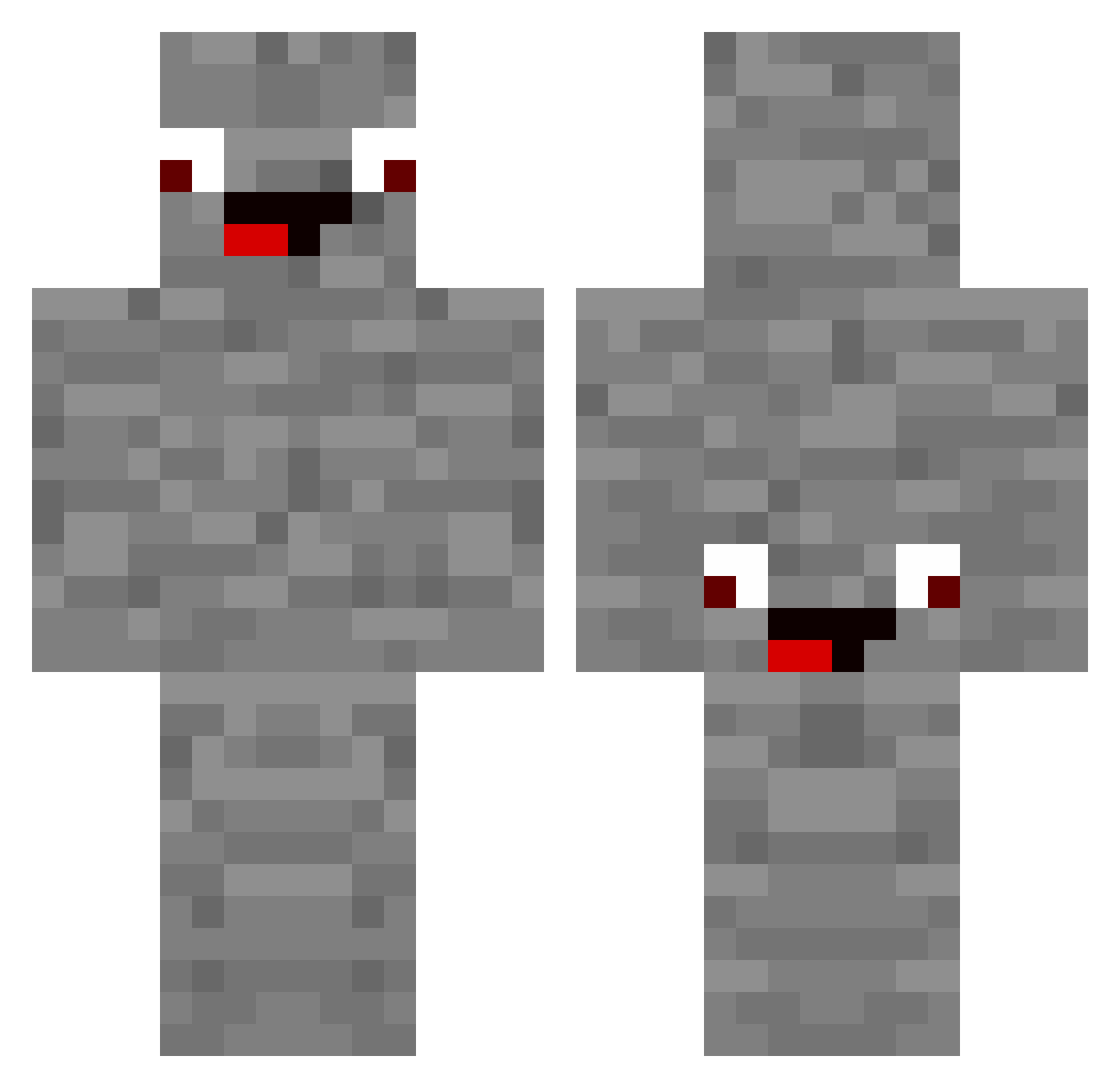
Current Minecraft skin of the player Rabenrate0807, loaded from the official Mojang API. Rotate the 3D model with your mouse or finger, then download the skin as a PNG file and use it in Minecraft: Bedrock Edition or Java Edition for free. When Rabenrate0807 changes their skin, this page updates automatically and the old skin stays in the history below.
Other players with this skin (178)
Rabenrate0807 was the 58th player we have seen with this skin, first spotted on 26.08.2026. The same skin was seen on these players. Open a nickname to see their current skin and skin history.
 Garobaro2008 mo32112 JoJo2612K TobaShelby Canabi06 Ben080816 KrasserTypSimon Der_Fette_Lauch_ SunnyxdLOL maxx_30
 Timfabi DerWahreRonny ToastUhr9618568 derECHTEDIEGO Hartl07 DIB_Clan fortnitespinne30 PhalUk ssoutu giftsnape AidanLD winkelstein44 nixfixxx Timbo333333 KlausKleber85 Tamtam628 MarwinderFisch zneref12345 mondgesicht2 Jonas13062013
 hyunw0129
 gian663 w2trx mateusz201 ilyasdigi FleyDey
 LeSog007 bernhard_714 fiedell09 Brokopf124 Luptirik Nicolite23 Sr_Benedicte grt7 CrazyLuBa Alphapopokakapo TwistedReload929 MrMosssyy Gameressa6 glitch3434 CHSerkan Enes03214 Psyfix WauliBull Hugo_6225 ale_530 DasBlondii gymads _wylight Rias3309
More Rock Minecraft skins
How to install the Rabenrate0807 skin
- Press the Download button above to save the skin as a PNG file.
- Minecraft: Bedrock Edition (PE): open the Dressing Room from the main menu (or tap your character → Edit Character), go to Classic Skins → Owned, press the + (new skin) button, choose the downloaded PNG and pick the Classic (Steve) model. Works on PC and mobile; consoles cannot import custom skins.
- Minecraft: Java Edition: open the Minecraft Launcher, go to the Skins tab, click New Skin, load the PNG, pick the Classic (Steve) model and press Save & Use. You can also upload it at minecraft.net → Profile → Change Skin.
The skin does not show up after import - what should I do?
Restart Minecraft and open the Dressing Room again - imported skins sometimes appear only after a restart. Also make sure you selected the imported skin and picked the Classic (Steve) model.
Which model should I choose, Classic or Slim?
This skin is designed for the Classic (Steve) model. If you pick the wrong model, the arms of the skin will look stretched or squeezed.
Is the skin of Rabenrate0807 free to download?
Yes. Press Download, save the PNG file and use it in Minecraft: Bedrock Edition or Java Edition - no payment or registration needed. The skin also works on multiplayer servers and Realms.
More skins
Looking for more? Go back to all Minecraft skins and check the top skins of the week, month and all time, or find any player's skin by nickname.