
gian663 - Minecraft Skins & Skin History
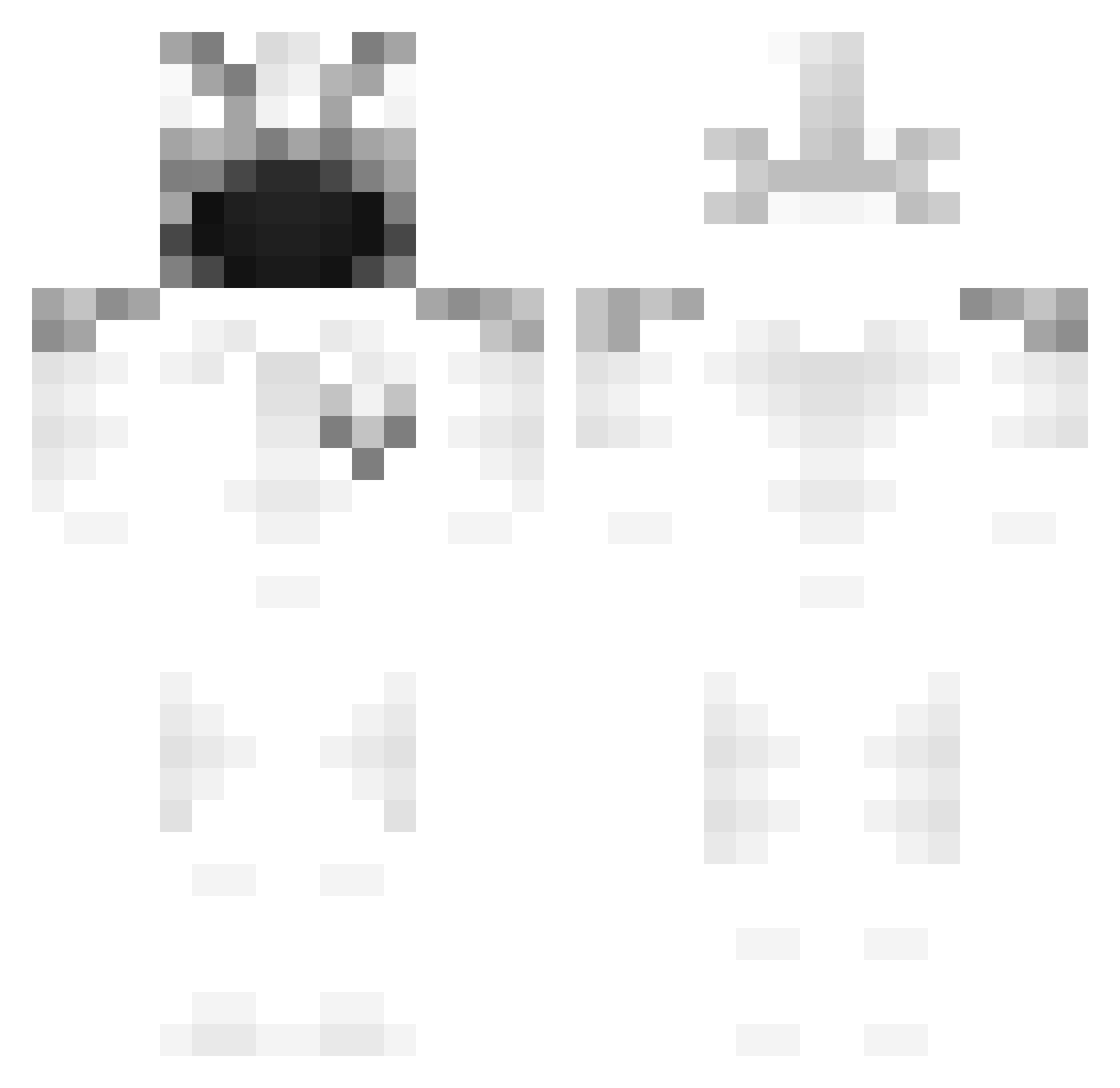
Current Minecraft skin of the player gian663, loaded from the official Mojang API. Rotate the 3D model with your mouse or finger, then download the skin as a PNG file and use it in Minecraft: Bedrock Edition or Java Edition for free. When gian663 changes their skin, this page updates automatically and the old skin stays in the history below.
Other players with this skin (209)
gian663 was the 138th player we have seen with this skin, first spotted on 02.10.2026. The same skin was seen on these players. Open a nickname to see their current skin and skin history.
 kiwiMBI t756fh deuxtp SeraiseDeYoutube patroxbeby xqbt skqes MuhaIlCriceto bazingacore sover888 Dusage Zirohs786 Mxhab uneValentinINC crizoms 21shotta staying4closure Xy1Crib iamsoskai top5chuds leusko135 Jiyuria Kahlzy Neveos qw1lzy0 Dreamlol1234973 alvinhouse fuzekelp firthh amirprobuilder Terminalen AlexisCrystal HockeyArian Sue_warm Pifouil slx N1trous_ Fuzey mcdonaldsmilk flang06 NotThicc Sambol_T FakeLeo12201820 GodzillaFrag FABchops Sw1ftnezz_ thwasabii DO0Os_E qUoLzina immagination52 KataBoy12 ohsy DryFurball745 suspicioso0013 PabloZz_ fliesey khazzcomT JustPositif Mahoraga_4 TTVSHADOWZ8612
Previous skins of gian663
Skins that gian663 wore before, newest first. Click a skin to open its page and download it.
More Ghost Rider Minecraft skins
How to install the gian663 skin
- Press the Download button above to save the skin as a PNG file.
- Minecraft: Bedrock Edition (PE): open the Dressing Room from the main menu (or tap your character → Edit Character), go to Classic Skins → Owned, press the + (new skin) button, choose the downloaded PNG and pick the Classic (Steve) model. Works on PC and mobile; consoles cannot import custom skins.
- Minecraft: Java Edition: open the Minecraft Launcher, go to the Skins tab, click New Skin, load the PNG, pick the Classic (Steve) model and press Save & Use. You can also upload it at minecraft.net → Profile → Change Skin.
The skin does not show up after import - what should I do?
Restart Minecraft and open the Dressing Room again - imported skins sometimes appear only after a restart. Also make sure you selected the imported skin and picked the Classic (Steve) model.
Which model should I choose, Classic or Slim?
This skin is designed for the Classic (Steve) model. If you pick the wrong model, the arms of the skin will look stretched or squeezed.
Is the skin of gian663 free to download?
Yes. Press Download, save the PNG file and use it in Minecraft: Bedrock Edition or Java Edition - no payment or registration needed. The skin also works on multiplayer servers and Realms.
More skins
Looking for more? Go back to all Minecraft skins and check the top skins of the week, month and all time, or find any player's skin by nickname.