
RLATMDGUS3851 - Minecraft Skins & Skin History
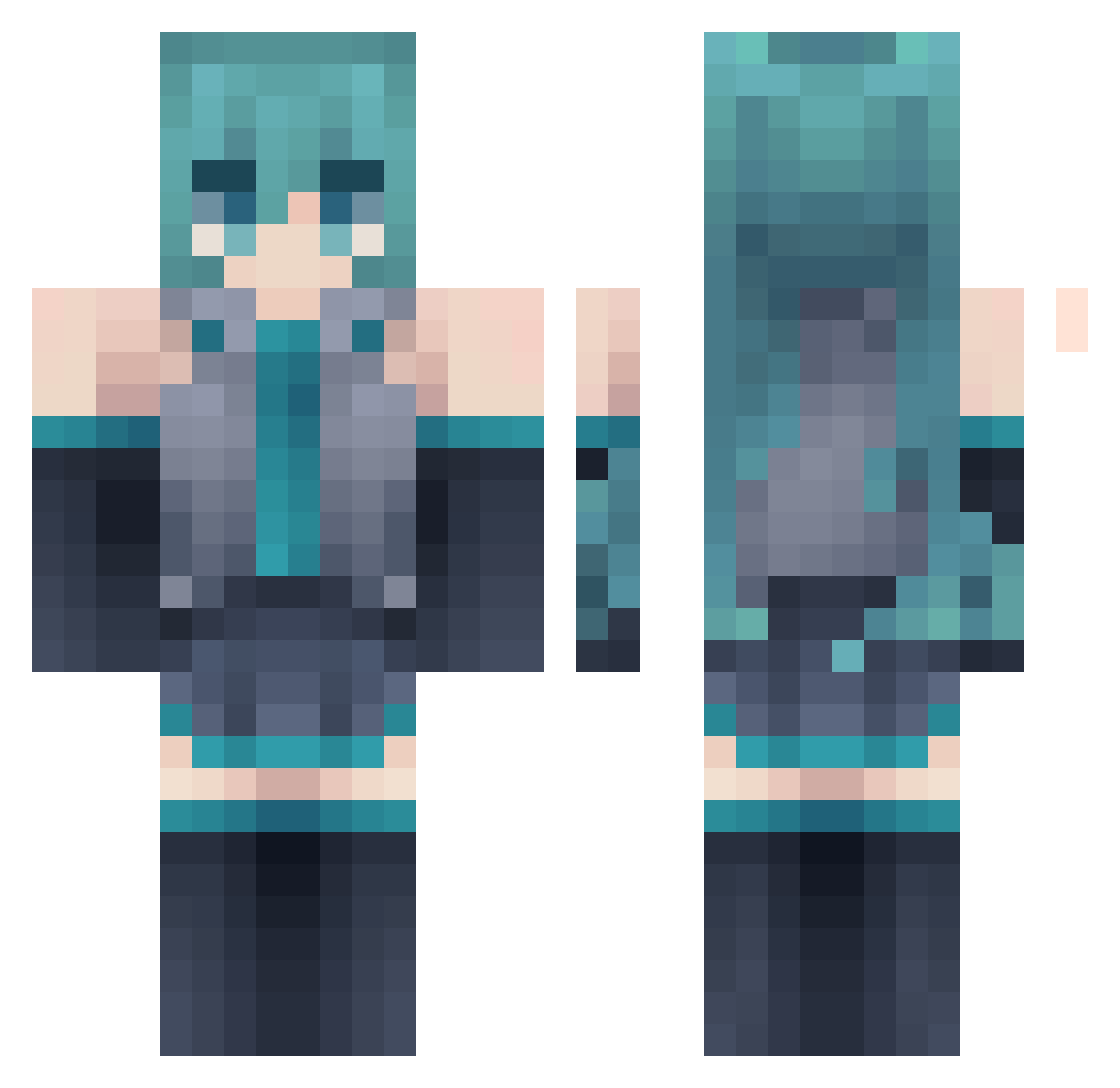
Current Minecraft skin of the player RLATMDGUS3851, loaded from the official Mojang API. Rotate the 3D model with your mouse or finger, then download the skin as a PNG file and use it in Minecraft: Bedrock Edition or Java Edition for free. When RLATMDGUS3851 changes their skin, this page updates automatically and the old skin stays in the history below.
Other players with this skin (177)
RLATMDGUS3851 was the 137th player we have seen with this skin, first spotted on 13.10.2026. The same skin was seen on these players. Open a nickname to see their current skin and skin history.
 PulgaSaltitante Saevark Kitsuji MegaEvolution offtheWock MustafinaDA Definitys ElChizu Yeyuzh FIMOSEPLAYS Ariane887 quishyraze Jelly707 lina2017 miizukii_ f1ufi Gamboled oweenfau Guperman260 JustmeTyrone trsRedBull UnlovedWaifu Darby__ YourJimmyJams KaneKi567 Ampthena Ectopy Anicuedo satsukishinomiya PrimalPisoe Mwry4 eeper_ ReformedAlpaca KhaledHMHFN z0lmunaav NiloFreeman Yudorii __SSoju Nini0221_TW 0_0F lololzx Maiaz Axis1429 Deoksun iizsdla ExllentButtz Bart0slaw iloveinsomnia Bachira15 ScrambledNoodles Jack_1985 AngelNomas _Evening BooBoons OGPicklez youvin04 jxpy elyash_ EzyMoka N00bEr_HD
More Hatsune Miku Minecraft skins
See all 894 Hatsune Miku skins
How to install the RLATMDGUS3851 skin
- Press the Download button above to save the skin as a PNG file.
- Minecraft: Bedrock Edition (PE): open the Dressing Room from the main menu (or tap your character → Edit Character), go to Classic Skins → Owned, press the + (new skin) button, choose the downloaded PNG and pick the Classic (Steve) model. Works on PC and mobile; consoles cannot import custom skins.
- Minecraft: Java Edition: open the Minecraft Launcher, go to the Skins tab, click New Skin, load the PNG, pick the Classic (Steve) model and press Save & Use. You can also upload it at minecraft.net → Profile → Change Skin.
The skin does not show up after import - what should I do?
Restart Minecraft and open the Dressing Room again - imported skins sometimes appear only after a restart. Also make sure you selected the imported skin and picked the Classic (Steve) model.
Which model should I choose, Classic or Slim?
This skin is designed for the Classic (Steve) model. If you pick the wrong model, the arms of the skin will look stretched or squeezed.
Is the skin of RLATMDGUS3851 free to download?
Yes. Press Download, save the PNG file and use it in Minecraft: Bedrock Edition or Java Edition - no payment or registration needed. The skin also works on multiplayer servers and Realms.
More skins
Looking for more? Go back to all Minecraft skins and check the top skins of the week, month and all time, or find any player's skin by nickname.