
QVC - Minecraft Skins & Skin History
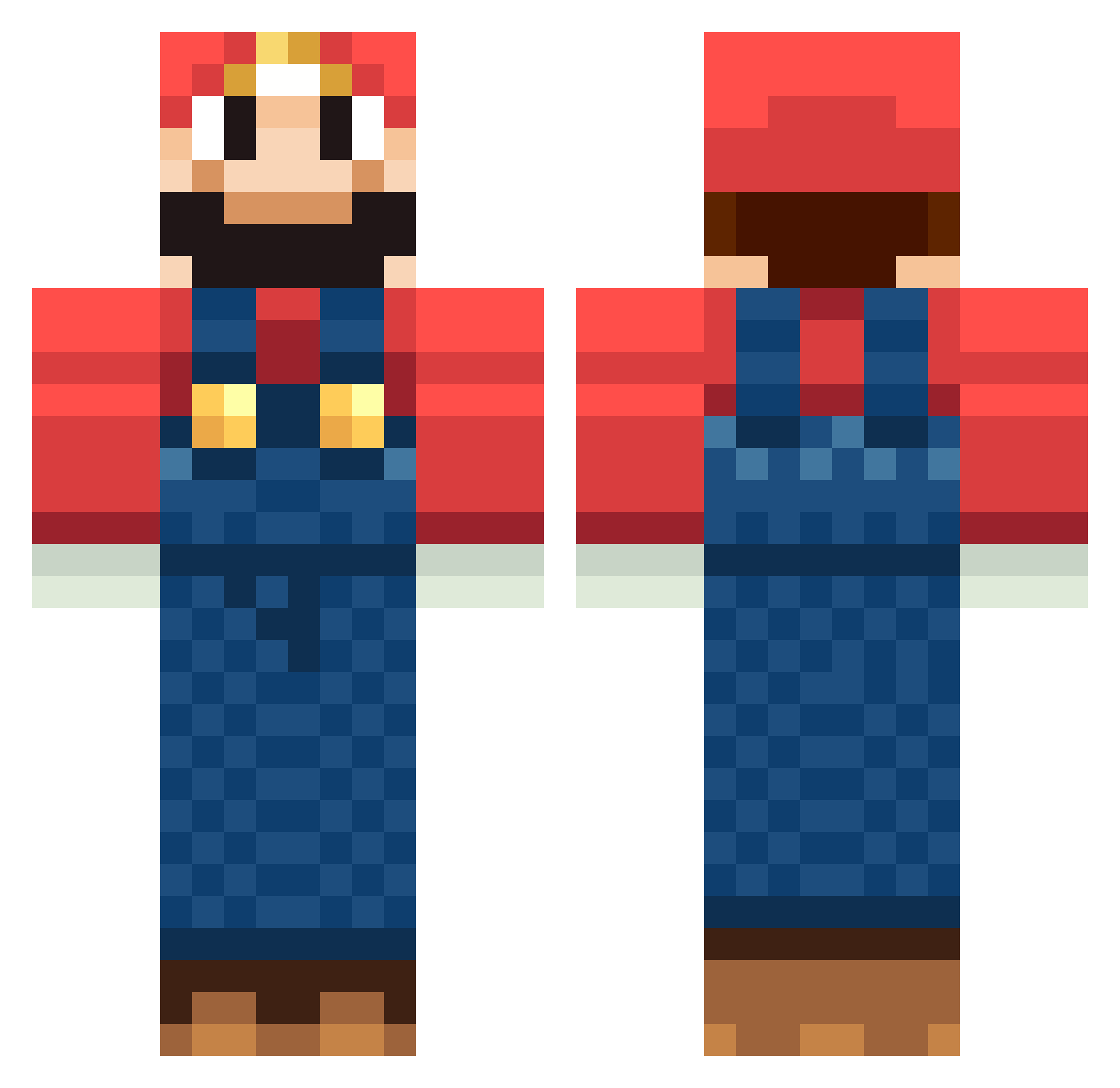
Current Minecraft skin of the player QVC, loaded from the official Mojang API. Rotate the 3D model with your mouse or finger, then download the skin as a PNG file and use it in Minecraft: Bedrock Edition or Java Edition for free. When QVC changes their skin, this page updates automatically and the old skin stays in the history below.
Other players with this skin (246)
QVC was the 41st player we have seen with this skin, first spotted on 14.08.2026. The same skin was seen on these players. Open a nickname to see their current skin and skin history.
 rushmoore Gabbebb matale2001 Xerox355 Maxman0323 sony2100 majicman26 bogdannafe pureirish Magim101 NathanJR1234 creeper9964 penguinmouse thaipi Veyser ancientseed Rikdegraaf alexandre124 sora_rio CLXAdam PATRIKSERBAN OriginalPodster lokihu domokun92 mokango23 iNomadi Lerry01 FloridaState5 sporkwars02 aaroncleve5 CamoSoldier7 Maex11 gm152 nsaoudin Preacherman1882 SuperMarioPlayer Maya_hofman spencer4885 hanswurst517 F_Rael GaZelleChan Sean_Robinson95 folklorickwhale7 imfantazy Stabski Wundervideo MannuEyla blackjade87 pbfencer TehAlphaNubcake stoffi_99 dabusta SuperSnoDog enterk09 saetouya matfra17 Jay_Uk Connycraft JaxRT RobbieTheBest
More Mario Minecraft skins
How to install the QVC skin
- Press the Download button above to save the skin as a PNG file.
- Minecraft: Bedrock Edition (PE): open the Dressing Room from the main menu (or tap your character → Edit Character), go to Classic Skins → Owned, press the + (new skin) button, choose the downloaded PNG and pick the Classic (Steve) model. Works on PC and mobile; consoles cannot import custom skins.
- Minecraft: Java Edition: open the Minecraft Launcher, go to the Skins tab, click New Skin, load the PNG, pick the Classic (Steve) model and press Save & Use. You can also upload it at minecraft.net → Profile → Change Skin.
The skin does not show up after import - what should I do?
Restart Minecraft and open the Dressing Room again - imported skins sometimes appear only after a restart. Also make sure you selected the imported skin and picked the Classic (Steve) model.
Which model should I choose, Classic or Slim?
This skin is designed for the Classic (Steve) model. If you pick the wrong model, the arms of the skin will look stretched or squeezed.
Is the skin of QVC free to download?
Yes. Press Download, save the PNG file and use it in Minecraft: Bedrock Edition or Java Edition - no payment or registration needed. The skin also works on multiplayer servers and Realms.
More skins
Looking for more? Go back to all Minecraft skins and check the top skins of the week, month and all time, or find any player's skin by nickname.